Connection of Peripherals
SUPREMA
231
US
Technical Data:
Fig. 169 Technical Data Suprema Gateway CAN/Modbus RTU
SUPREMA-Gateway CAN/Profibus DP
(Not contained in EC-type examination certificate DMT 03 ATEX G 003 X)
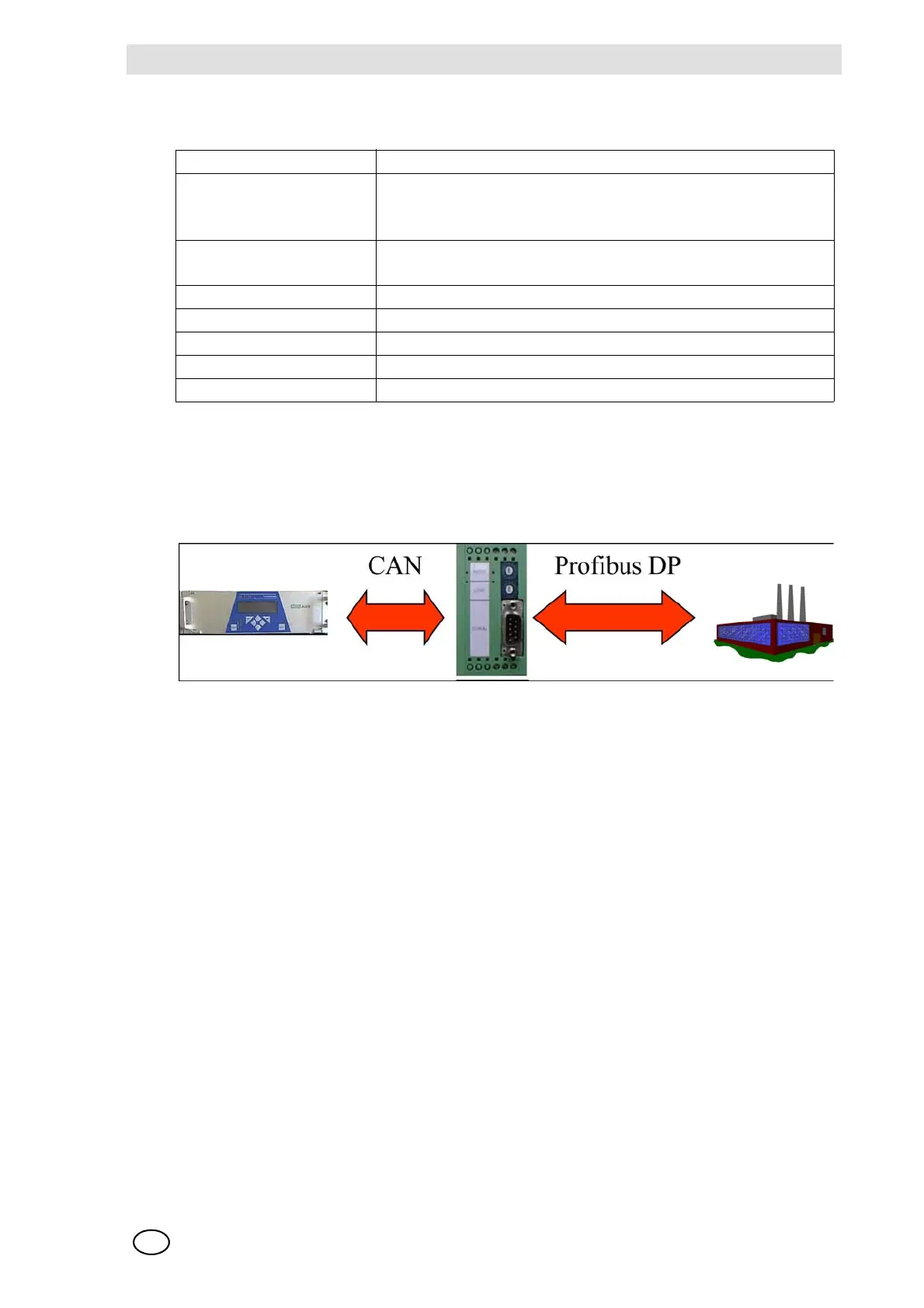
Fig. 170 Connection the SUPREMA to external systems using a Profibus gateway
The SUPREMA Gateway Profibus DP can very easily be integrated to the available, SPS-control-
led system. The gateway is equipped for rail mounting and supplied with a 24 V dc voltage. For
the connection of the CAN interface, a Combicon plug connector is available. The 9-pin plug con-
nector X100 is provided for connection of the Profibus interface.
The following 2 manuals for installation, parameterisation and operation are enclosed with the
gateway:
- CAN-CBM-DP PROFIBUS-DP/CAN-Gateway Hardware Manual
- CAN-CBM-DP PROFIBUS-DP/CAN-Gateway with SUPREMA CANopen Firmware Software
Manual
Supply voltage 18 ... 30 V at 24 V, the supply current is: 200 mA max.
Plug connector X 1: COMBICON for supply voltage
X 2: 9-pin D-SUB for CANopen Interface
X 3: 9-pin D-SUB for RS 232, 458 and 422 Interface
LED displays Ready and communication, failure of the serial interface
SCL 1, Status CANopen.
Temperature range 0 ... 50 °C
Type of protection IP 50
Dimensions (L x W x H) 105 x 105 x 80 mm
Weight 500 g
Mounting Mounting rail DIN EN 50022



 To Next Page