Operation of the System
SUPREMATouch
29
US
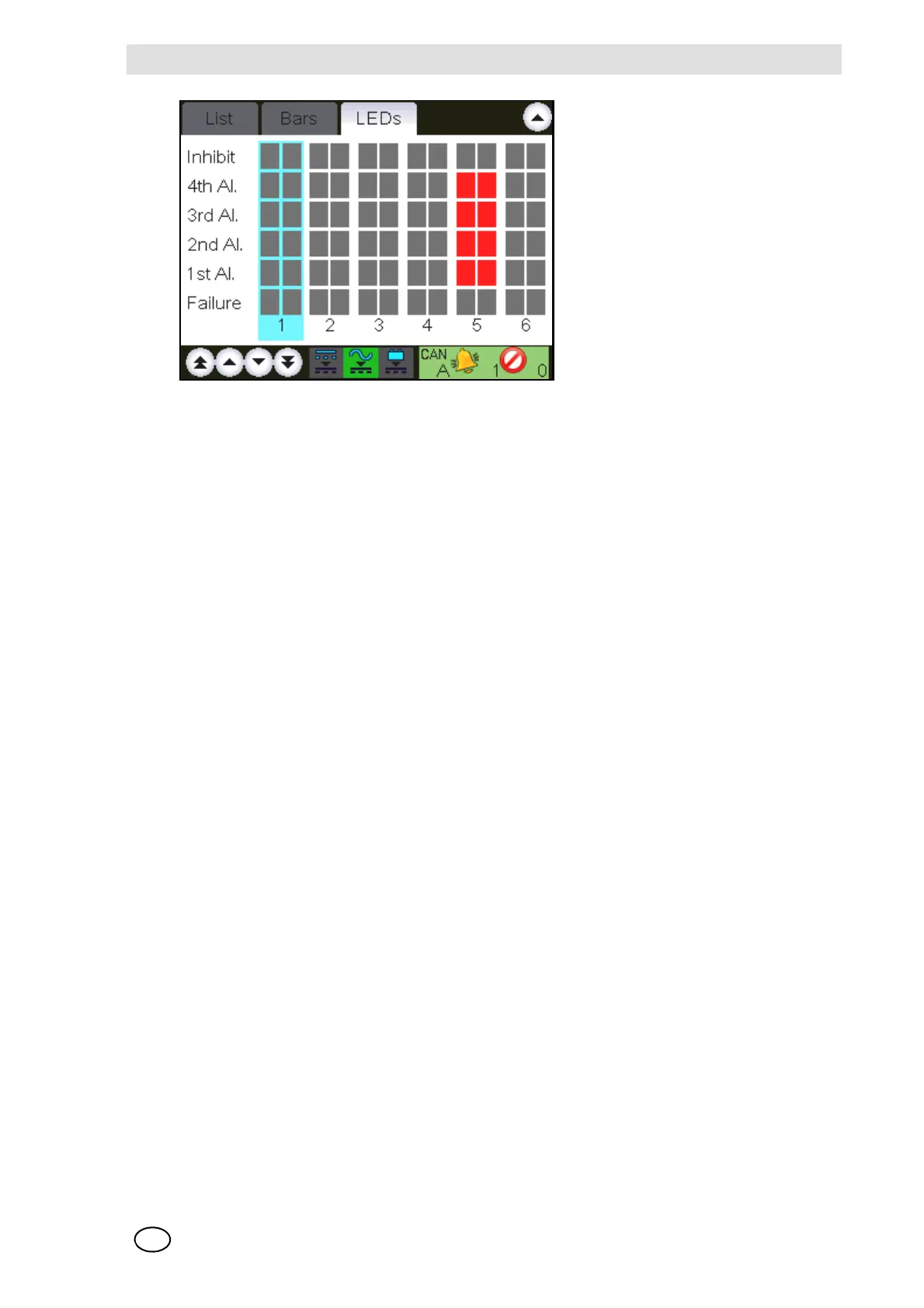
Fig. 12 LED Display
Setup Menu
Using the “Setup” menu, the operator can set parameters for sensor inputs and relay outputs, as
well as other system parameters. Although data can be retrieved and displayed, changing and ac-
tivating of actions is possible only after entering the parameterisation password or operating the
key switch. The menu includes six items:
- Measure point
- Relay output
- System
- Time
- Sensors
- Printer
Measure Points Submenu
This window shows all the parameters that describe a sensor input. Input parameters can be
viewed and changed.
The Measure Point window is divided into three subwindows:
- Information
- Sensor data
- Alarms



 To Next Page