HYDROCAL 1005 Manual for Installation and Operation Page 100/111
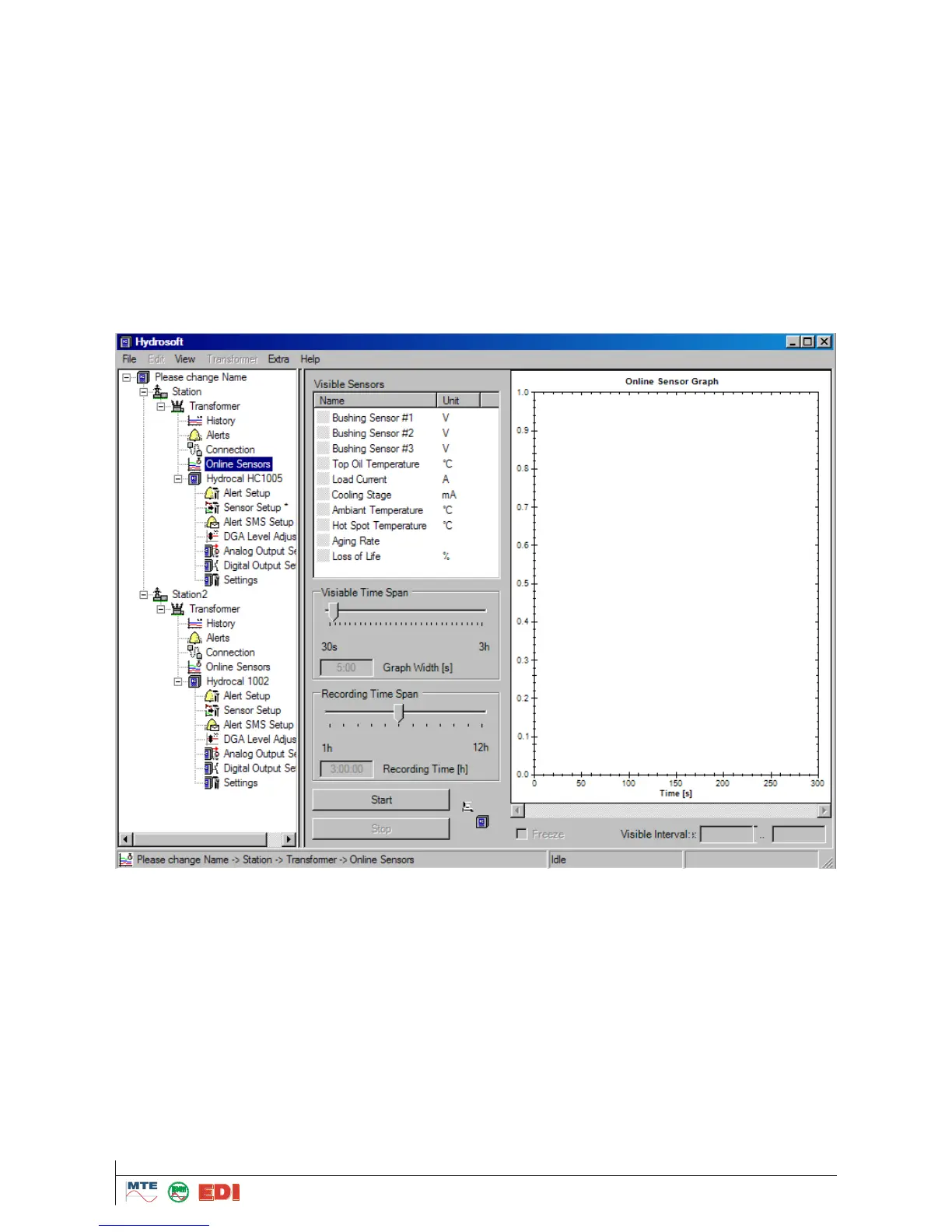
5.14 Online Sensors
To view a direct/online visualisation, you must select the list „Online Sensors“ under the correspond-
ing transformer. The operation elements are same as indicated under „View of results.
Under „visible sensors“ the different measuring values (H
2
- C
2
H
2
- C
2
H
4
- CO and H
2
O) and external
sensors defined in “Sensor setup” and selected on the HYDROCAL unit can be activated in form of
graphical view.
To activate Online visualisation, you must first of all select the right connection settings (See chapter
4.9) and then click on Start button. You can define followings settings:
Visible Time Span
Graph Width in second (s)
Recording Time Span
Recording time in hour (h)



 To Next Page