HYDROCAL 1005 Manual for Installation and Operation Page 93/111
5.10.5.2. Modbus-TCP
Modbus-TCP is always active on TCP Port 502.
Point-to-Point or Bus communication is not possible with Ethernet connection. Ethernet can be used
only with Modbus communication.
5.10.5.3. MODBUS
If one or more HYDROCAL1005 devices shall be integrated into a SCADA System for online moni-
toring, the MODBUS communication setup might be applicable. MODBUS is currently not supported
by HydroSoft, but the setup is shown here for completeness
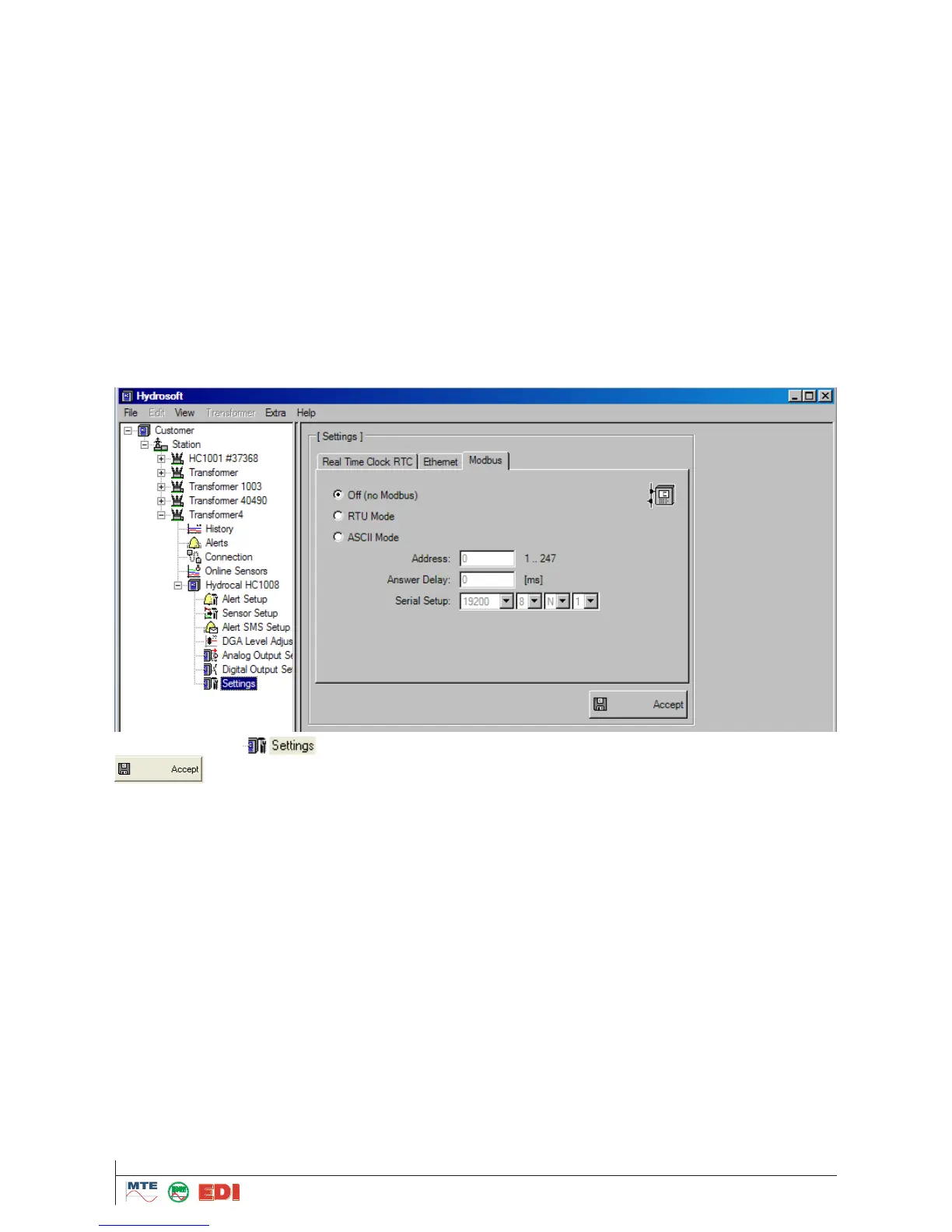
Activate MODBUS using the RS 485 and the desired mode (RTU/ASCII)
Set a unique MODBUS address for each device (1 … 247). Note: Communication with HYDRO-
CAL1005 can be made right now with up to 32 units
Setup "Answer Delay" if required (i.e. if communication problems occur)
Set "Baudrate", "Data Bits", "Parity" and "Stop bits"
Data in the tree are changed after modification of sensor settings and validation with
. The star indicates that modifications have been made; these must be transferred to the
HYDROCAL1005 unit for activation. This means, the settings indicated are not identical to those of
HYDROCAL1005. With next connection, it is requested whether the settings on HYDROCAL1005
unit shall be updated (see chapter Error! Reference source not found.).
5.11 Data transmission from / to the HYDROCAL1005 unit
For transmission of data, the respective transformer menu must be selected in the root. In the lower
part of the window, there are three selection buttons available for communication.



 To Next Page