HYDROCAL 1005 Manual for Installation and Operation Page 52/111
4.9.5.1 Digital Output Test
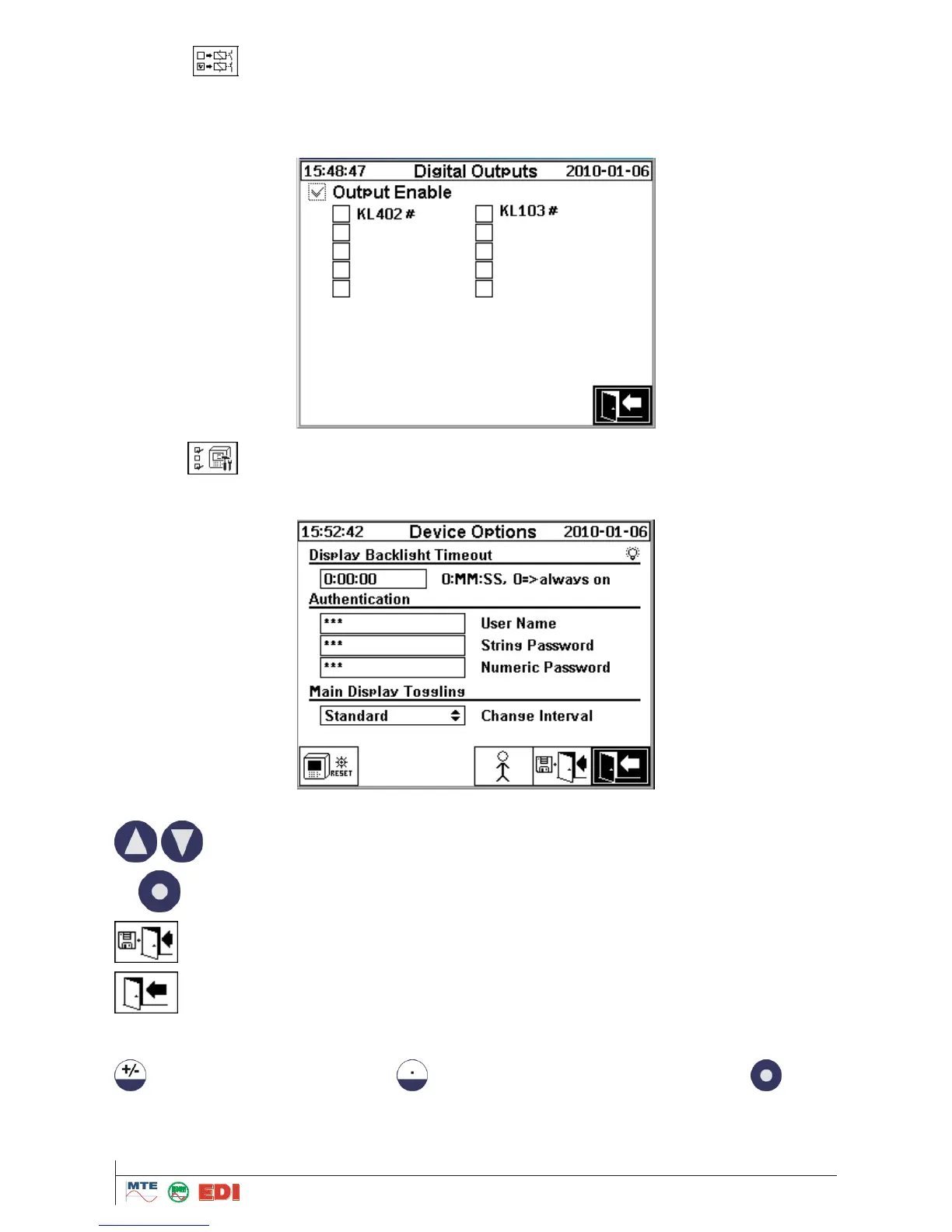
This is for Test of the 10 Digital Outputs.
For testing the 5 alarms relay outputs, please check Fields KL 402 #.
For testing the 5 alarms opto-coupler outputs, please check Fields KL 103 #.
4.9.5.2 Device options
The configuration of the Backlight display as well as User Name and Password (String and Numeric
Password) are made in the following menu:
The following functions are available for Display Backlight Timeout:
Input of delay time is made in seconds or by a button in days – hours – min - seconds. For minus the
button and for a double point the buttons are used. After confirmation by the
button,
the value will be converted and displayed in days –hours – min - seconds.
Note: 0 means that the screen will be always enlightened.



 To Next Page