HYDROCAL 1005 Manual for Installation and Operation Page 40/111
4.9 Device set – up
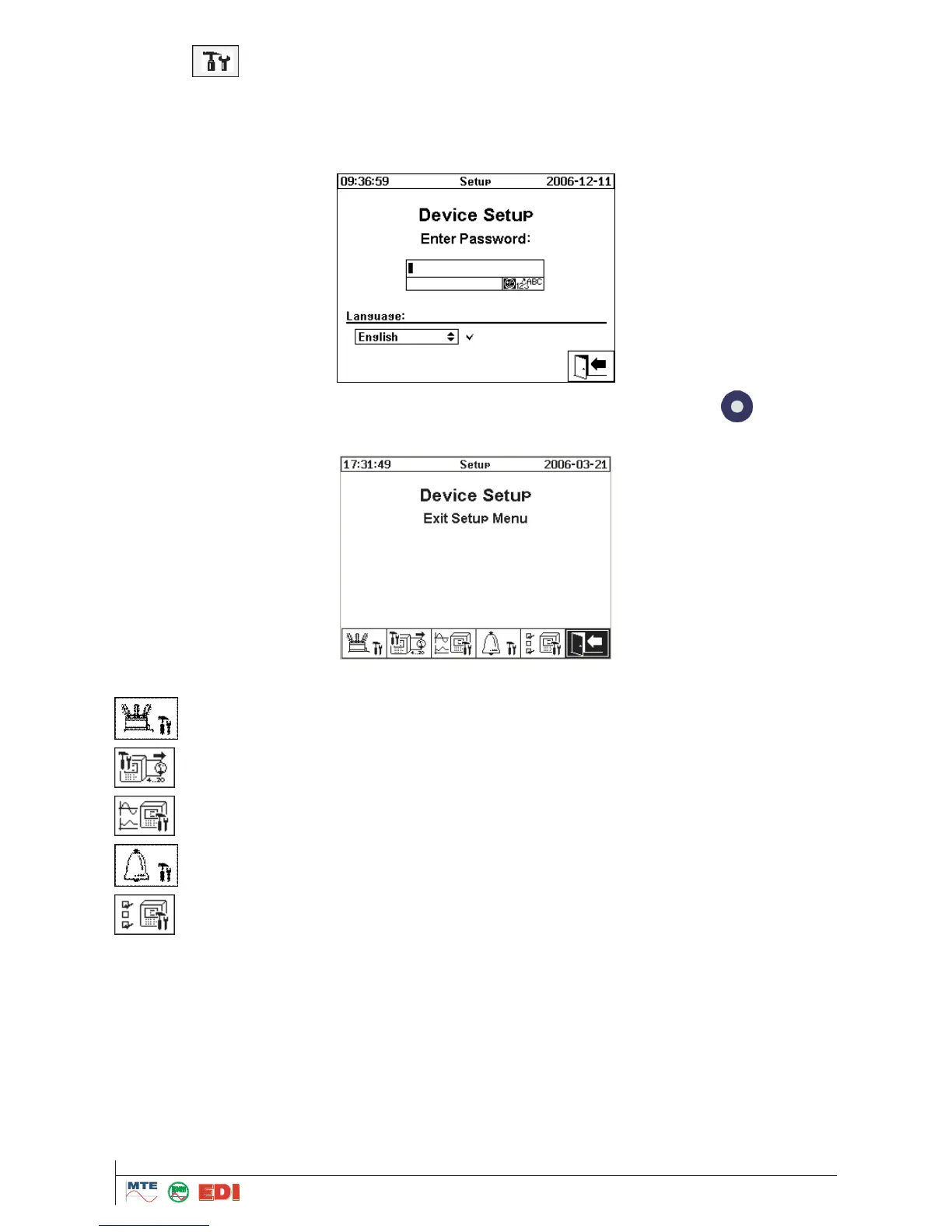
First of all, you can define the application language while selecting it by the keyboard. You can
choice between: English, German, French, Russian, Polish and Turkish.
Before any amendment of settings can be made, the system asks for the password (Default pass-
word is 999).
After input of password by the alphanumeric keyboard and confirmation with enter
button, the
device setup menu is opened:
The following configurations can be modified:
Transformer data, e.g.: allocation of sensors to algorithms for calculation of life ex-
pectancy and input of correction factors



 To Next Page