HYDROCAL 1005 Manual for Installation and Operation Page 58/111
{D}- Long Date: Means that in the event of alarms, you will receive a SMS with Date of alarm
which has been exceeded with following format: “YYYY:MM:DD”
{d}- Short Date: Means that in the event of alarms, you will receive a SMS with Date of alarm
which has been exceeded with following format: “YY:MM:DD”
{A}- Alert Name: means that in the event of alarms, you will receive a SMS with the alarm Name
{a}- Alert Number: means that in the event of alarms, you will receive a SMS with Alert Number
{l}- Alert Level: means that in the event of alarms, you will receive a SMS with Alert Level (“1” for a
High alarm or Level 1 and “2” for a High-High alarm or Level 2)
Note: The SMS mode (in Alarm set-up) must be selected to use this function. Moreover, GSM mo-
dem must be also installed on HYDROCAL1005.
These amendments are stored by selection of button or are rejected by selection of the
.
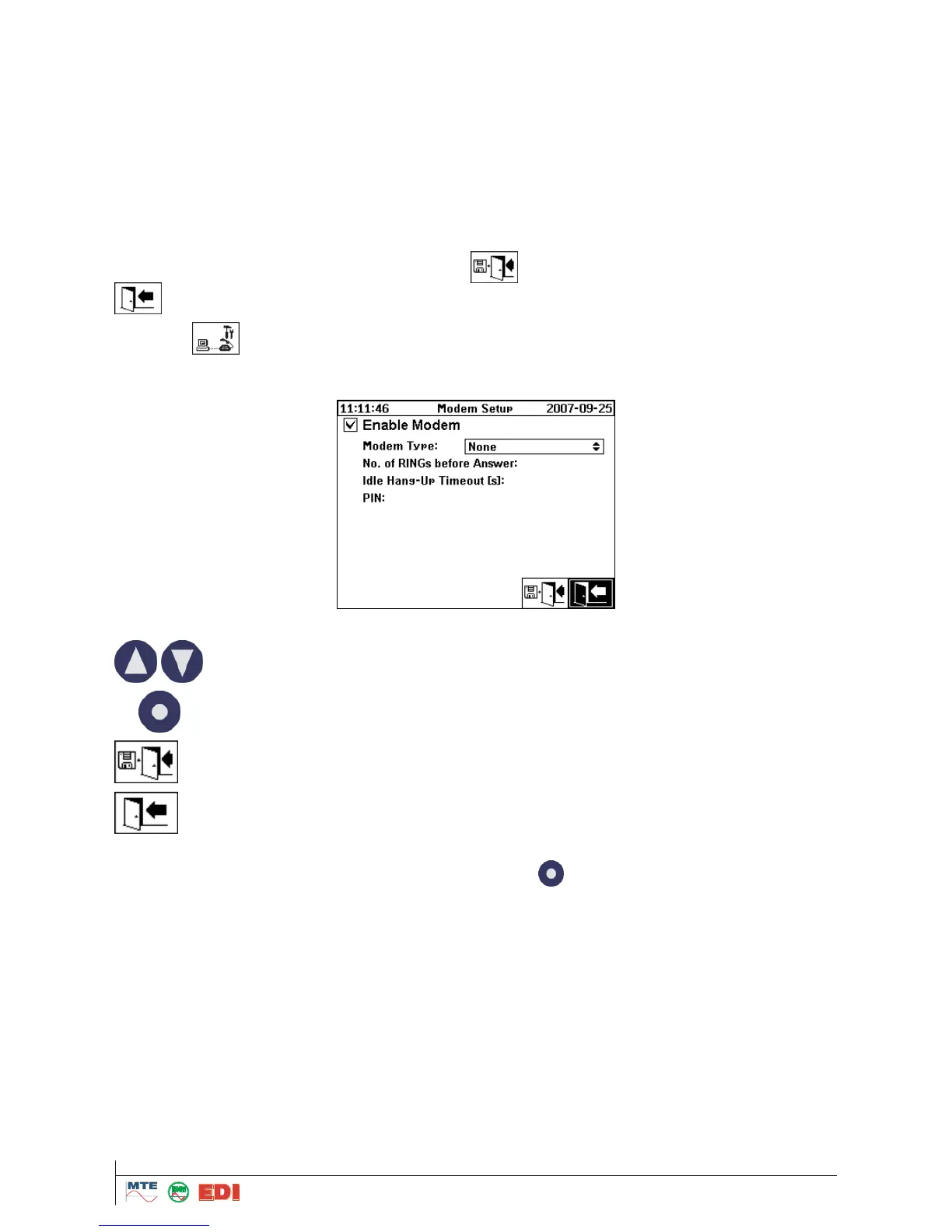
4.9.5.7 Internal modem setup
The modem configuration is made in the following menu if HYDROCAL1005 is equipped within an
on-board GSM or Analogue modem.
The following functions are available:
Input of Modem type in the field "modem Type" is made by button:
“NONE” means that the function is not activated
“Analog (Internal)” means that an analog modem is installed on the unit and you want to use it
“GSM (Internal)” means that a GSM modem is installed on the unit and you want to use it
4.9.5.7.1 Analog Modem
If you select an Analog Modem, following screen will e displayed:



 To Next Page