HYDROCAL 1005 Manual for Installation and Operation Page 78/111
5.4.3 Adaptation of installation
If required, you can place the HydroSoft data ("C:\Documents and settings\All Us-
ers\HydroSoft\data") into another root, e.g.:
"D:\HydroSoft\data"
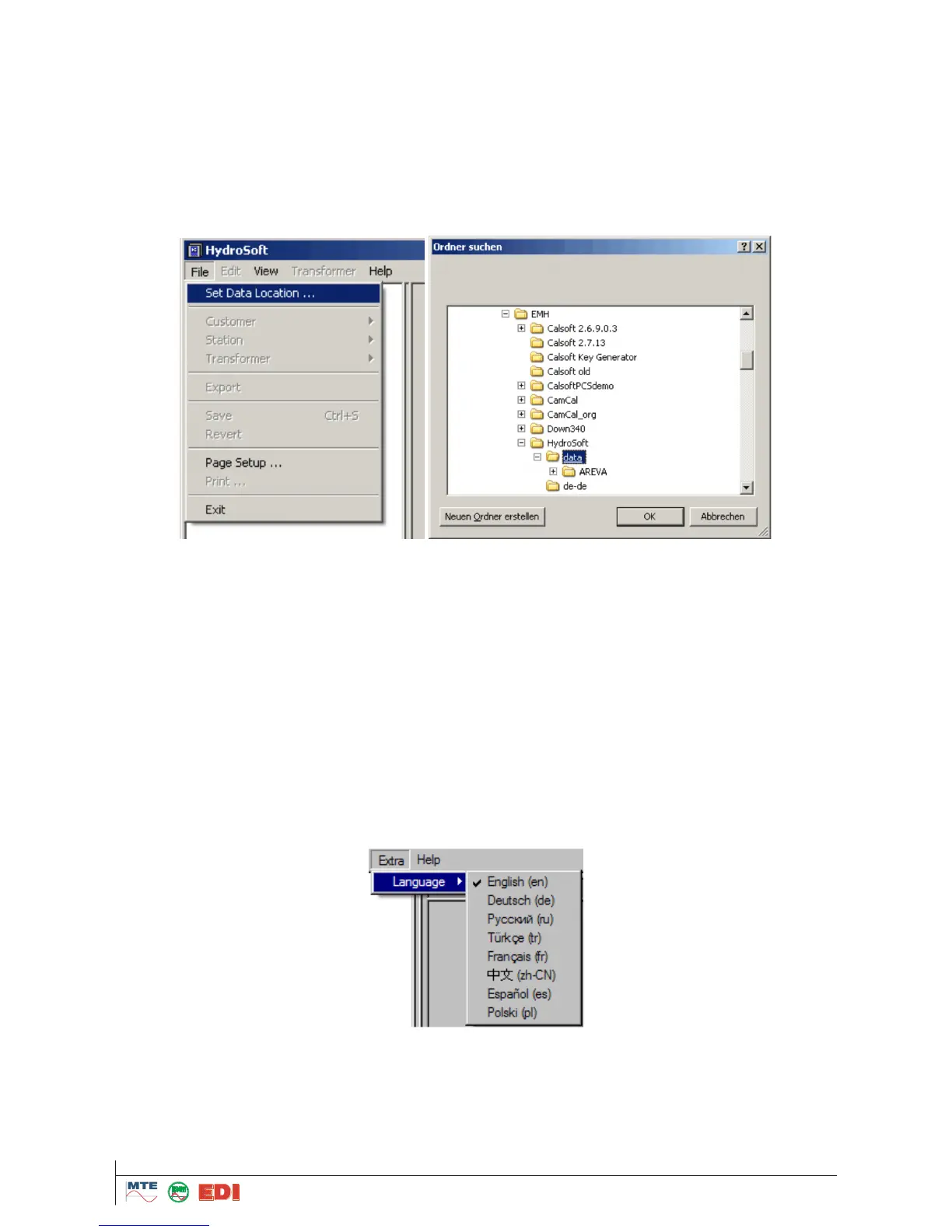
Important: The file "root.xml" (contained in the installation data) must exist in the correspondent new
root. The data will be stored in the file „Hydrosoft.xml“. In case this file does not exist, the system
tries to find a file „Data“ in the installation list. In case this file exists, it will be used as a data list. If
this file does not exist, the correspondent file in the menu „File“ under „Set Data Location...“ must be
selected.
5.5 Functions of HydroSoft program
The program HydroSoft works together with the HYDROCAL1005 unit. The main functions of the
program are:
Reading of data from HYDROCAL1005. The data can be read out through the interface RS 485 /
Ethernet or from a modem integrated in the HYDROCAL1005 unit (option).
Processing and presentation of measuring data – data can be presented in form of trend graphics
or tables (history, see. chapter 4.12). Tables can be exported to MS Excel. Graphs can be printed
directly.
Configuration of HYDROCAL1005 units.
5.6 Start of program
In case you have introduced a link to the start menu, press Start in the task bar. Open HydroSoft in
the submenu “Programs”. It is also possible to start the program by HydroSoft.exe If pre-settings
are used; the program is to be found under "C:\Programme\MTE\HydroSoft\“.
First of all, you must to select appropriate application language, by „Extra->Language”
Followings languages can be selected: English, German, French, Spanish, Russian, Chinese, Polish
and Turkish.



 To Next Page