HYDROCAL 1005 Manual for Installation and Operation Page 77/111
5.4 Installation
All components for installation of HydroSoft software package are available on the CD. All compo-
nents of the software should be installed by the installation program.
Put the CD into the drive and start by Setup.exe. Now the installation program guides you through
the different steps of the installation. After installation the program HydroSoft can be started. Should
the installation program not be executed and ended, not all components will be installed. The miss-
ing components will have to be installed manually (chapter 4.41 and 4.42).
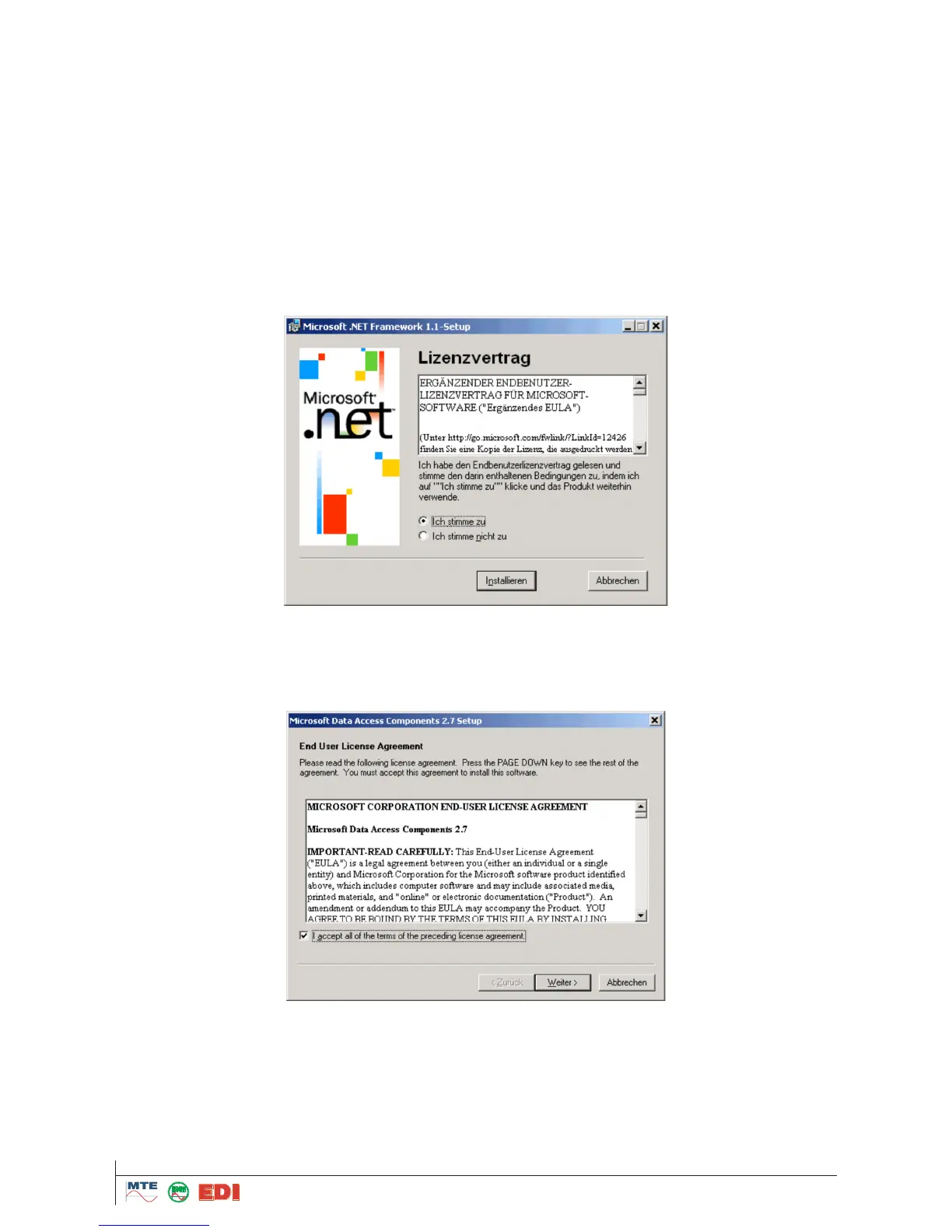
Please act as described following. First install the .NET Framework 1.1
5.4.1 Microsoft .NET .NET Framework 1.1 Redistributable
Install Microsoft .NET Framework 1.1 Redistributable by:
dotnetfx.exe
and follow the instructions.
5.4.2 Microsoft Data Access Components
Install if necessary Microsoft Data Access Components by execution of:
mdac_typ.exe
and follow the instructions.



 To Next Page