EasyManua.ls Logo

MTE HYDROCAL1005 - 4.9 Device set - up

MTE HYDROCAL1005
113 pages
Print Icon
To Next Page IconTo Next Page
To Previous Page IconTo Previous Page
Loading...
HYDROCAL 1005 Manual for Installation and Operation Page 38/111
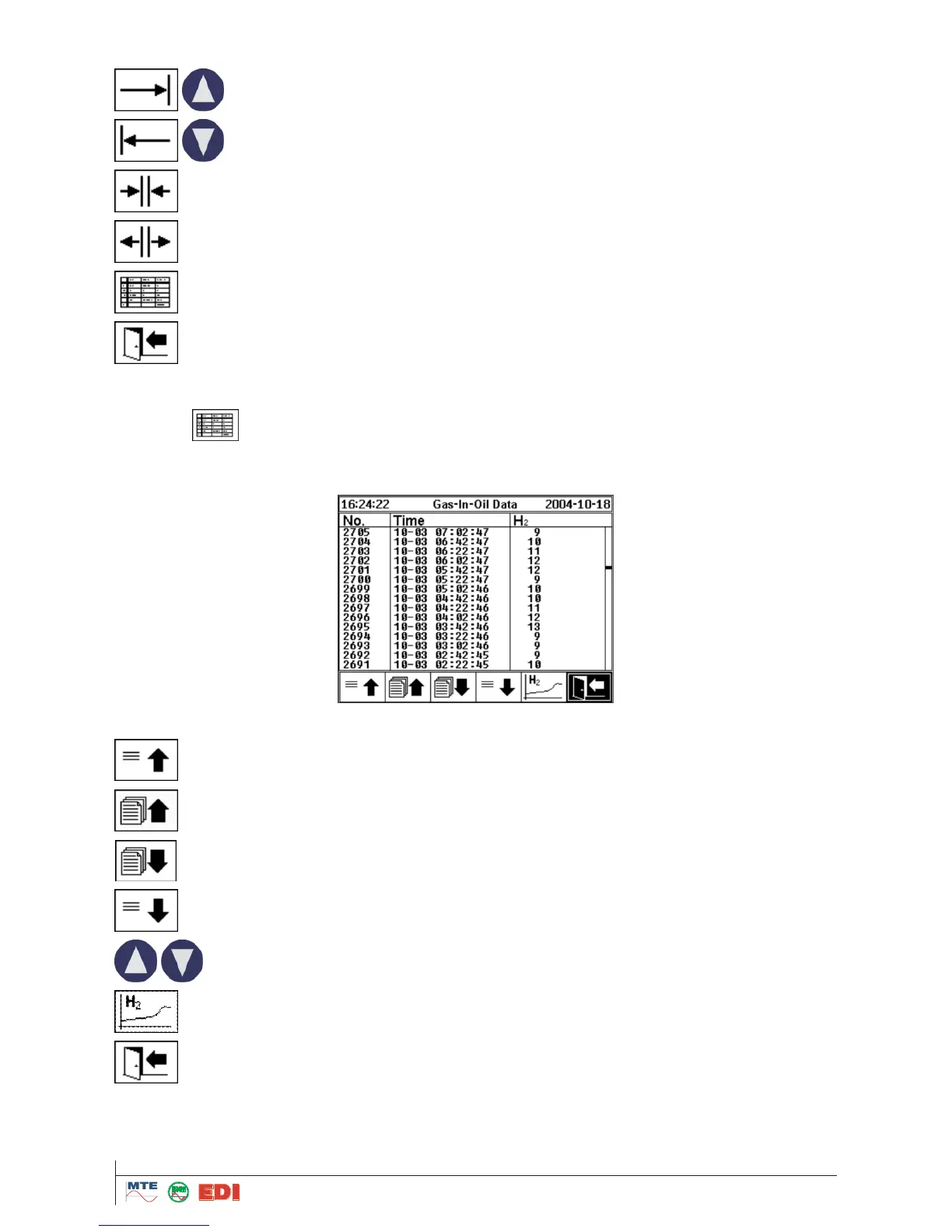
Following functions are available:
Scroll graph to the right
Scroll graph to the left
Zoom-out with minimum resolution of 3 days / page
Zoom-in with maximum resolution of 8 hours / page
Go to table presentation
Exit
4.7.2
Table presentation
After selection of presentation in form of a table, the measured values are shown with time and cur-
rent record number. The most recent measured value is on top of the table.
The following functions for tables are available
Scroll up one line
Scroll up one page
Scroll down one page
Scroll down one line
Scroll one page up / down
Go to graphic display
Exit

Table of Contents

Related product manuals