Specifying Print Settings (Mac OS X 10.5/10.6) 1-93
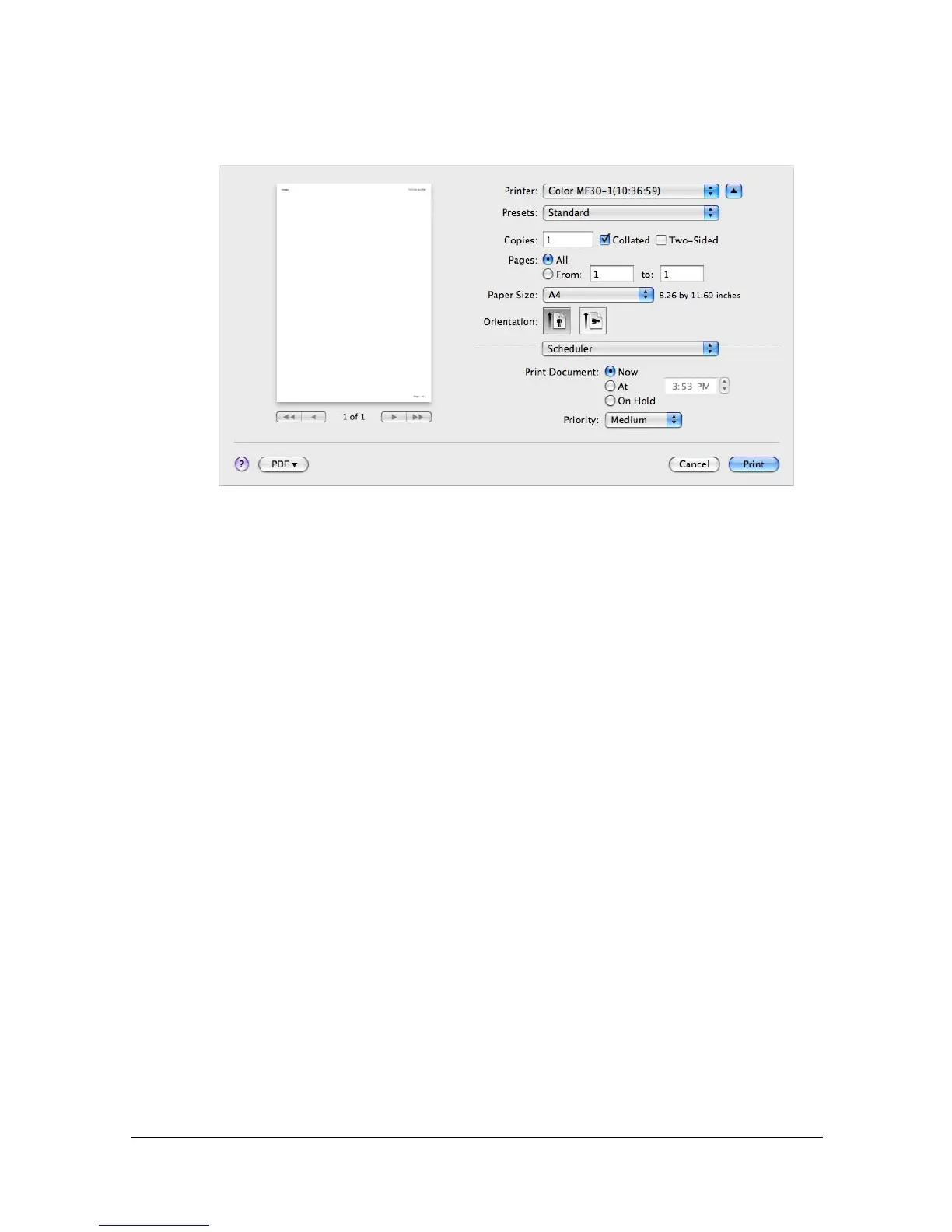
[Scheduler]
The [Scheduler] section is used to specify the timing and priority for printing
jobs.
[Print Document]
[Now]: Select this option to begin printing immediately.
[At]: Specify the time to begin printing.
[On Hold]: Select this option to hold the print job.
[Priority]
Select the priority for printing jobs that are being held.



 To Next Page
 Loading...









