Adding the Printer on the CUPS Administration Web page
2-8
Adding the Printer on the CUPS
Administration Web page
" Before proceeding with the installation, be sure to exit all running
applications.
" Root privileges are required in order to add the printer.
1 Connect the machine to a computer or the network.
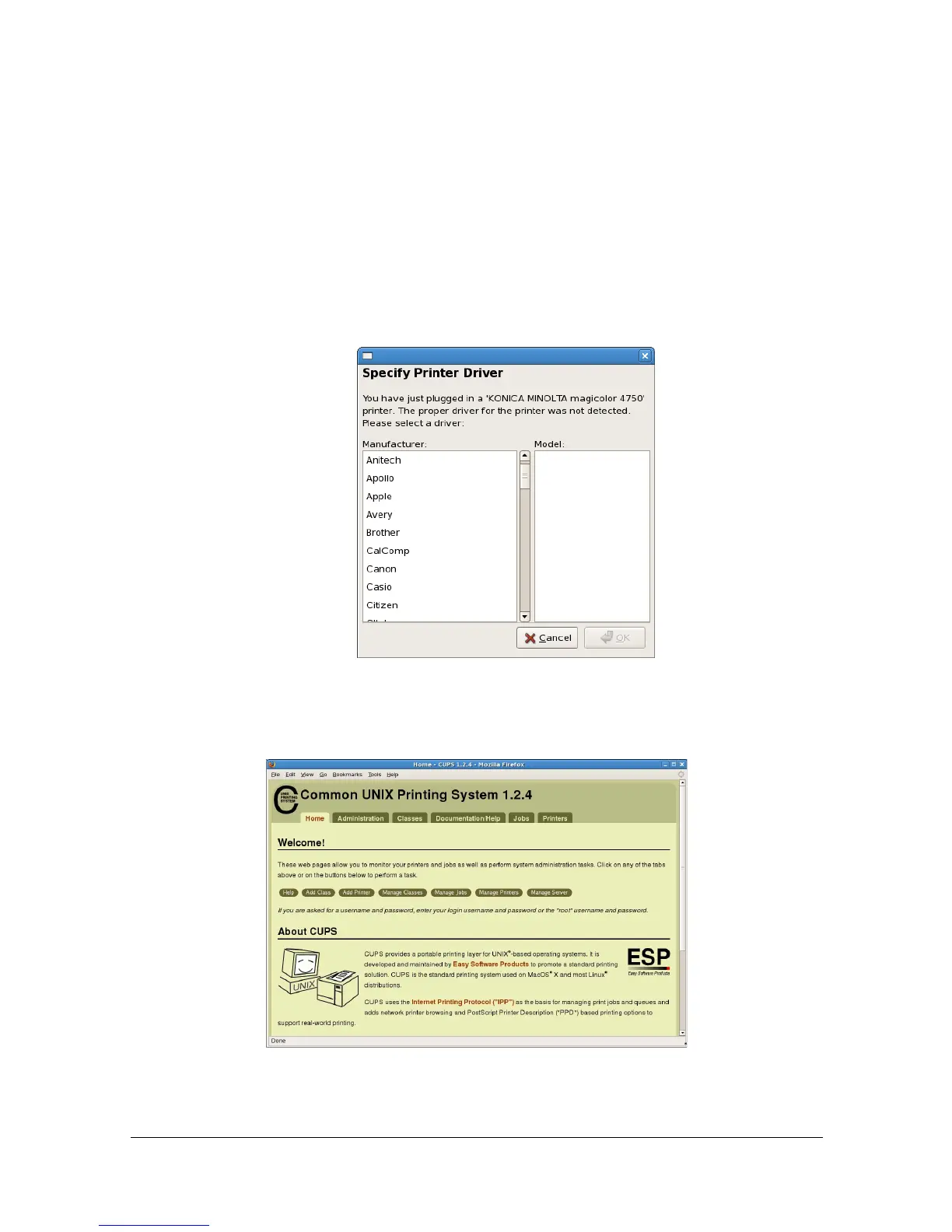
- With a USB connection, the following dialog box appears. Click [Cancel]
to close the dialog box.
2 Start up the Web browser.
3 Enter the URL “http://localhost:631”.
The CUPS Administration Web page appears.
4 Click [Add Printer].



 To Next Page
 Loading...









