Adding the Printer Using Printer configuration 2-5
The printers that can be used are automatically searched for and listed in
the left pane of the dialog box.
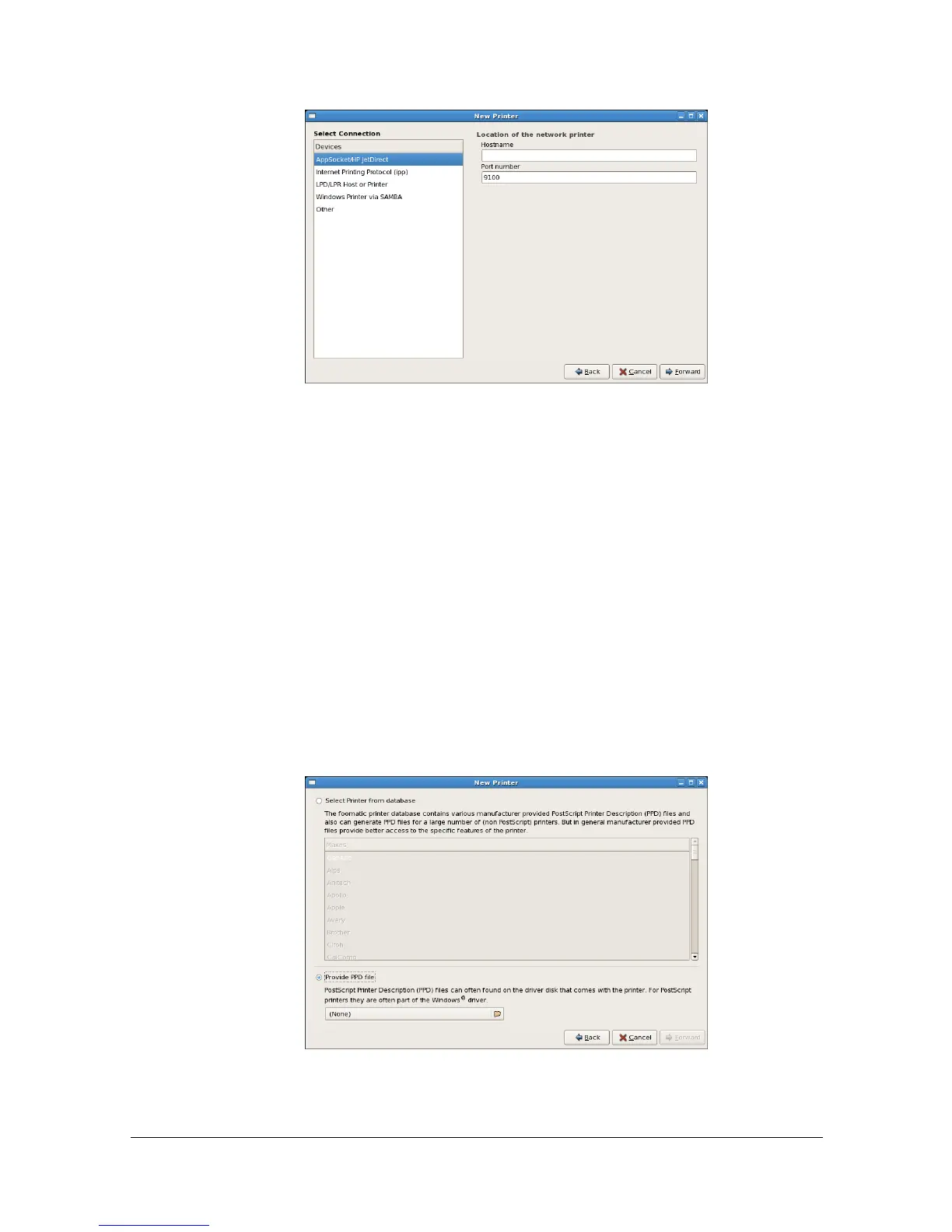
6 From the left pane of the dialog box, select the port for the machine to be
installed.
- For a USB connection, select [Color MF30-1 USB #1].
- For a machine connected to the network, select [Color MF30-1] <IP
address>.
- If the desired machine is not listed, select a device port from the
[Devices] list. In the right pane of the dialog box, type in the host name or
IP address for the machine.
" - TCP/IP: [AppSocket/HP jetDirect, Internet Printing Protocol (ipp)] or
[LPD/LPR Host or Printer]
- Host name of Internet Printing Protocol (ipp): <IP address>/ipp
7 Click [Forward].
8 Select [Provide PPD file].


 To Next Page
 Loading...









