Configuring the Printer 8-27
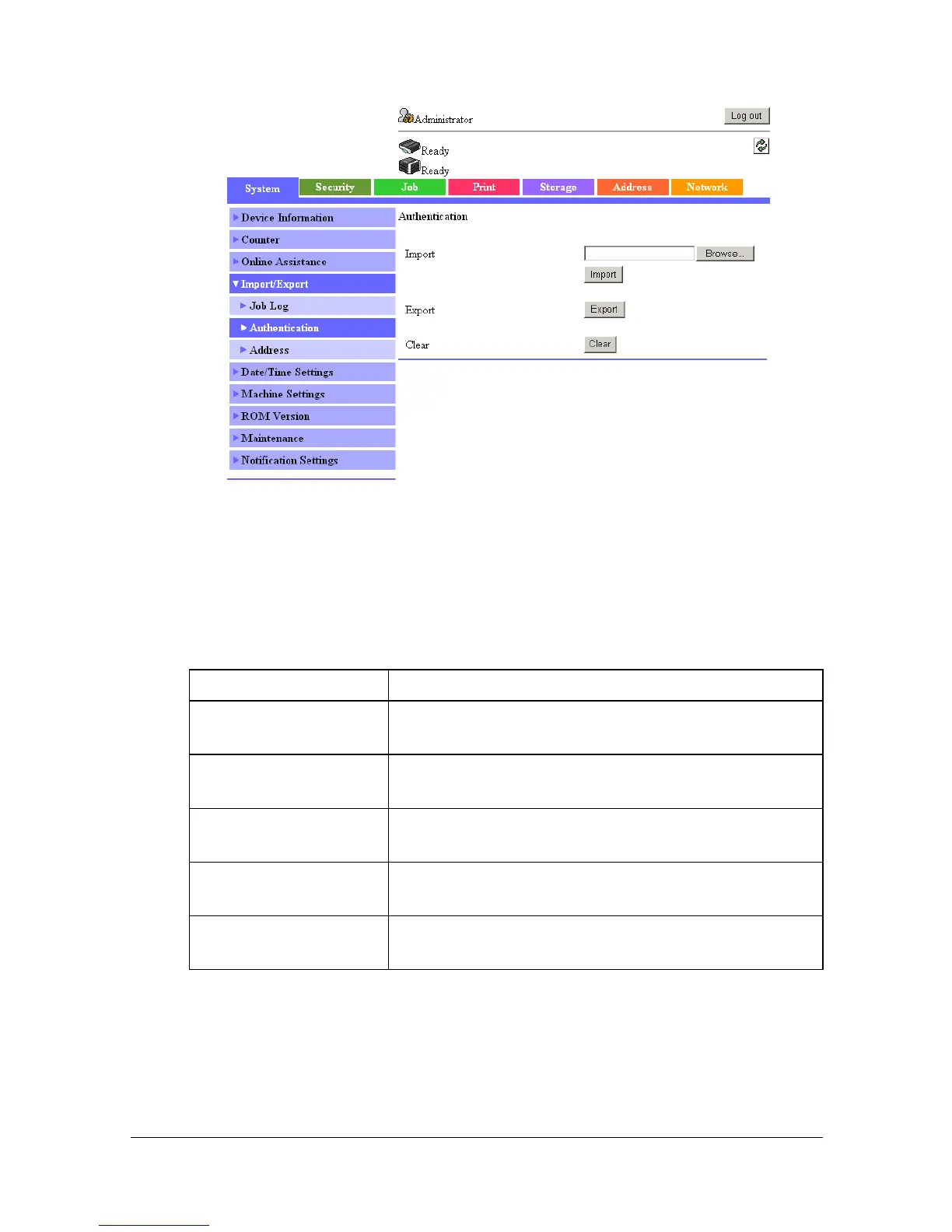
[Authentication]
The [System] - [Import/Export] - [Authentication] window allows you to config-
ure the following items.
" This page appears when [User Authentication] (in the [Security] -
[Authentication] - [General Settings] page) is set to [Device] or [Exter-
nal Server].
Item Description
[Import] Text Box Type in the name of the file containing the registered
user authentication information to be imported.
[Browse] button Allows the registered user authentication informa-
tion transferred to the device to be searched.
[Import] button Transfers the registered user authentication infor-
mation to the device.
[Export] button Exports the registered user authentication informa-
tion to the computer.
[Clear] button Click to delete all user authentication and account
track settings specified on the machine.



 To Next Page
 Loading...









