Configuring the Printer8-98
[Send]
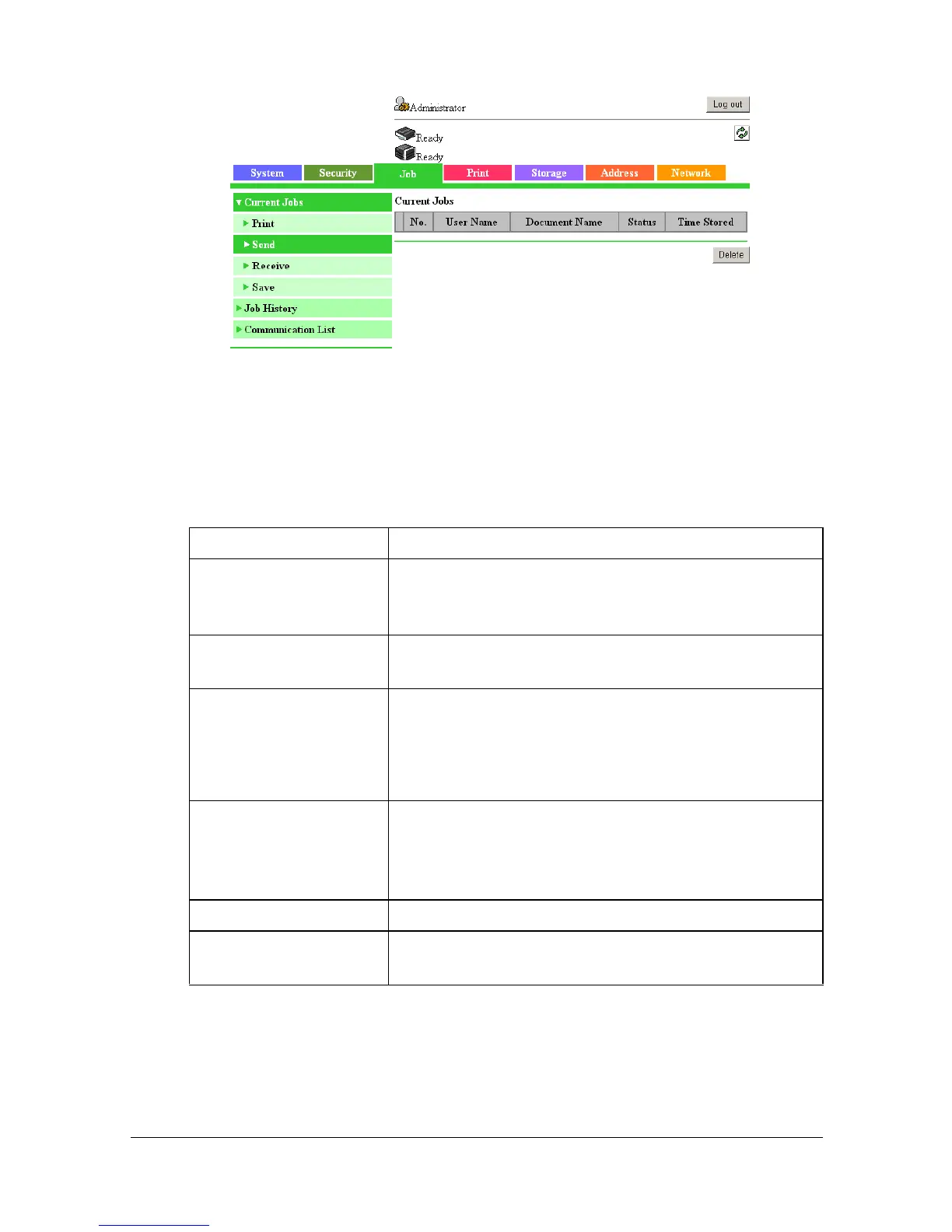
The [Job] - [Current Jobs] - [Send] page allows you to configure the following
items.
Item Description
[No.] Displays the identification number of the transmis-
sion job. Each job sent by the printer is assigned a
unique identification number.
[User Name] Displays the name of the owner for the transmission
job, if known.
[Document Name] Displays the name of the transmission file.
This cell remains empty if [Hide Personal Informa-
tion] is set to [On] in the [System] - [Machine Set-
tings] page.
[Status] Displays the current status of the transmission job.
(Waiting, Spooling, Parsing, Printing, Scanning,
Transferring, Pause, Sending, Dialing, Dialing, Wait
To Redial or TimerTx)
[Time Stored] Displays the time that the job was queued.
[Delete] button Click to delete the transmission job(s) whose check
box in column 1 has been selected.



 To Next Page
 Loading...









