6.13 Demodulating signals (Audio)
Narda IDA-3106 119
Demodulating the LSB / USB (BFO)
The additional BFO function (beat frequency oscillator) is available when
demodulating single sideband modulated signals (LSB/USB). The BFO can
be used to offset the center frequency (Fcent) by ±20 Hz to correct
frequency shifts for demodulating carrierless signal bands.
To activate BFO:
You must have selected either LSB or USB.
1. Press the Audio softkey, then press the BFO softkey.
2. Set the desired value using the rotary control knob.
Changes are applied immediately, so you can optimize the setting by
monitoring the audio output.
Level Meter and Direction Finding:
The Fcent display changes from black to red to indicate that the
center frequency has been offset by the BFO frequency.
3. Press OK or ESC to close the setting window.
6.13.2 Starting demodulation (Direction Finding and
Level Meter only)
Direction Finding • Audio
Level Meter • Audio
To start demodulation in Direction Finding and Level Meter modes:
1. Select a suitable channel bandwidth.
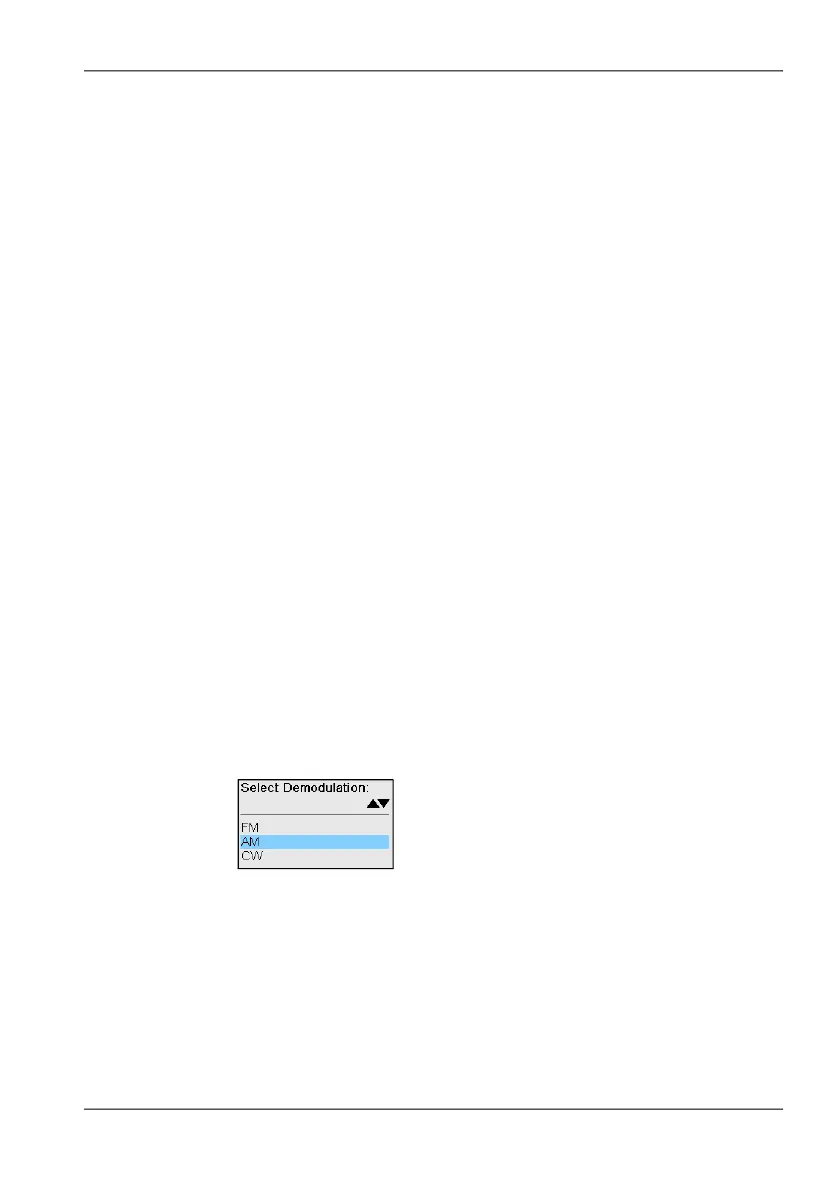
2. Press the Audio softkey, then press the Demodulation softkey.
The possible demodulation types are shown in the selection window
depending on the selected channel bandwidth.
3. Use the rotary control knob to select the desired type and press OK to
confirm.
The demodulated signal content is output from the loudspeaker or
from headphones, if connected.
4. To deactivate demodulation, press the Demodulation softkey, select Off
with the rotary control knob and press OK to confirm.



 To Next Page