1.4 PC connection
Narda IDA-3106 5
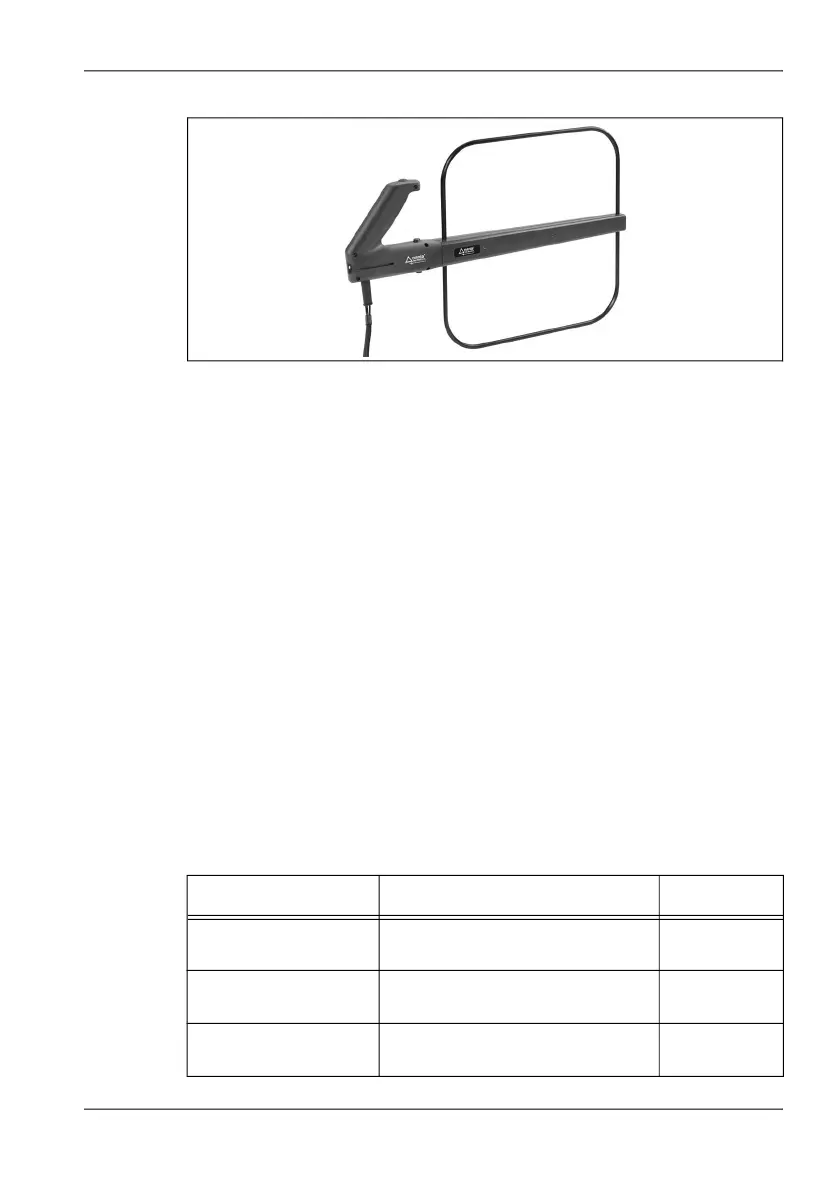
Figure 7: Loop antenna, frequency range 9 kHz to 30 MHz
1.4 PC connection
The device IDA-3106 can be connected to a PC via the optical interface or
the USB port (Mini B type). This allows access to the device functions and
measurement results. You can find detailed information about this in the
following chapters:
• PC Software on page 235
• Remote Control on page 239
1.5 Overview of options
The table below shows all the options available for the IDA-3106. Your
particular device may not be equipped with all the options listed here and
described in this operating manual. Contact your local sales representative
to order an option, and refer to the chapters Updating the device software
on page 233 and Activating options on page 233.
Table 1: Available options
Name Function Order No.
Mapping Mapping activation status
(Activated / Deactivated)
3100/95.01
Time Domain (Scope) Time Domain (Scope) activation
status (Activated / Deactivated)
3100/95.04
I/Q Analyzer I/Q Analyzer activation status
(Activated / Deactivated)
3100/95.05



 To Next Page