6 Common Functions
124 IDA-3106 Narda
6.15 Measuring with multiple axis antennas
(Axis)
Spectrum • Axis
Level Meter • Axis
Time Domain (Scope) • Axis
I⁄Q Analyzer • Axis
Multi-Channel Power • Axis
You can only make measurements in a single axis with the IDA-3106 even
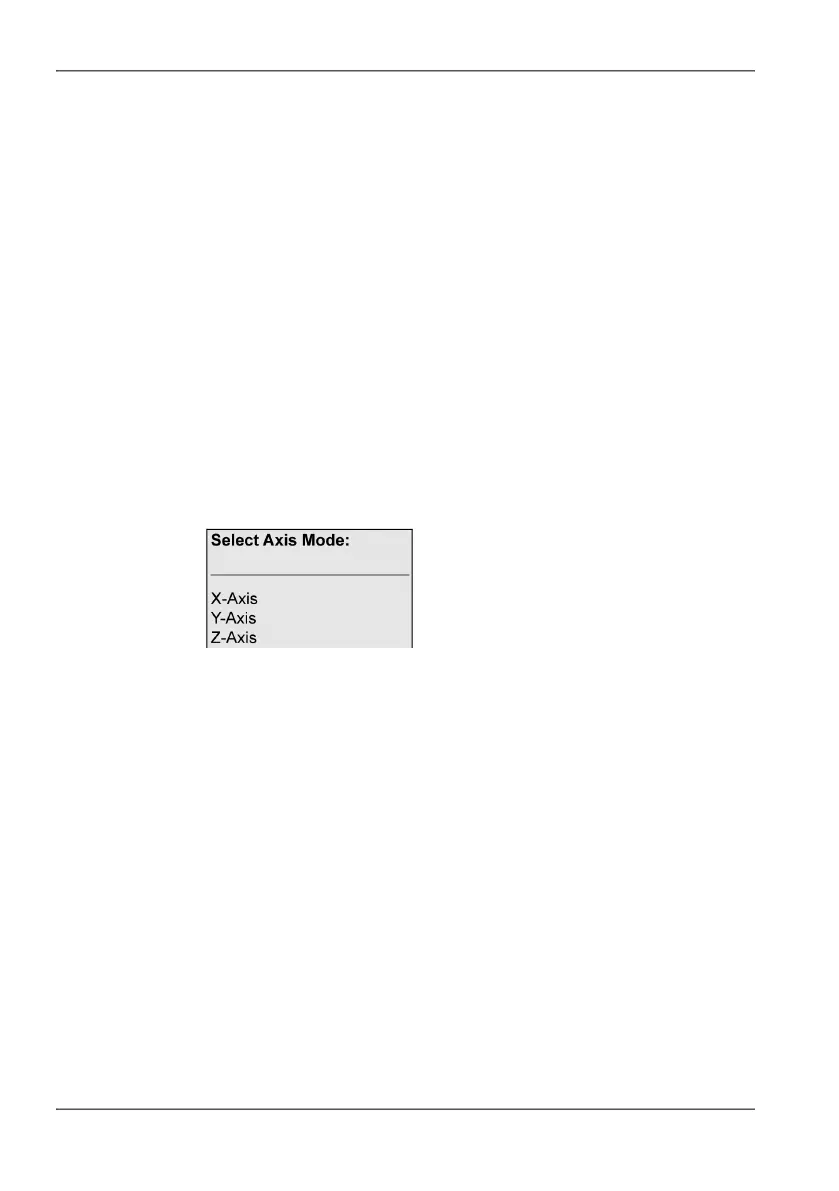
if a multiple axis antenna is connected. The Axis Mode selection window
allows you to select the axis for measurement. In this way you can measure
all three axes one after the other and save the results separately without
having to reposition the antenna.
To select the axis:
1. Press the Axis softkey.
The selection window opens.
2. Select an axis, press OK to confirm, and make the measurement you
want.
3. Select and measure the other axes in the same way.
It is a good idea to use a tripod if you are using a multiple axis antenna and
you want to measure all the axes.



 To Next Page