8.3 Comparing spectra (Delta Spectrum)
Narda IDA-3106 167
8.3.1 Using a spectrum as reference
1. Set the spectrum display as required. The trace type that you want to
select as reference must be displayed.
2. In the Spectrum main menu, press the Trace softkey.
The Trace window opens and the Set as Reference softkey is
shown in the lower bar.
3. Press the Set as Reference softkey.
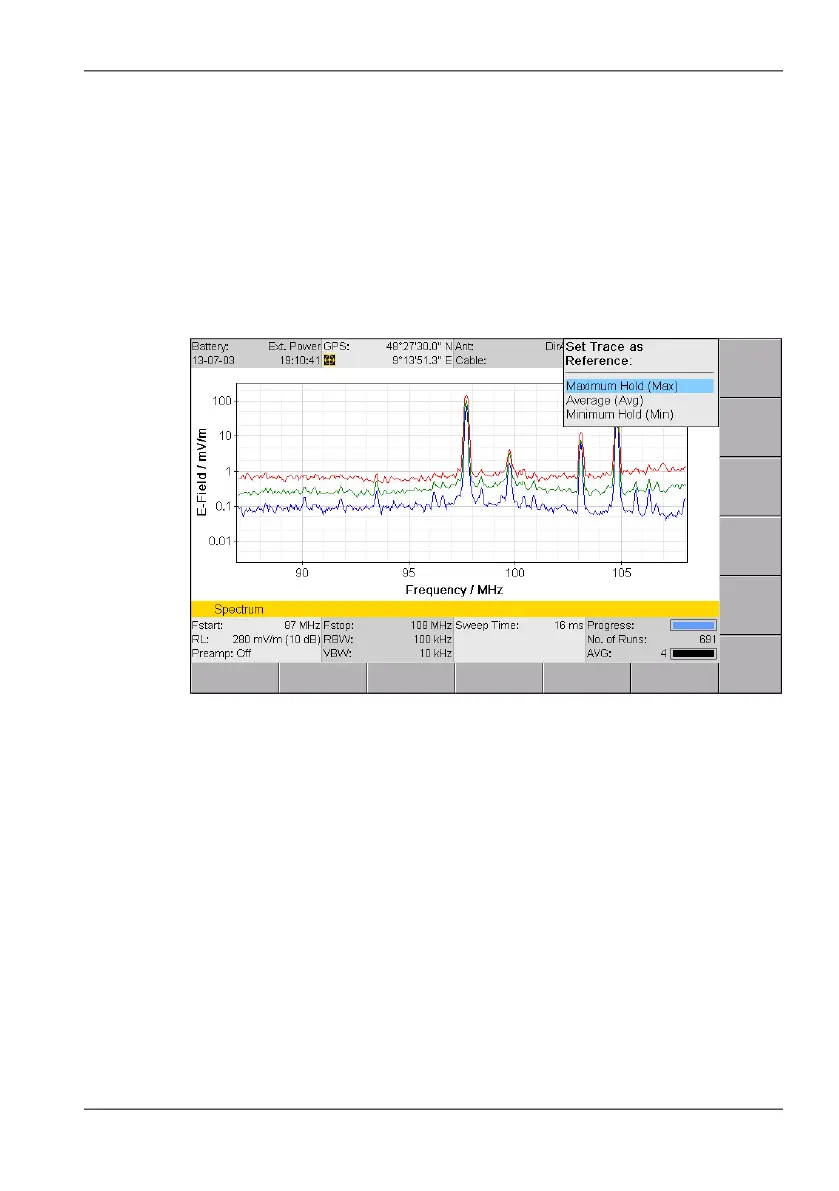
The previous window,Trace, now shows the trace types that can be
selected as reference:
Figure 39: Selection of a trace type for saving the reference spectrum.
4. Select a trace type using the rotary control knob and press OK to set it.
The reference spectrum is shown as another trace and listed under
the list of trace types on the right of the screen. It can be shown or
hidden just like the trace types using the Trace softkey in the main
menu.
To use the reference spectrum:
Press the Delta Spectrum softkey in the Measurement menu (the
softkey is highlighted in color when the function is activated).
All the displayed spectra are shown relative to the reference
spectrum.



 To Next Page