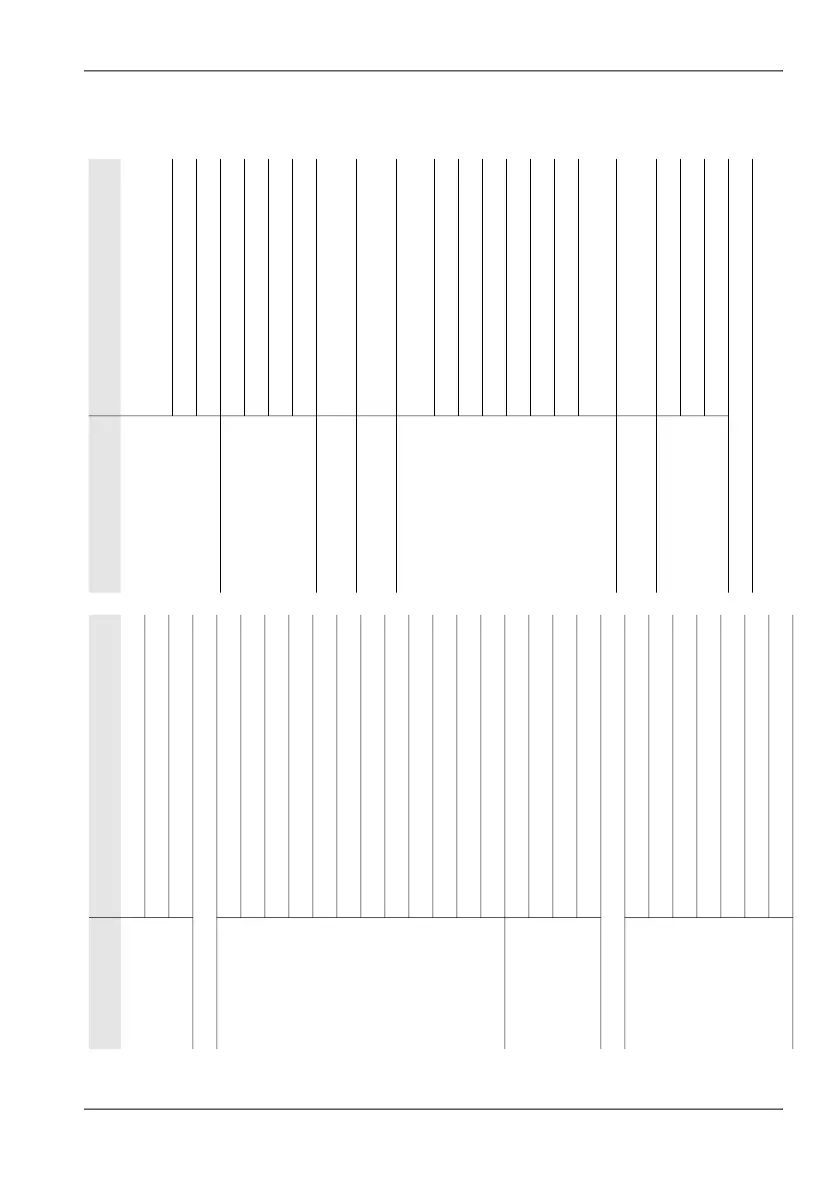
5.1 Menu overview
Narda IDA-3106 59
5.1.2 Direction Finding
Level 1 Level 2
Display Save Screenshot, Screen Arrangement, Save Setup as
Y-Scale Range, Y-Scale Ref, Y-Scale Auto
Unit
Localization On/Off
Map Display
Average Position
Marker
Select Map (Loc. Mode: Outdoor selected)
Loc. Mode: Outdoor/Indoor
Edit Sketch (Loc. Mode: Indoor selected)
Select Transmitter
Move to Point of View (Loc. Mode: Outdoor selected)
Auto Fit (Active)
Move horizontally
Move vertically
Zoom
Audio Demodulation Recorder (Demodulation = O
n)
Volume
Demodulation
Tone Search
Change Settings (Horizontal Scan: On selected)
Extras
(Horizontal Scan:
Off selected)
Select Multi-Channel Table
Select Channel
Backwards (setting parameters were changed)
Forwards (Backwards selected once)
Select Transmitter Table
Add Transmitter
Go to: ...
Level 1 Level 2
Fcent Rotary Knob: Immediate/Preselect/TxTbl
(Fcent selected, TxTbl only if Transmitter Table
selected)
Step Size: Auto/Fix
Set Fstep (StepSize: Fix selected)
External Bearing Display
Localization: On/Off
Map
Save External Bearing
BW
(Horizontal Scan: Off selected)
VBW
Start Continuous
(Horizontal Scan: On selected)
Stop
Reference Level
(Horizontal Scan: Off selected)
Set Noise Threshold (Noise Thrs.: On
selected)
Noise
Threshold: On/Off
+ 5 dB
- 5 dB
RL Search Type: Sensitive/Safe
RL Search
Preamp: On/Off
External Device: On/Off
(if an external device is defined)
Reset
(Horizontal Scan: On selected)
(Start Continuous and Stop selected)
Detector RMS Average Time
Reset All
Reset Max
Scan Type
Horizontal Scan On/Off



 To Next Page