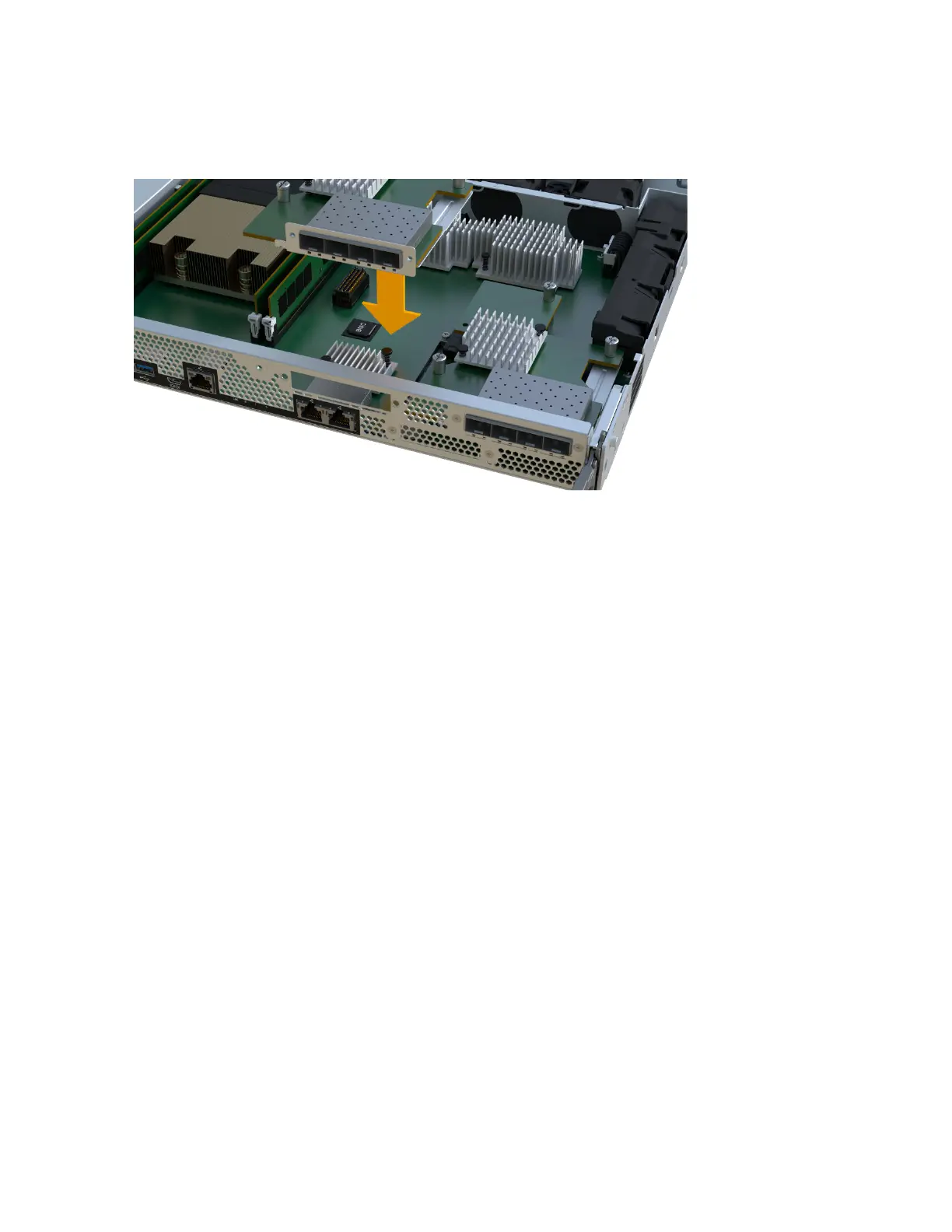
controller LEDs between the HIC and the
thumbscrew.
Note: The image above is an example, the appearance of your HIC may differ.
4. Hand-tighten the HIC thumbscrew.
Do not use a screwdriver, or you might over tighten the screws.
5. Using a #1 Phillips screwdriver, attach the HIC faceplate you removed from the original HIC
with the three screws.
After you finish
Go to
Reinstall controller canister
Reinstall controller canister
After replacing the host interface card (HIC), you reinstall the controller canister into the
controller shelf.
Steps
1. Lower the cover on the controller canister and secure the thumbscrew.
2. While squeezing the controller handles, gently slide the controller canister all the way into the
controller shelf.
Note: The controller audibly clicks when correctly installed into the shelf.
Maintaining EF300 and EF600 Hardware 70
Host interface cards


 To Next Page
 Loading...













