22
Presets
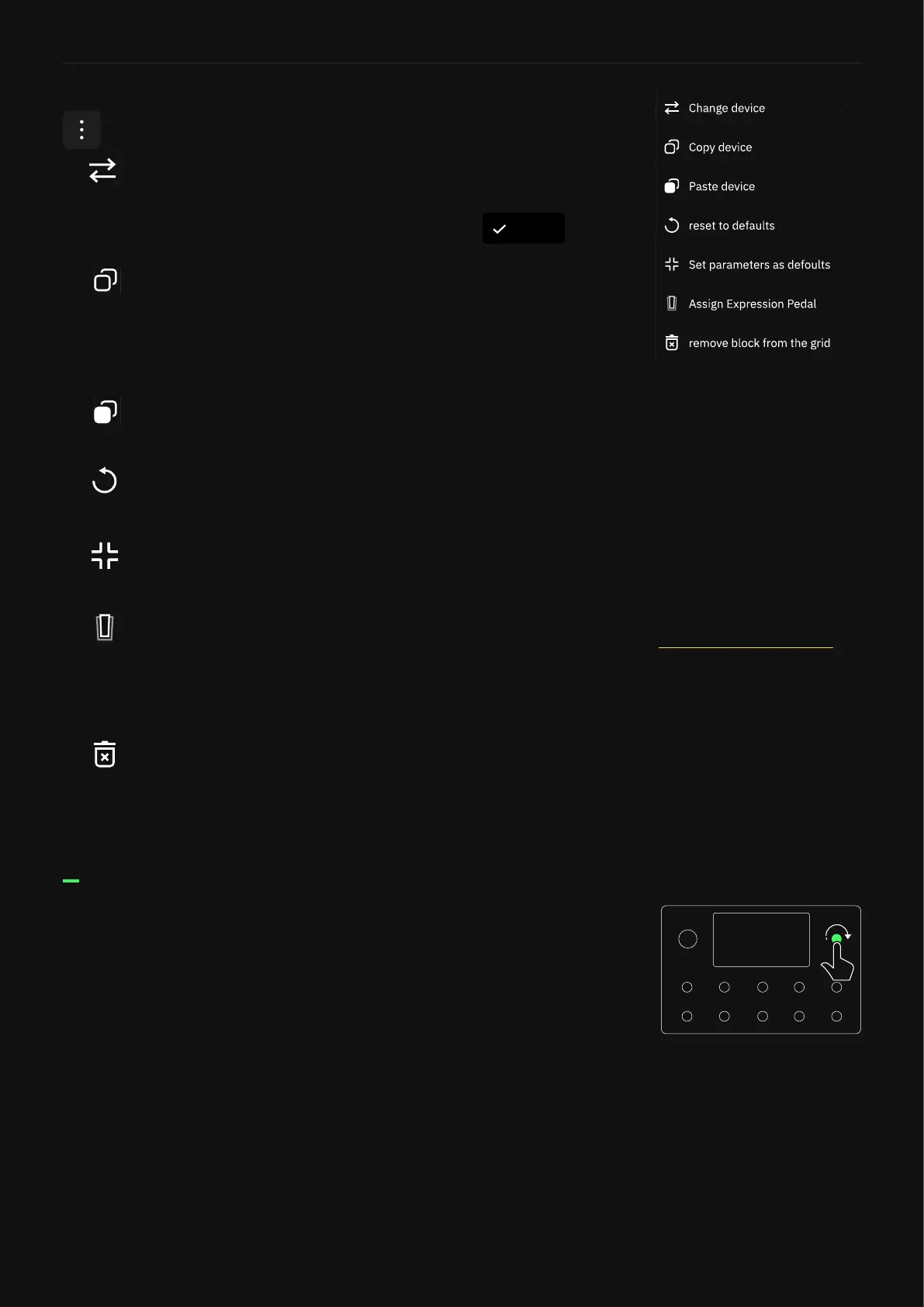
• Change Device: Opens the Virtual Devices Library. Once
you tap a device, it changes immediately so you can audition it
without leaving the Virtual Devices Library. Tap to
close the menu.
• Copy Device: Copies the selected device and its current
settings to the Clipboard. Blocks can be pasted by tapping The
Grid to add a new device, then tapping the new “Paste Device
from Clipboard” button. The Clipboard also allows you to copy
and paste blocks between Presets.
• Paste Device: Replaces the selected device with the
device stored at the Clipboard.
• Reset to Default: Returns the device controls to their
default values.
• Set parameters as default: Sets current control values as
default.
• Assign Expression Pedal: Allows you to choose which
parameters can be controlled by an expression pedal. Select
the expression pedal you want to use before reaching the
“Assign Expression Pedal” menu.
• Remove block from The Grid: Removes the device block
from The Grid entirely.
When a block menu is open, you can tap the contextual menu
button to reveal further options.
When a block menu is open, turn the top-right rotary actuator
clockwise or counterclockwise to navigate through the virtual
devices or Neural Captures within the same category without
opening the Virtual Devices Library.
For more details, check the
Assigning Expression Pedals
section.
Done



 To Next Page