79
Neural Capture
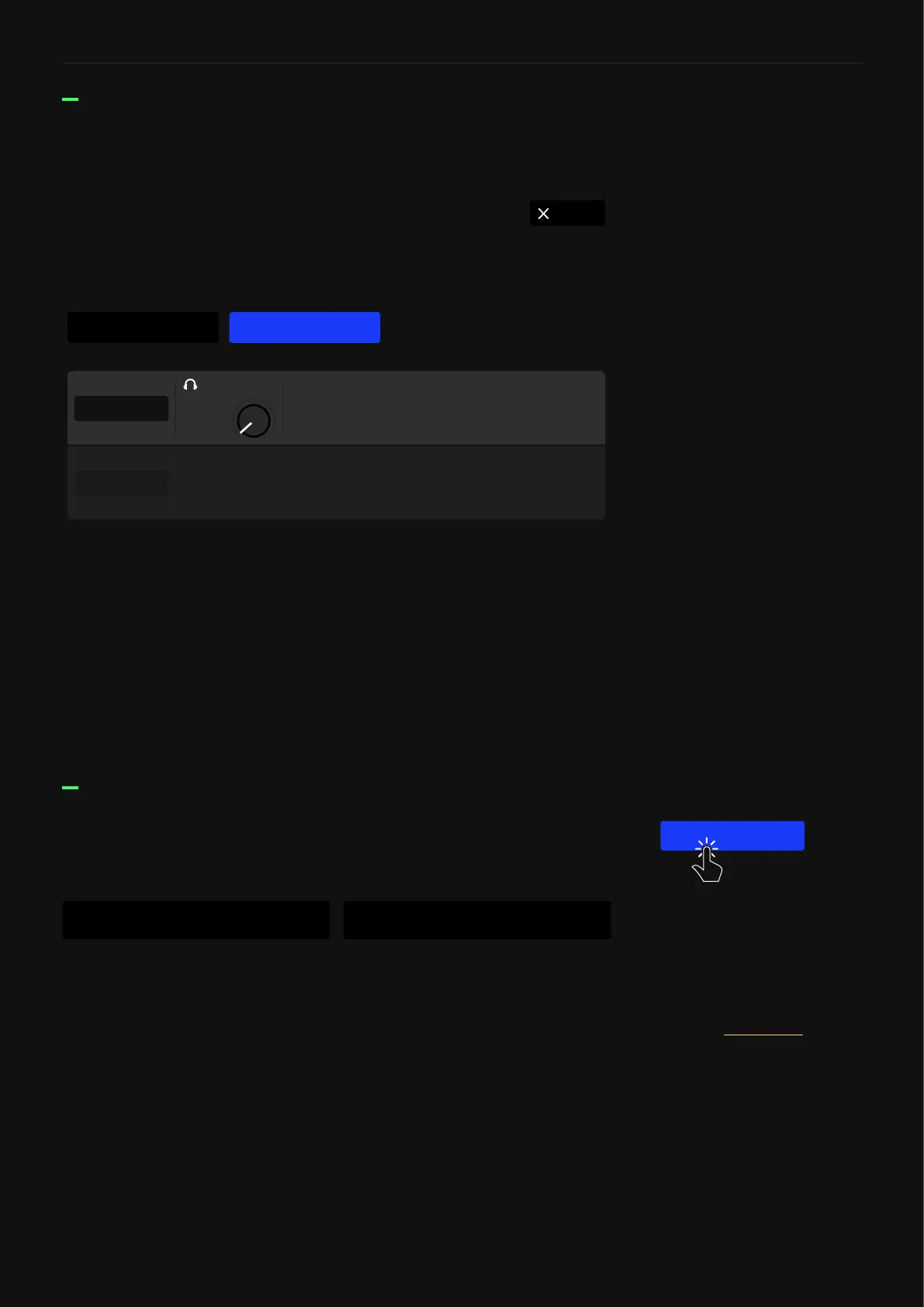
• CORTEX & REFERENCE BUTTONS: Tap them to toggle
between the original device signal and the Neural Capture.
Footswitch A can be pressed or turned to switch between the
two.
• HEADPHONES KNOB: Sets the output level of Quad Cortex in
the mix (Rotary footswitch B assigned automatically).
• START FROM SCRATCH BUTTON: Start the Neural Capture
process again.
After the Capture process, your Neural Capture will be ready for
testing.
Testing a Neural Capture
CancelNeural Capture
SAVE
Your Neural Capture is ready. Switch between the reference and Quad Cortex using
the buttons below.
0.00
LEVEL
CORTEX
REFERENCE
Tap the SAVE button to save your Neural Capture.
In the save menu, you can name your Neural Capture as well as
assign it tags.
Saving a Neural Capture
SAVE
If you want to know how to
share a Neural Capture, please
check the Cortex Cloud section.
57, rhythm, comboLX65 57 Axis



 To Next Page