83
Computer Integration
Quad Cortex features 16 USB channels (8in/8out). Each channel is mapped to a specic source
or Quad Cortex’s audio connector.
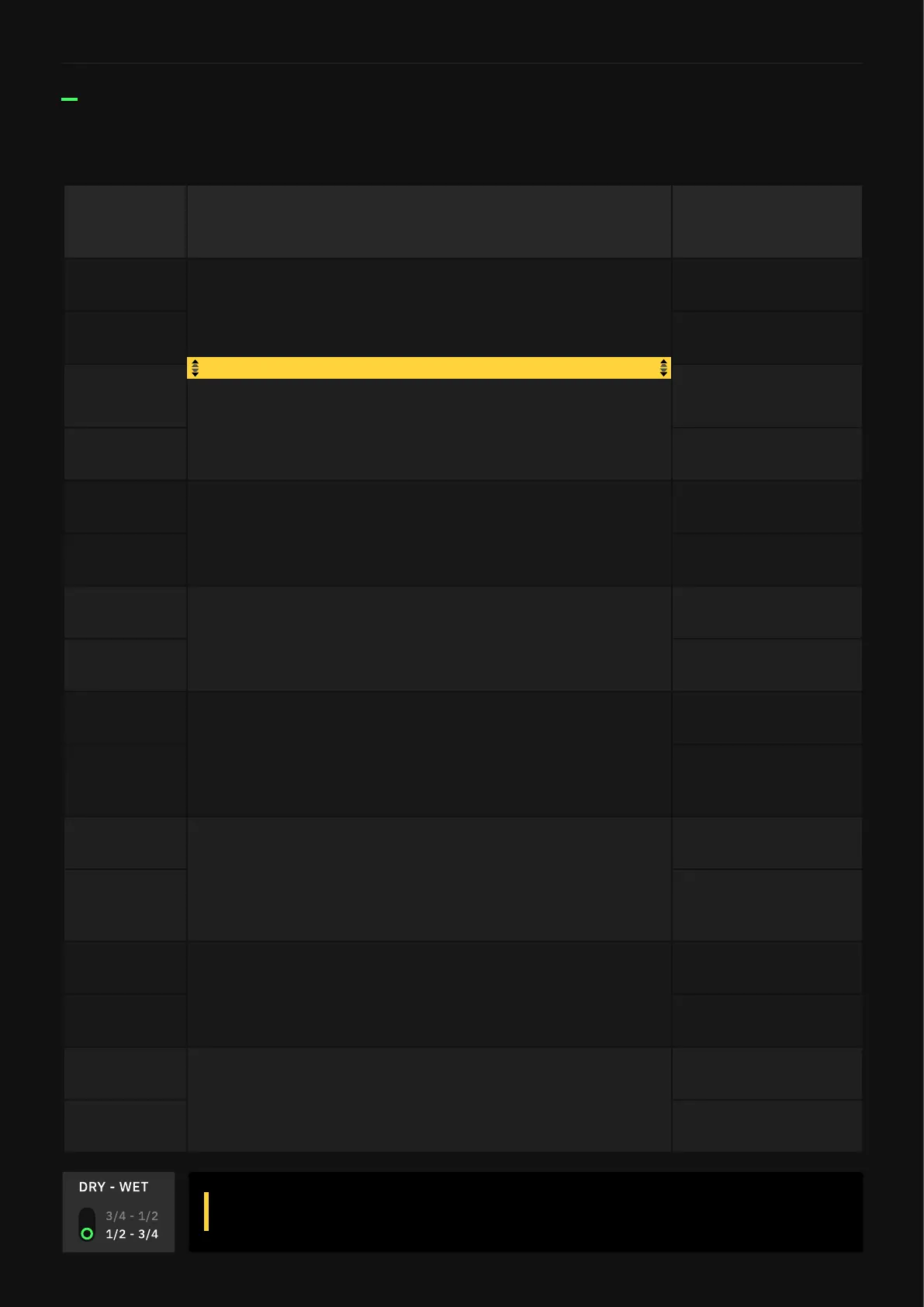
I/O Schematic
HOST USB
CHANNEL
DESCRIPTION
QUAD CORTEX
USB CHANNEL
Input 1
DI signal from analog Inputs 1/2 to host (non-
selectable on The Grid). Select Inputs 1/2 on your host
to record DI tracks.
Output 1
Input 2
Output 2
Input 3
Manual route from The Grid selectable output blocks to
the host. Select Inputs 3/4 on your host to route signal
from the The Grid output.
Output 3
Input 4
Output 4
Input 5
Manual route from The Grid selectable output blocks to
the host. Select Inputs 5/6 on your host to route signal
from The Grid output.
USB Output 5
Input 6
USB Output 6
Input 7
Manual route from The Grid selectable output blocks to
the host. Select Inputs 7/8 on your host to route signal
from The Grid output.
USB Output 7
Input 8
USB Output 8
Output 1
Playback from the host through XLR Outputs (non-
selectable on The Grid) Select Outputs 1/2 on your
host to hear playback through Quad Cortex’s Outputs
1/2 or Headphones Out.
Input 1
Output 2
Input 2
Output 3
Playback from the host through TRS Outputs
(non-selectable on The Grid). Select Outputs 3/4 on
your host to hear the signal through Quad Cortex’s
Outputs 3/4.
Input 3
Output 4
Input 4
Output 5
Manual route from the host to Quad Cortex’s input
blocks. Select Outputs 5/6 on your host to route the
signal to a row in The Grid.
USB Input 5
Output 6
USB Input 6
Output 7
Manual route from the host to Quad Cortex’s input
blocks. Select Outputs 7/8 on your host to route the
signal to a row in The Grid.
USB Input 7
Output 8
USB Input 8
Use the Dry/Wet switch in the I/O Settings menu to swap between clean
DIs or processed signal fed into USB Outputs 1-2 or 3-4.
Dry/Wet swap via I/O Settings



 To Next Page