164
r
A The Information Display
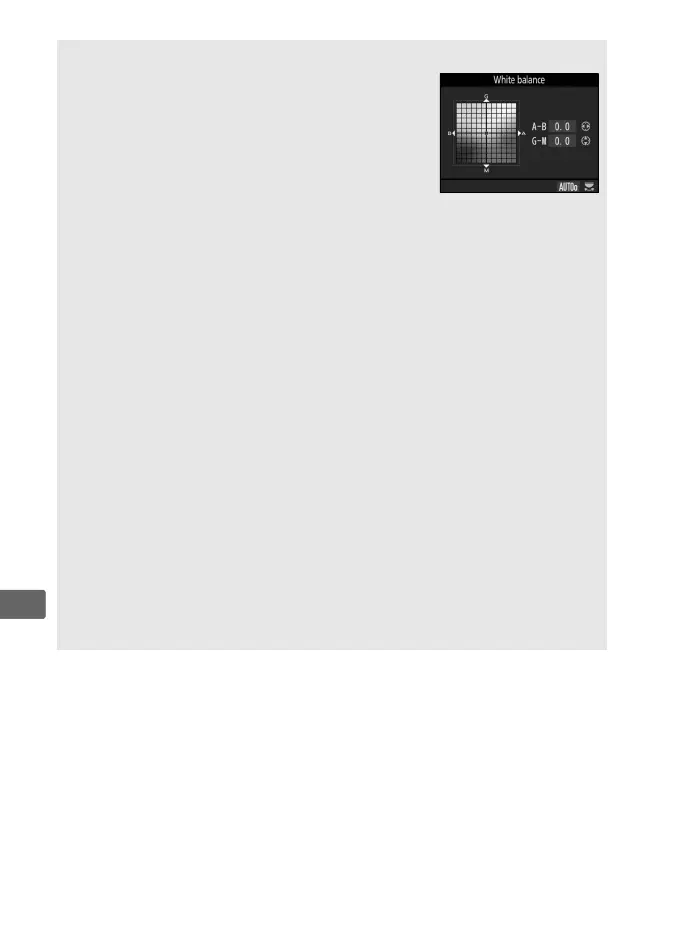
During viewfinder photography, you can press
the U button to adjust white balance settings
in the information display.
Rotate the main
command dial to choose the white balance
mode and rotate the sub-command dial to
choose the color temperature (mode K, “choose
color temperature”) or white balance preset
(preset manual mode), or use the multi-selector to fine-tune white
balance on the amber (A)–blue (B) and green (G)–magenta (M) axes
(other white balance modes).
A White Balance Fine-Tuning
The colors on the fine-tuning axes are relative, not absolute.
For
example, moving the cursor to B (blue) when a “warm” setting such as
J (Incandescent) is selected for white balance will make photographs
slightly “colder” but will not actually make them blue.
A “Mired”
Any given change in color temperature produces a greater difference in
color at low color temperatures than it would at higher color
temperatures.
For example, a change of 1000 K produces a much
greater change in color at 3000 K than at 6000 K.
Mired, calculated by
multiplying the inverse of the color temperature by 10
6
, is a measure of
color temperature that takes such variation into account, and as such is
the unit used in color-temperature compensation filters.
E.g.:
• 4000 K–3000 K (a difference of 1000 K)=83 mired
• 7000 K–6000 K (a difference of 1000 K)=24 mired



 To Next Page