193
J
A The BKT Button
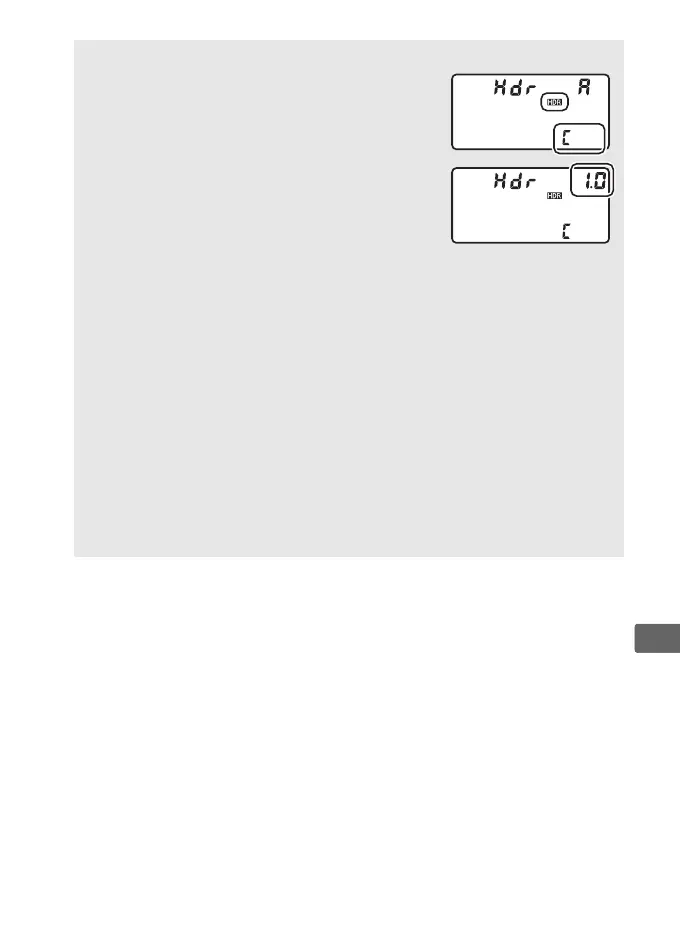
If HDR (high dynamic range) is selected for
Custom Setting f1 (Custom control
assignment) > BKT button + y (0 344, 351),
you can select the HDR mode by pressing the
BKT button and rotating the main command dial
and the exposure differential by pressing the
BKT button and rotating the sub-command dial.
The mode and exposure differential are shown
in the top control panel: the icons representing
the mode are a for Off, B for On (single photo), and b for On (series).
A Interval Timer Photography
If On (series) is selected for HDR mode before interval timer shooting
begins, the camera will continue to shoot HDR photographs at the
selected interval (if On (single photo) is selected, interval timer
shooting will end after a single shot).
A Photo Shooting Menu Banks
HDR settings can be adjusted separately for each bank (0 308), but
switching to a bank in which HDR is active during multiple exposure
(0 227) or interval timer shooting (0 234) disables HDR.
HDR is also
disabled if you switch to a bank in which an NEF (RAW) option is
selected for image quality.



 To Next Page