208
l
❚❚ Optical/Radio AWL
For remote flash lighting that incorporates both optically- and
radio-controlled flash units, select Optical/radio AWL for Flash
control> Wireless flash options in the photo shooting menu and
set up the radio-controlled units as described under “Radio AWL”
(0 206).
Place optically-controlled units in group A, B, or C and
radio-controlled units in group D, E, or F.
You can now take photos
as described on page 209.
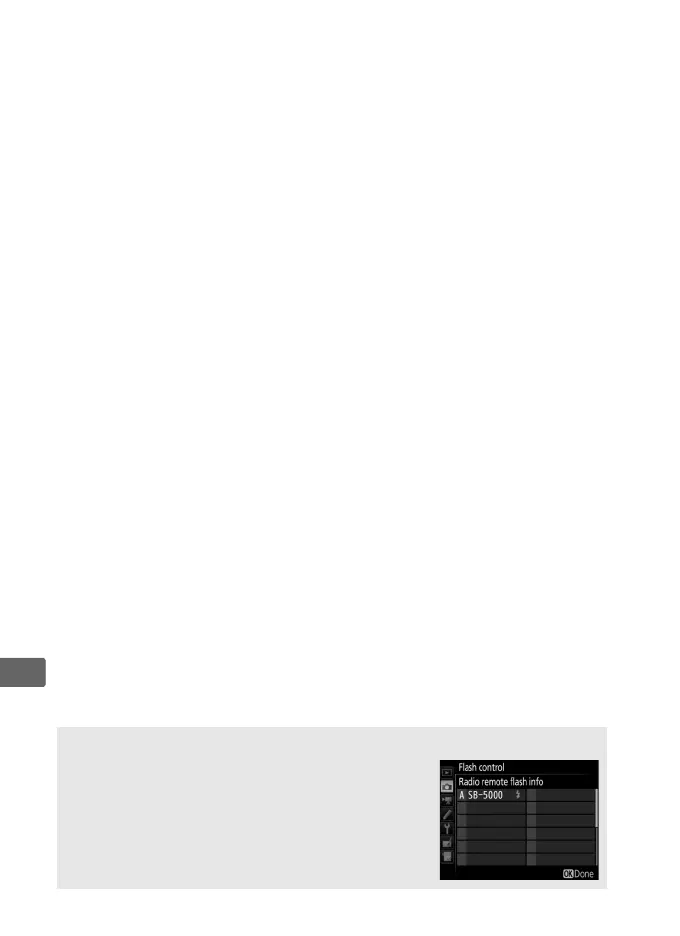
A Remote Flash Info
To view the flash units currently controlled using
radio AWL, select Flash control> Radio remote
flash info in the photo shooting menu.
The
identifier (“remote flash name”) for each unit can
be changed using flash unit controls.



 To Next Page