346
U
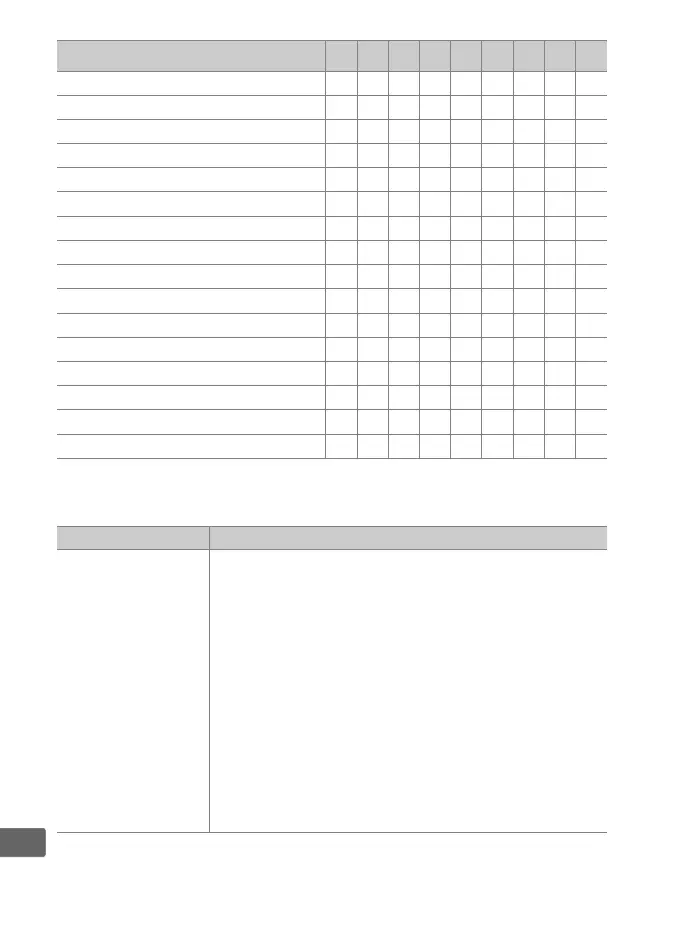
The following options are available:
M
Center-weighted metering ✔✔✔✔——✔ ——
N
Spot metering ✔✔✔✔——✔ ——
t
Highlight-weighted metering ✔✔✔✔——✔ ——
b
Viewfinder grid display ✔✔✔✔——✔ ——
!
Viewfinder virtual horizon ✔✔✔✔——✔ ——
u
14 fps continuous (Mup) ✔✔✔———✔ — ✔
c
Sync. release selection ✔✔✔———✔ — ✔
%
MY MENU ✔✔✔✔——✔ ——
3
Access top item in MY MENU ✔✔✔✔——✔ ——
UT
Connect to network ✔✔✔— ✔ ————
K
Playback ✔✔✔✔——✔ ——
b
Voice memo ————✔ ————
c
Rating ————✔ ————
J
Select center focus point ——————✔ ——
G
Same as AF-ON button ———————✔ —
None ✔✔✔✔✔✔✔✔—
Option Description
A
Preset focus
point
Pressing control selects a preset focus point.
To
choose the point, select it and press the control
while pressing the AF-mode button until the focus
point flashes. Separate focus points can be selected
for “wide” (landscape) orientation and for each of
the two “tall” (portrait) orientations if Focus point
or Focus point and AF-area mode is selected for
Custom Setting a7 (Store by orientation, 0 328).
If
this option is assigned to the lens focus function
buttons, you can select the preset focus point by
pressing and holding a lens focus function button.
Release the button to restore the original focus
point selection.
Option
0 v x s z V 8 l S



 To Next Page