347
U
K
AF-area mode
Highlight this option and press 2 to select an AF-
area mode (3D-tracking excluded; 0 104).
The
selected mode will take effect while the control is
pressed; releasing the control restores the original
AF-area mode.
q
AF-area mode
+ AF-ON
As for AF-area mode, above, except that pressing
the control also initiates autofocus.
q
Preview
During viewfinder photography, you can preview
depth of field while the control is pressed (0 132).
During live view photography, you can press the
control once to open the lens to maximum aperture,
making it easier to check focus; pressing the control
again restores aperture to its original value (0 50).
r
FV lock
Press the control to lock flash value for optional flash
units (0 202).
Press again to cancel FV lock.
B
AE/AF lock
Focus and exposure lock while the control is
pressed.
C
AE lock only Exposure locks while the control is pressed.
D
AE lock (Reset
on release)
Exposure locks when the control is pressed, and
remains locked until the control is pressed a second
time, the shutter is released, or the standby timer
expires.
E
AE lock (Hold)
Exposure locks when the control is pressed, and
remains locked until the control is pressed a second
time or the standby timer expires.
F
AF lock only Focus locks while the control is pressed.
A
AF-ON Pressing the control initiates autofocus.
h
IDisable/
enable
If the flash is currently off, front-curtain sync will be
selected while the control is pressed.
If the flash is
currently enabled, it will instead be disabled while
the control is pressed.
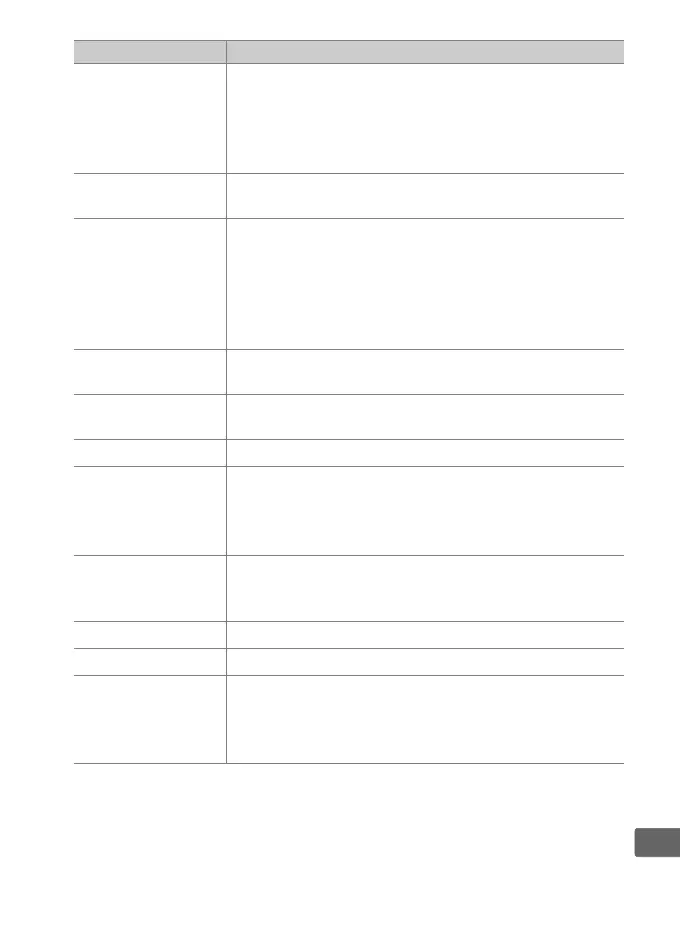
Option Description



 To Next Page