10
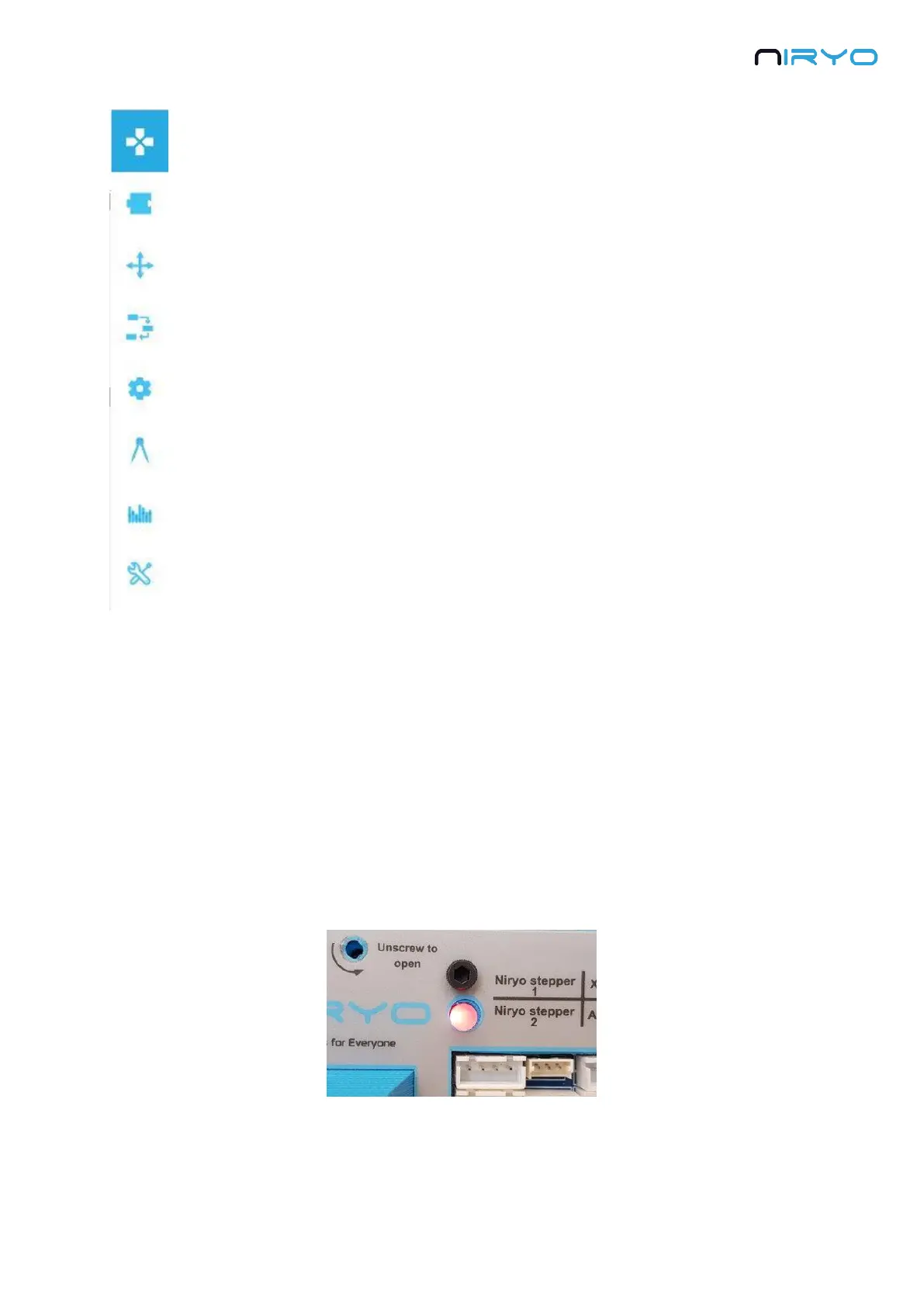
The left menu allows you to switch between all the different panels. From top
to bottom:
Robot command (arm, tool, digital I/Os)
Niryo blocks
Saved positions
Saved sequences (+ sequence autorun)
Settings (Wi-Fi, Raspberry Pi, software versions)
Calibration
Hardware status
Debug and logs
All the panels will be explained throughout this manual.
3.2 Power ON and power OFF the robot
3.2.1 Power ON the robot
⚠ Before powering on the robot, first make sure that:
The robot is on a flat and stable surface
The power switch is turned off (position 0)
The robot has enough space to move without hitting something or someone
To power on the robot, simply plug the power adapter and switch on the switch button. The
LED on the back of the robot will become red.
⚠ Do not unplug or power off the robot now, you may damage the Raspberry Pi 3B inside
the robot, or the micro SD card inside the Raspberry Pi 3B.



 To Next Page