9
3. Get started with Niryo One
3.1 Niryo One Studio
3.1.1 Overview
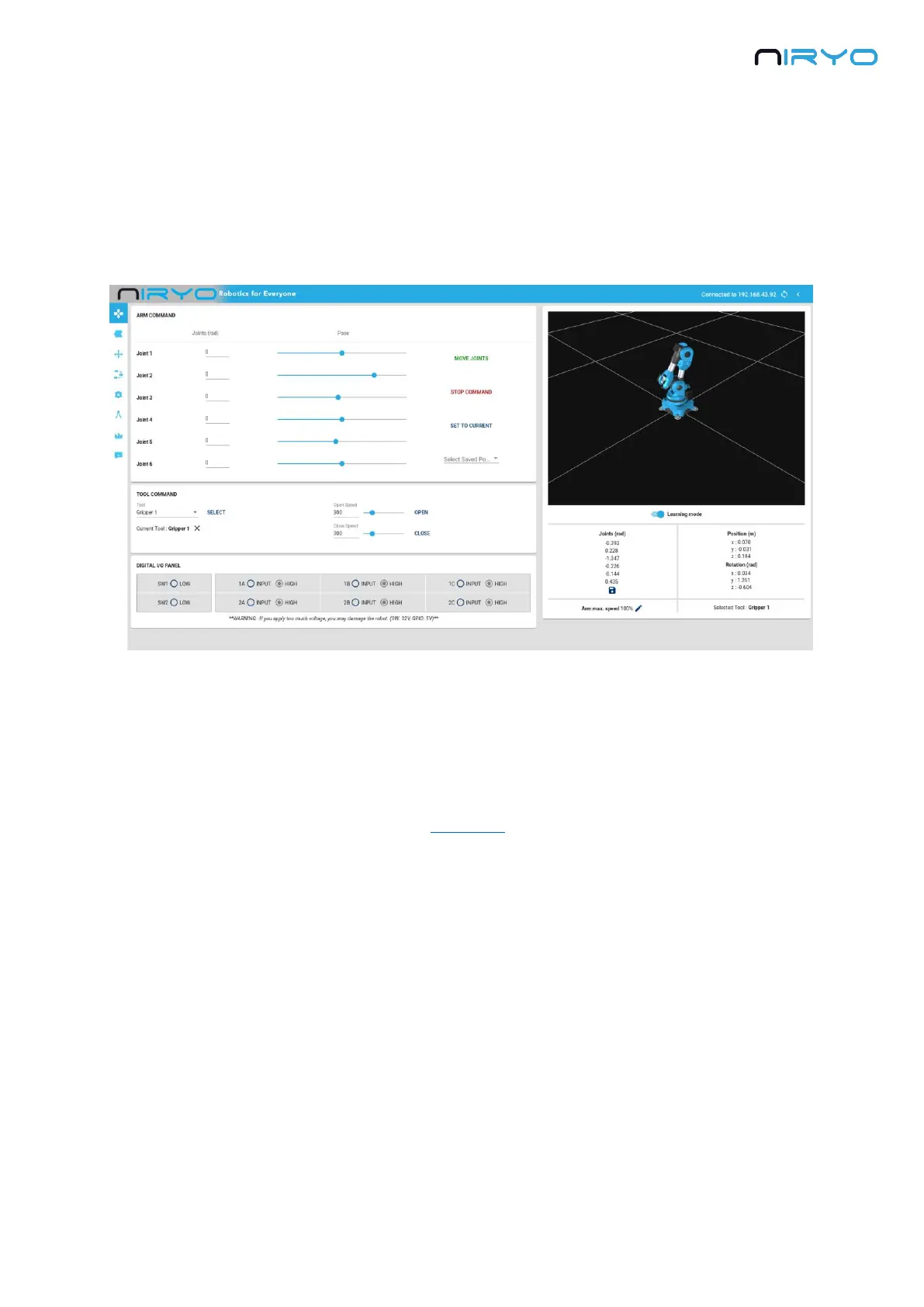
Niryo One Studio is the desktop application (Windows - MacOS - Linux) for controlling Niryo
One. You can use it to setup the robot, change some settings, move the robot, program a
sequence, etc. In this manual we’ll cover all the available functionalities.
3.1.2 How to launch Niryo One Studio?
Once you’ve downloaded the .zip file from niryo.com, you need to extract the archive. Then go
into the new created folder and search for an executable named “NiryoOneStudio”. Double
click on the executable to start the application. You don’t need to install anything on your
computer.
3.1.3 Left menu



 To Next Page