48
As there are different pieces of software and hardware to control Niryo One, each part has its
own software version:
1. Niryo One Studio: the desktop app to control Niryo One.
2. Niryo Raspberry Pi 3B image: The image that is flashed inside the Raspberry Pi 3B micro SD
card.
3. ROS: The current version of the Niryo One ROS stack running on the Niryo Raspberry Pi 3B
image.
4. Niryo Steppers: A list of the firmware versions running on each Niryo Stepper attached to
Niryo One.
⚠ All the Niryo Stepper motors must have the same version.
5. Latest available versions (directly updated from our website).
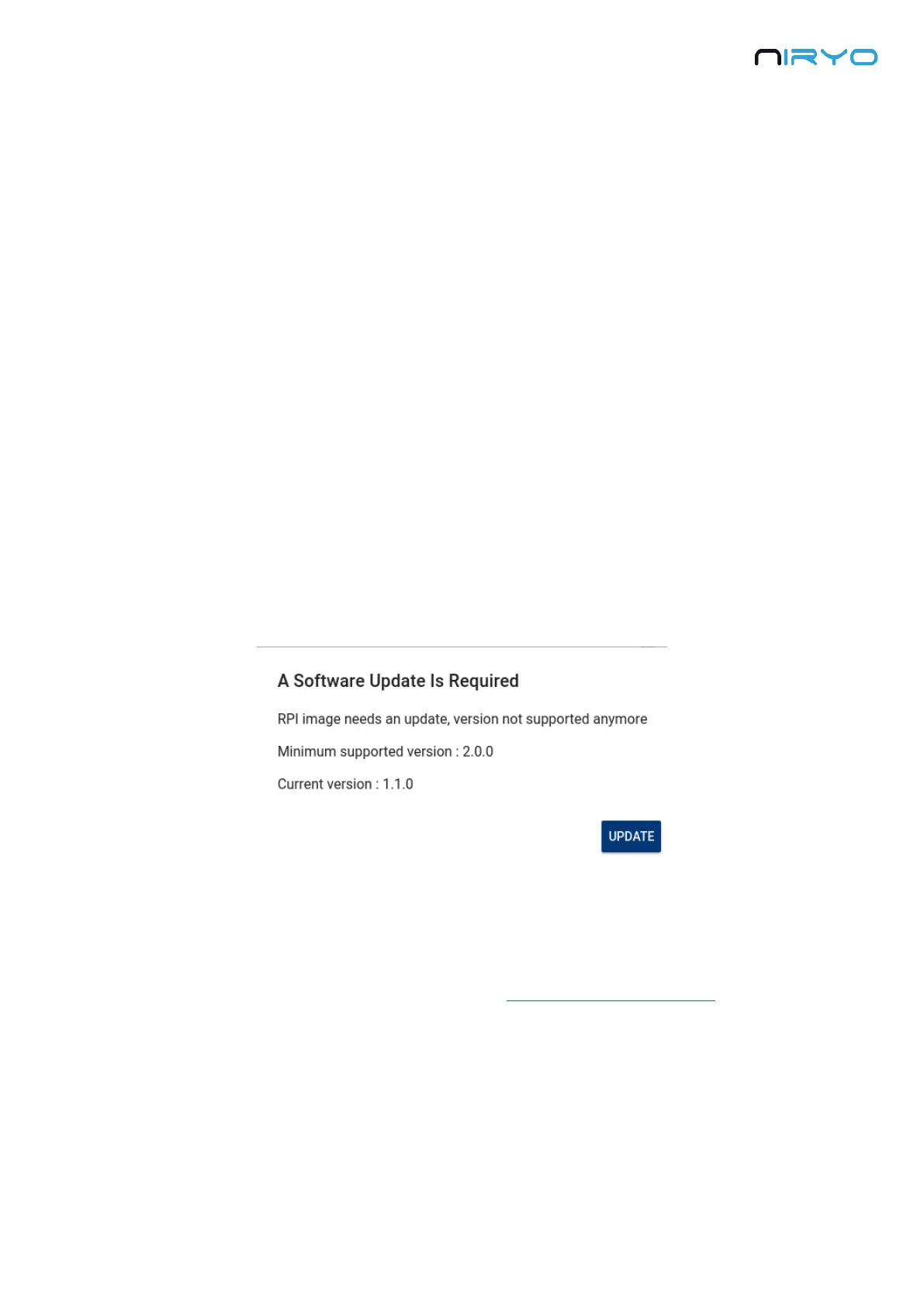
If an incompatible software version is detected, or if the version you have is not supported
anymore, you’ll get a popup notification when you connect to the robot. Please follow the
displayed instructions.
Niryo One Studio will be unable to get the latest versions if your computer is not
connected to the Internet when you launch the app. In this case you might miss the popup
warning you about a wrong software version.
At any time, and when you see a warning, you can update Niryo One software to the latest
version.
5.3 Hardware Status
5.3.1 Overview



 To Next Page