34
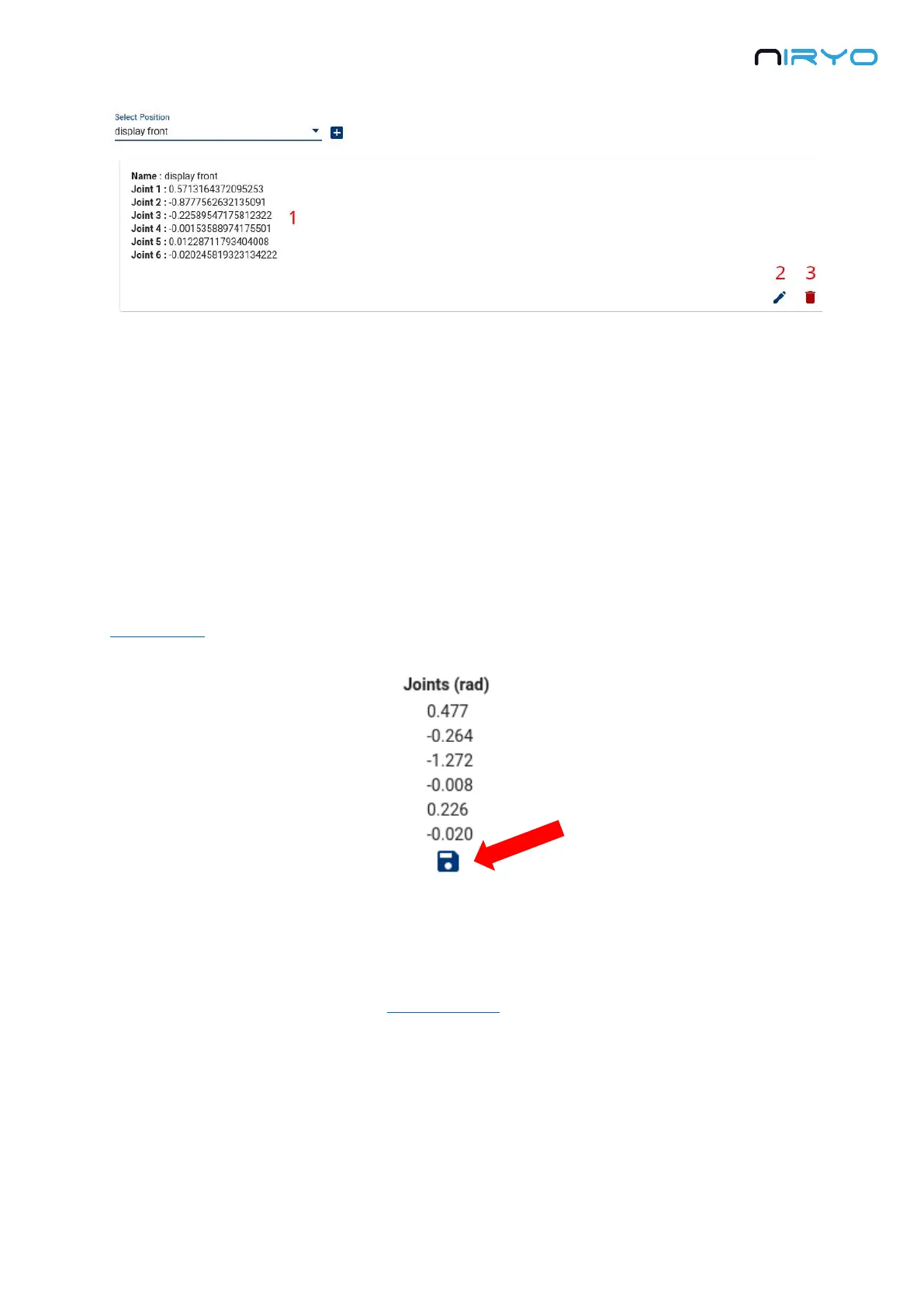
When you select a position, you can see its properties.
1. Basically a saved position has a name and a list of joints in radian. The position and
orientation of the TCP (Tool Center Point) are also saved but not displayed.
2. Edit the position
3. Delete the position
4.5.2 Save a position
To create a new position from the current robot state, click on the “saved” icon button on the
state section.
You then need to give a name to the position and save it.
4.5.3 How to use a saved position?
On the “Robot command” panel → “Arm command” section, you can reuse any position that
you previously saved, either in the “joints” tab or in the “pose” tab.



 To Next Page