30
4.3.3 Select a tool
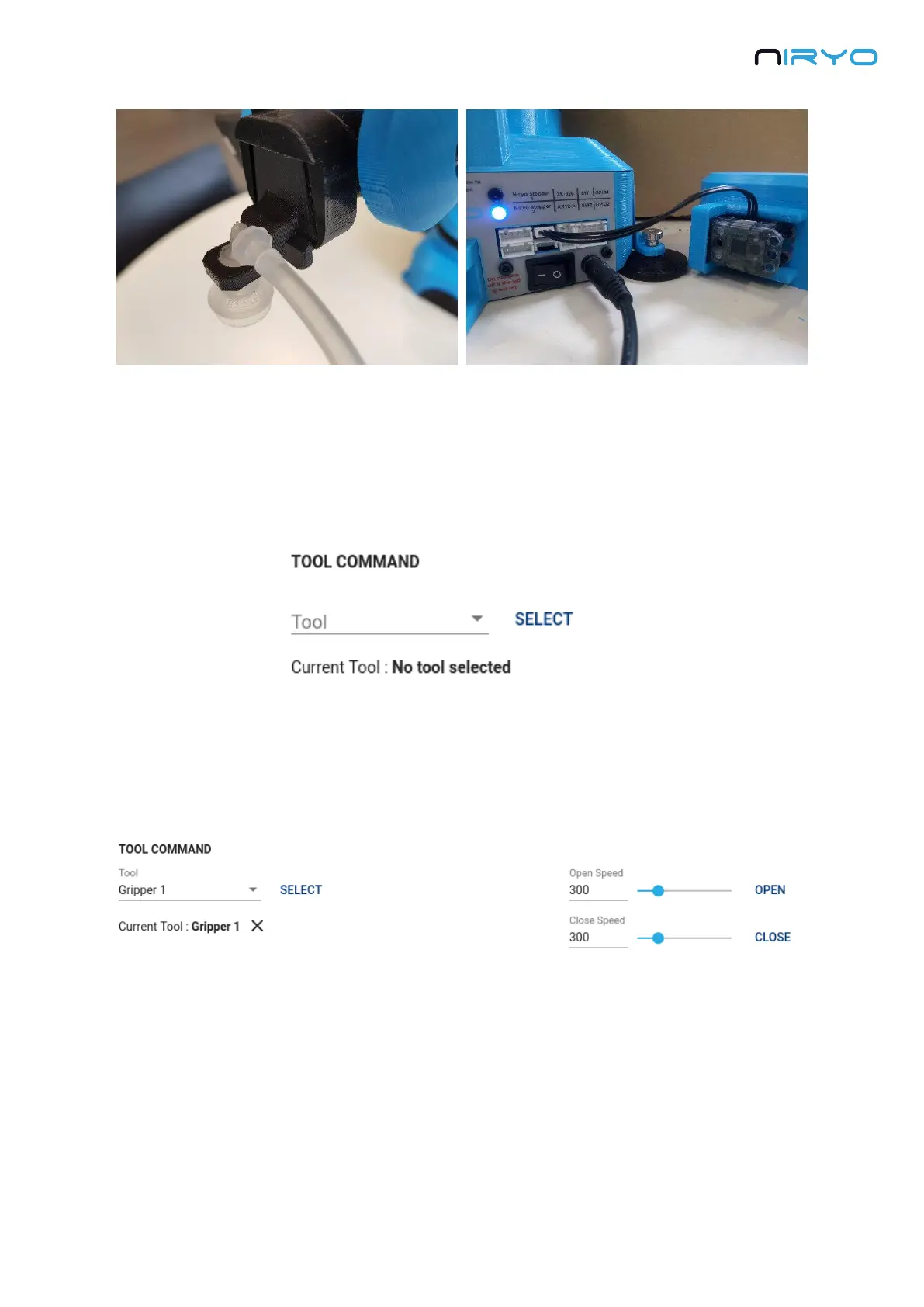
Before you can give a command to a tool, you will have to select it from the interface.
Go on the “Tool command” section of the “Robot command” panel.
At first you can see that no tool is selected. Expand the tool select box and select the currently
attached tool by clicking on the “Select” button. The current tool field will be updated and the
tool command options will be displayed on the right of the section.
For all the tools that are using a Dynamixel motor: if you try to select the tool but it is not
attached, you’ll get an error message and the tool won’t be selected.
You can only have one tool selected at the same time.
At any time, you can unselect the current selected tool by clicking on the “X” icon near the
current tool field.



 To Next Page