11
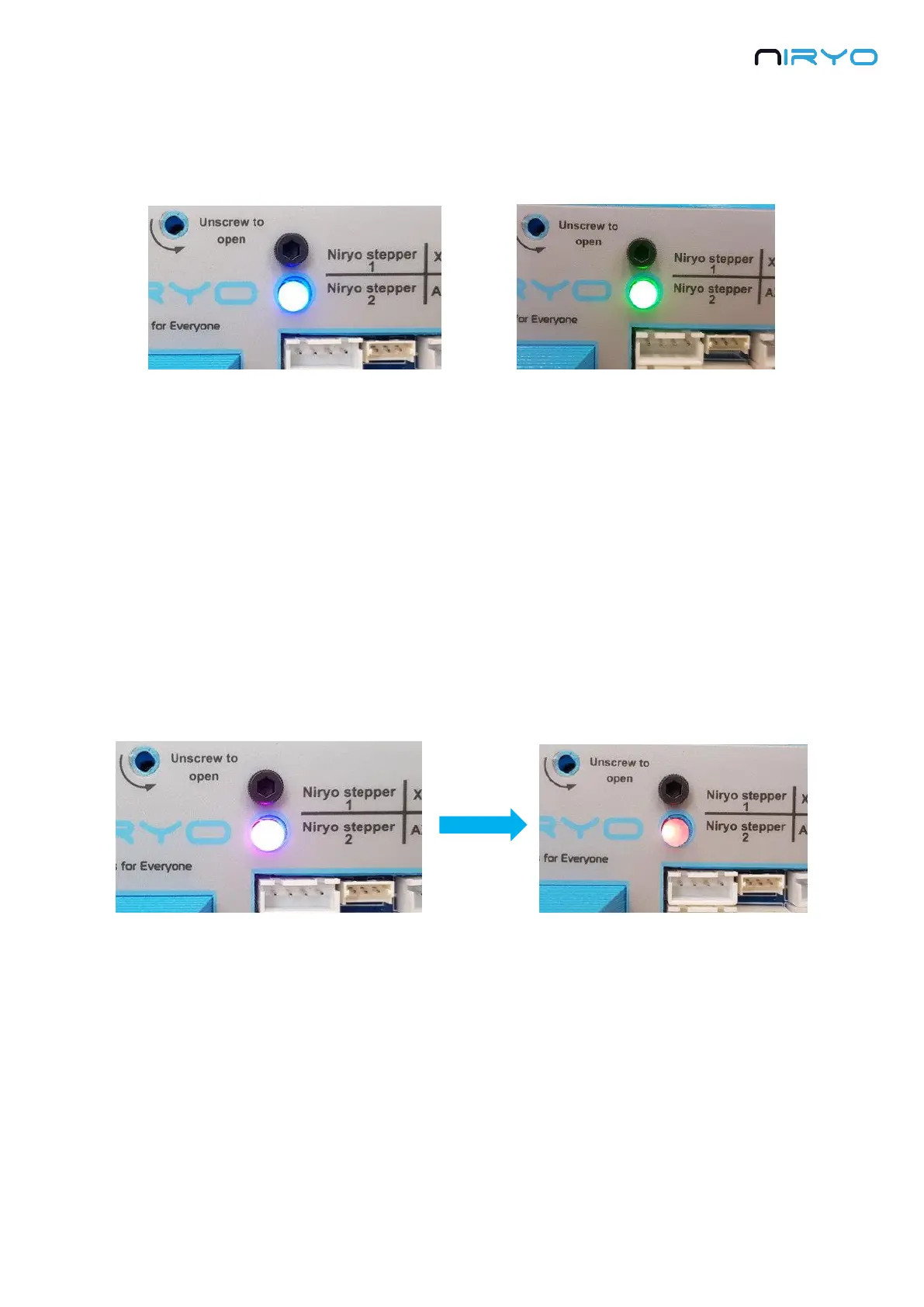
Wait until the LED turns blue or green. This should take about 2 minutes maximum (maybe
longer for the very first boot). If this is the first time you use the robot, the led will be blue.
Once the LED is blue or green, it means that the robot is fully started and you can start
using it.
3.2.2 Power OFF the robot
⚠ Do not power off the robot directly with the power switch or by removing the power
adapter. This is the same as if you directly unplug your own computer without shutting it down
before.
There are 2 possibilities to power off the robot:
1. Press the top button and wait that the LED turns purple (after about 3 seconds). Once the
LED is purple, you can release the button. Now, wait until the LED becomes red. Once the LED
turns red, it means that you can safely switch off the robot and unplug the power adapter.
2. On Niryo One Studio -> “settings” panel, “Raspberry Pi settings” section: Click on the
“Shutdown Niryo One” button and confirm.



 To Next Page