47
and stored, unless you are developing or debugging a specific point (in this case you might
want to switch the option to “NO” and then turn it back to “YES” when you’re done)
⚠ If you never purge ROS logs (on boot or manually), the micro SD card will eventually
become full and might not work as expected. So only change the option to “NO” if you know
what you are doing. In any case, if you don’t really understand this functionality, always leave
the option to “YES”.
4. You can also remove all ROS logs immediately by clicking on the “Purge ROS logs” button.
5.1.2 Shutdown the robot
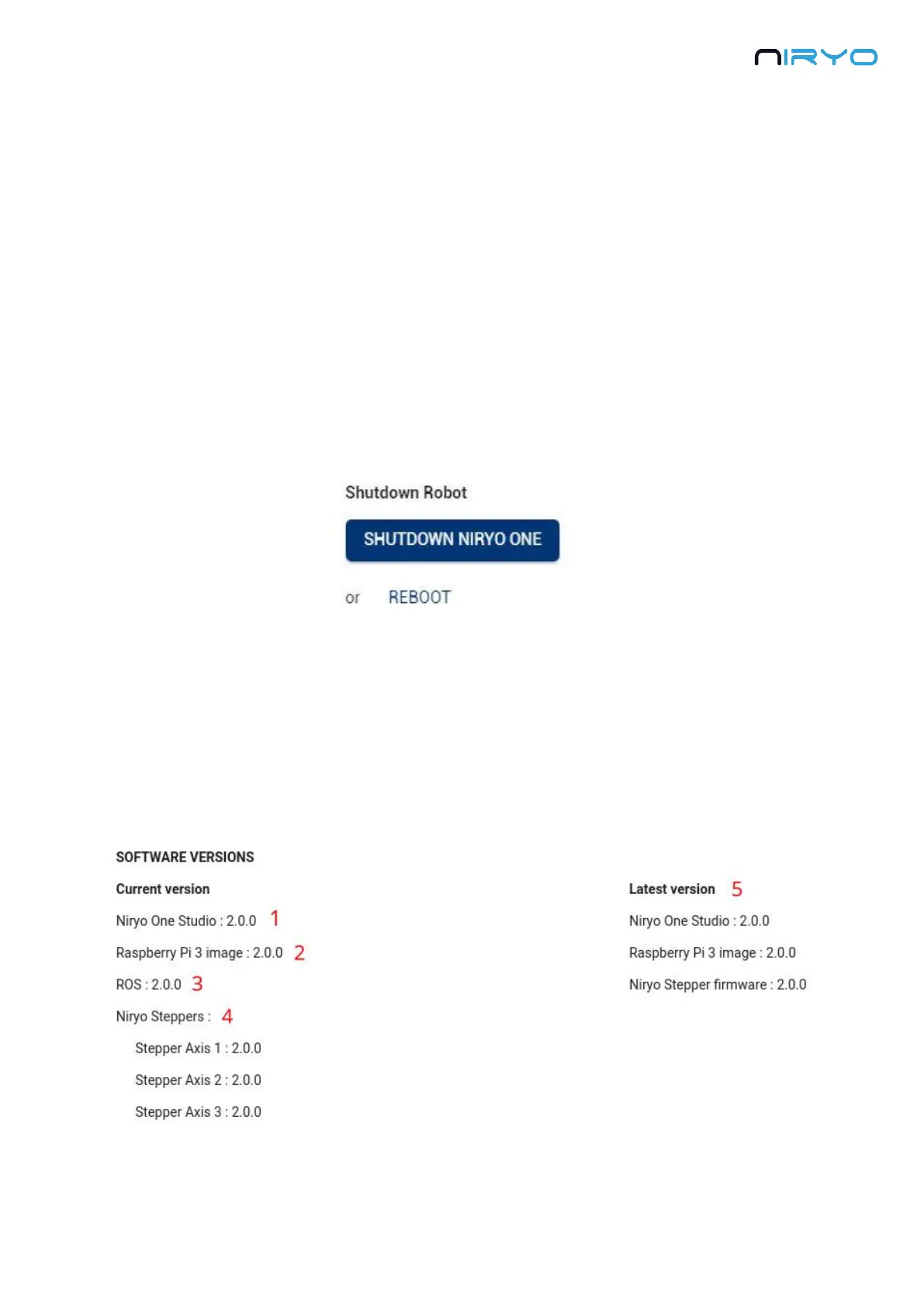
On the “Raspberry Pi settings” you can also find a button to shut down the Raspberry Pi 3B
(same behavior as if you press the physical top button for 3 seconds). Be sure to wait for the
LED to turn red before completely powering off the robot.
You can also decide to reboot the robot by clicking on “Reboot”.
⚠ If you reboot the robot, don’t power it off. The LED will turn to purple, then red, then will
become blue or green again.
5.2 Software versions
Go on “Settings” panel -> “Software version” section.



 To Next Page