31
4.3.4 Control a tool
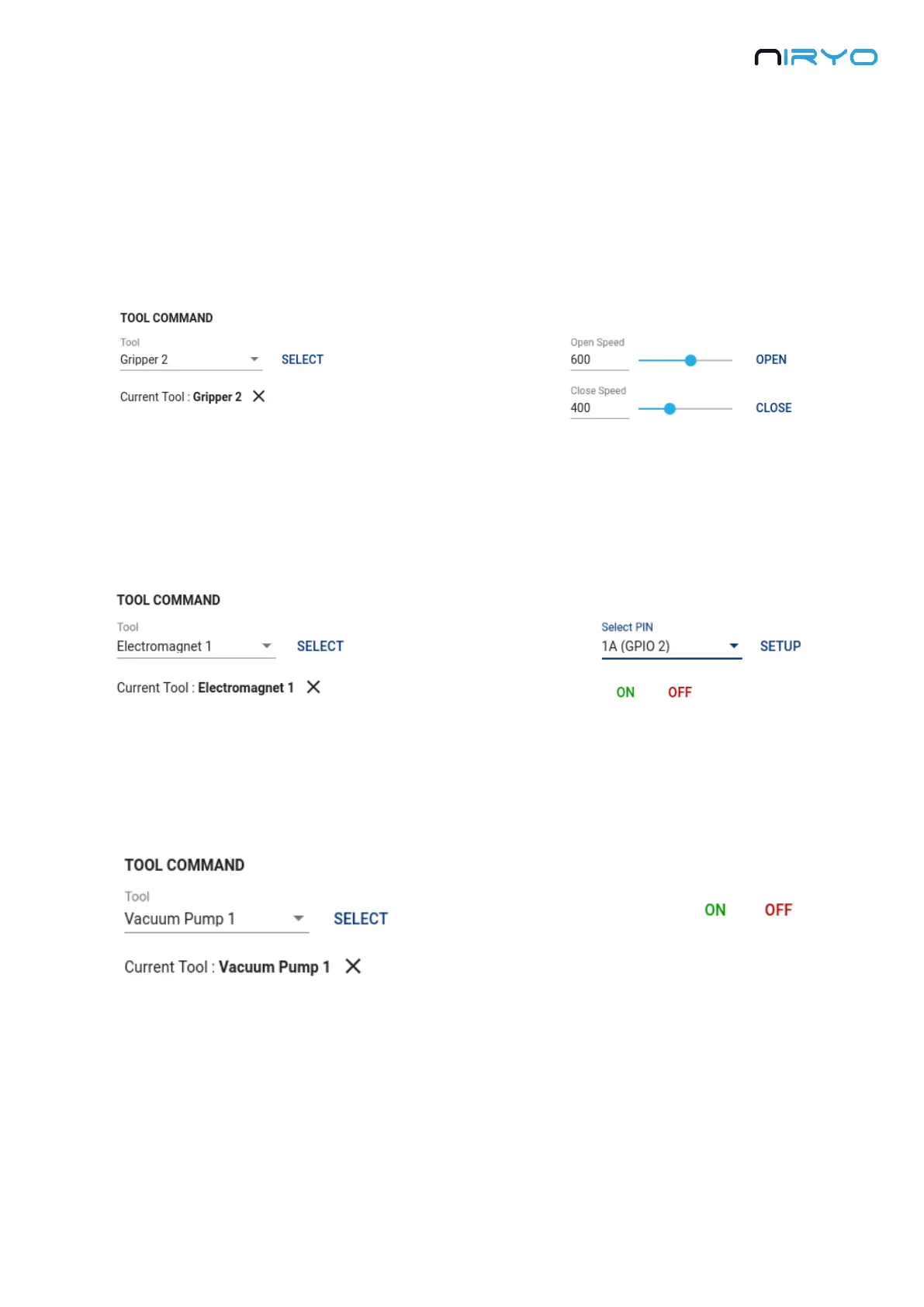
Once the tool is successfully selected, you can send a command.
Grippers
The commands will be “open” and “close”. You can set a speed parameter.
Electromagnet
You first need to setup a digital I/O pin. If you are using the electromagnet cable provided with
your tool (and connected on the “GPIO1” connector), just pick the pin named 1_A and click on
the “Setup” button. You can now use the commands “on” and “off”.
Vacuum pump
The commands will simply be “on” and “off”.
4.4 Digital I/O panel
The digital I/O panel corresponds to the “SW1”, “SW2”, “GPIO1”, and “GPIO2” connectors on
the back of the robot.



 To Next Page