24
4. Command the robot
For all the following parts of this manual, we’ll assume that:
The robot has been successfully started (LED green or blue)
You are connected to the robot (in any mode you want)
You have done the calibration.
4.1 State section and learning mode
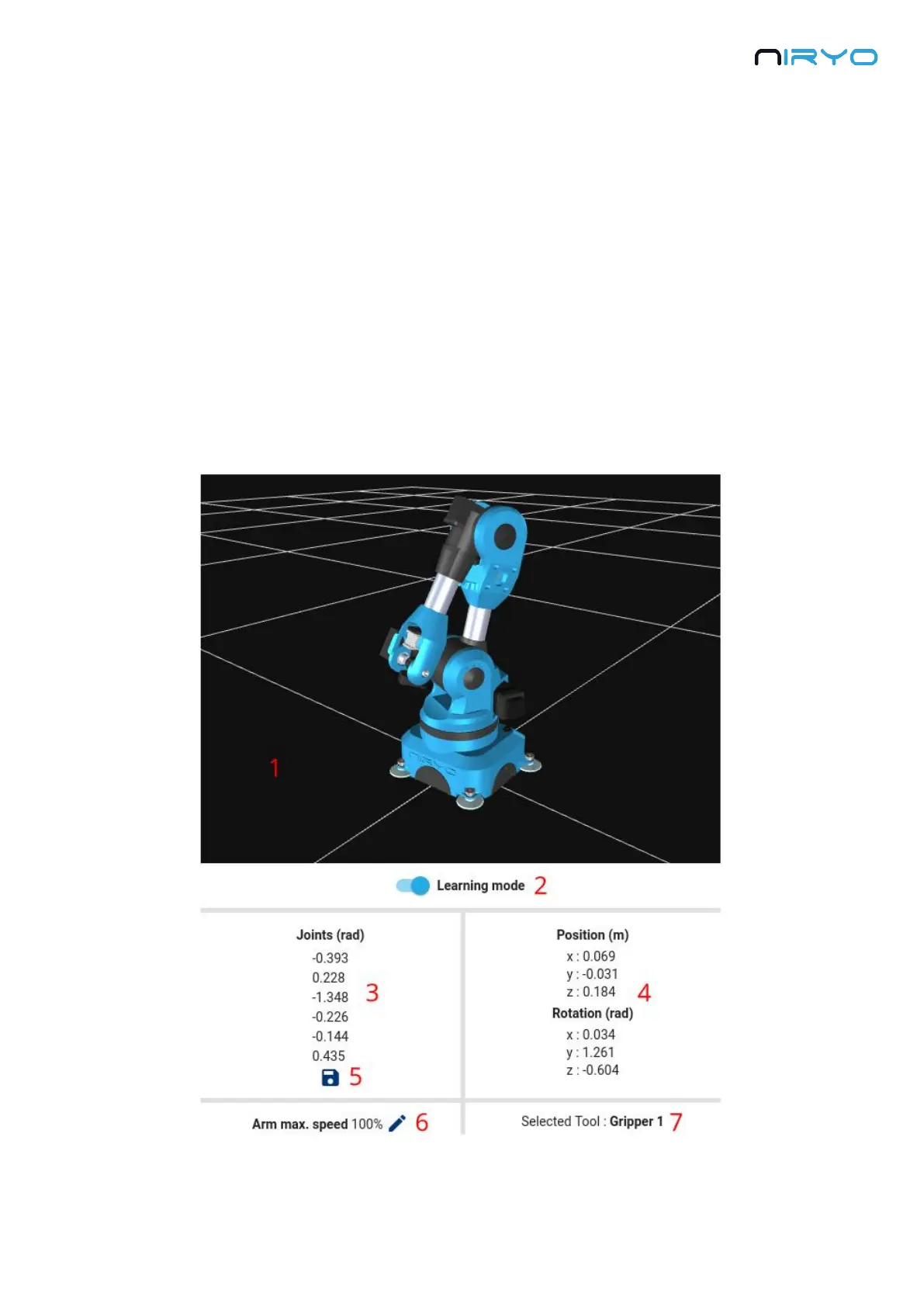
For every panel you open in Niryo One Studio, you’ll always have the same right section. This
section will give you some info about the robot and also contains the “learning mode”
functionality that you’ll use quite often.
1. 3D view of the robot.



 To Next Page