42
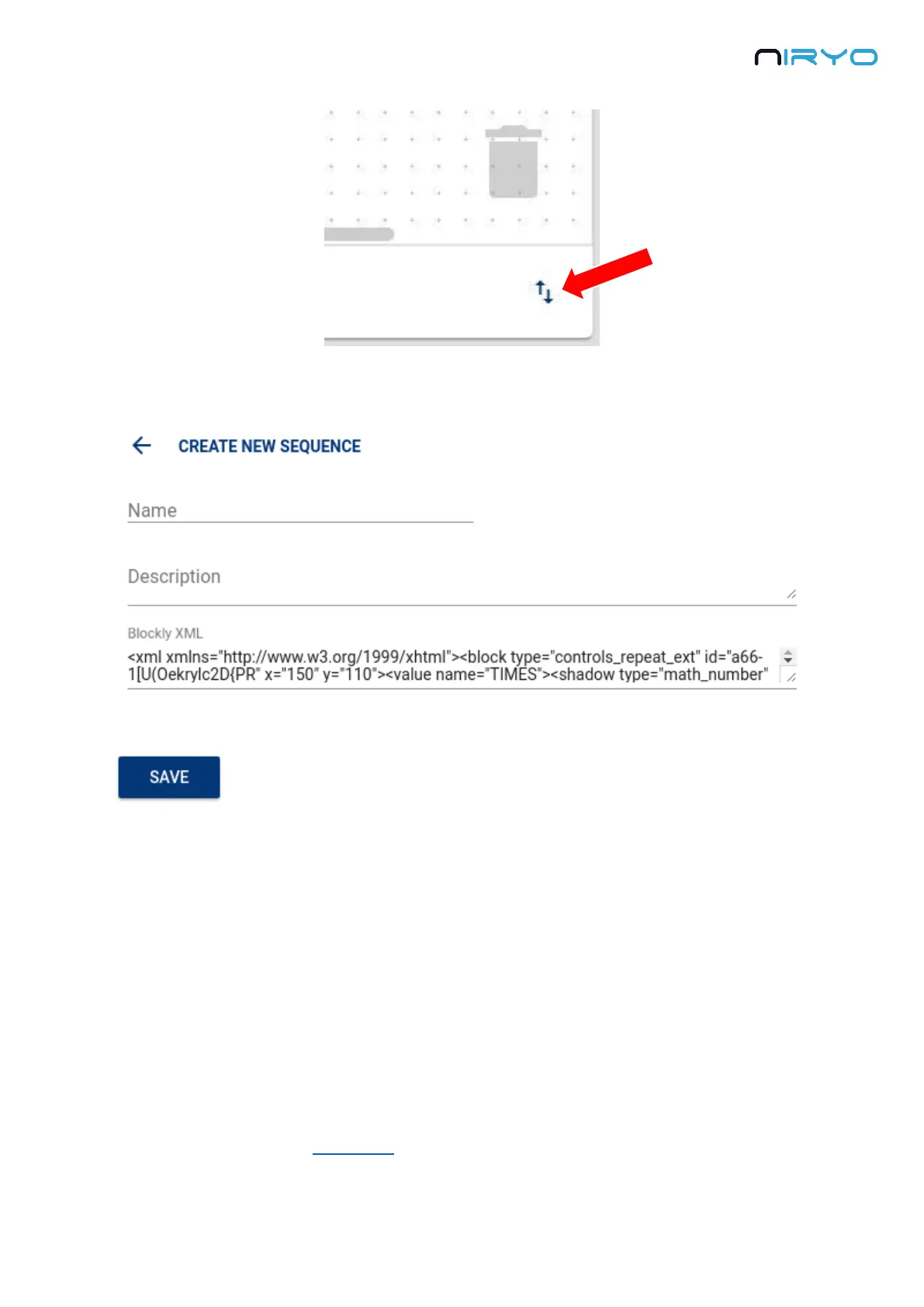
The Blockly XML field will be already filled with the current sequence you had on the Niryo
Blocks workspace.
You need to give a name and (optional) a description, and then click on the “Save” button to
save the sequence on the robot. Note that if you don’t give a name, a default name will be
given (“sequence_” + sequence ID).
You can then find the newly created sequence on the select box.
This feature is very useful to save your work on the robot and create subsequences to
reuse later.
4.8 Use the top button to trigger a (set of) sequences
The sequence autorun functionality will allow you to execute a set of sequences, directly by
pressing and releasing the top button.



 To Next Page