18
If the robot is successfully connected to the Wi-Fi network, the LED will turn green (connected
mode).
If the LED stays blue after 30 seconds, it means that the robot failed to connect to the Wi-Fi
network (for example: bad ssid/password). The robot is still in “hotspot mode” and you can
connect to it again by connecting your computer to the Wi-Fi network created by the robot.
3.5.4 Connect to the robot in “connected mode” (green LED)
The “connected mode” means that the robot is connected to a Wi-Fi network. In this case, you
don’t know what the IP address of the robot inside the network is.
First, connect your computer to the same Wi-Fi network as the robot.
⚠ If your computer and your robot are not connected to the same Wi-Fi network, you won’t
be able to connect your computer to the robot.
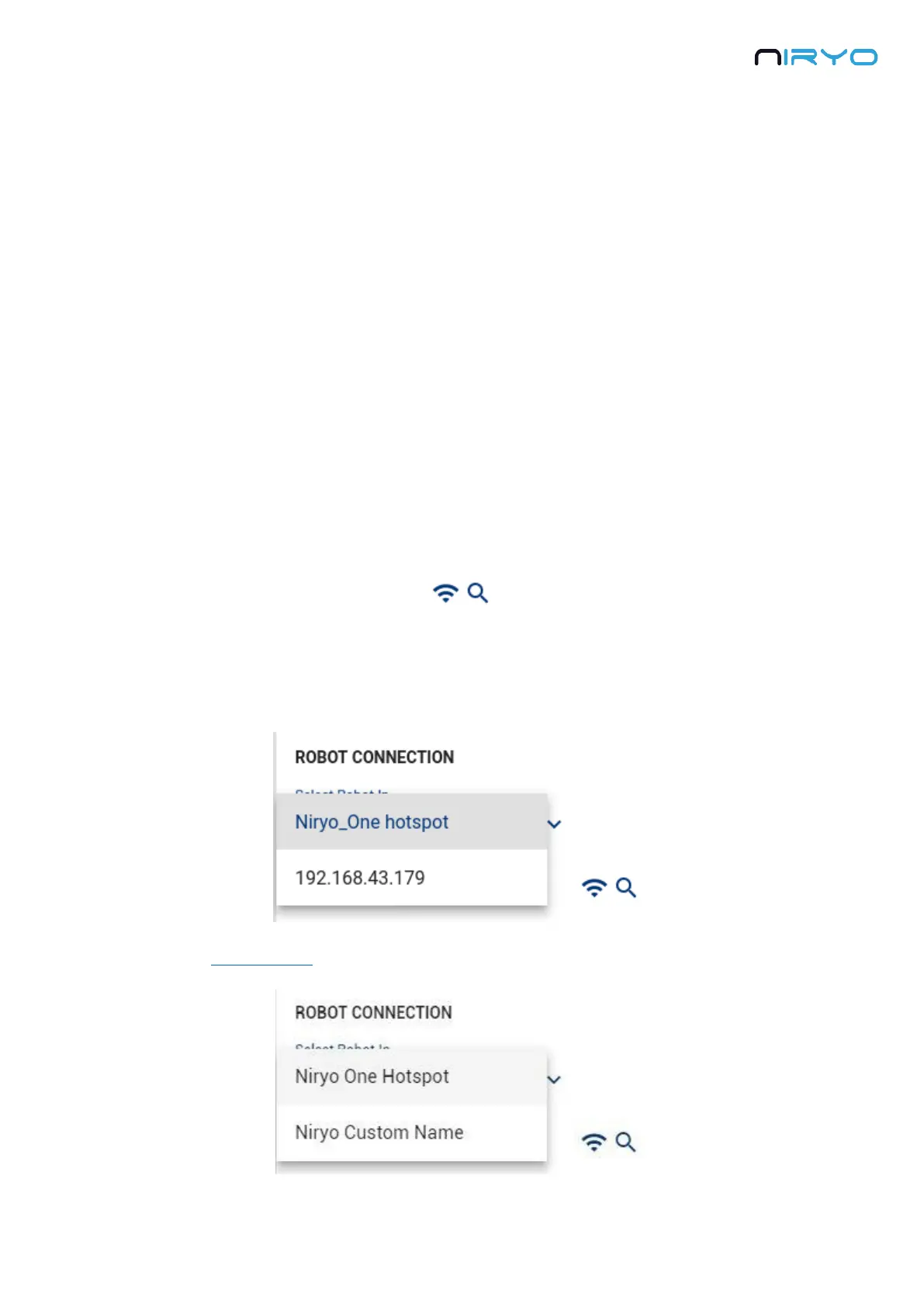
Then, open the connection panel and click on the “Wi-Fi + Search” button.
This will search for connected robots inside the current Wi-Fi network. All the IP addresses of
robots (you can have multiple robots connected to the same network) that are found will be
displayed on the IP address select box.
If you gave a custom name to the robot, you will see its name instead of the IP address.



 To Next Page