12
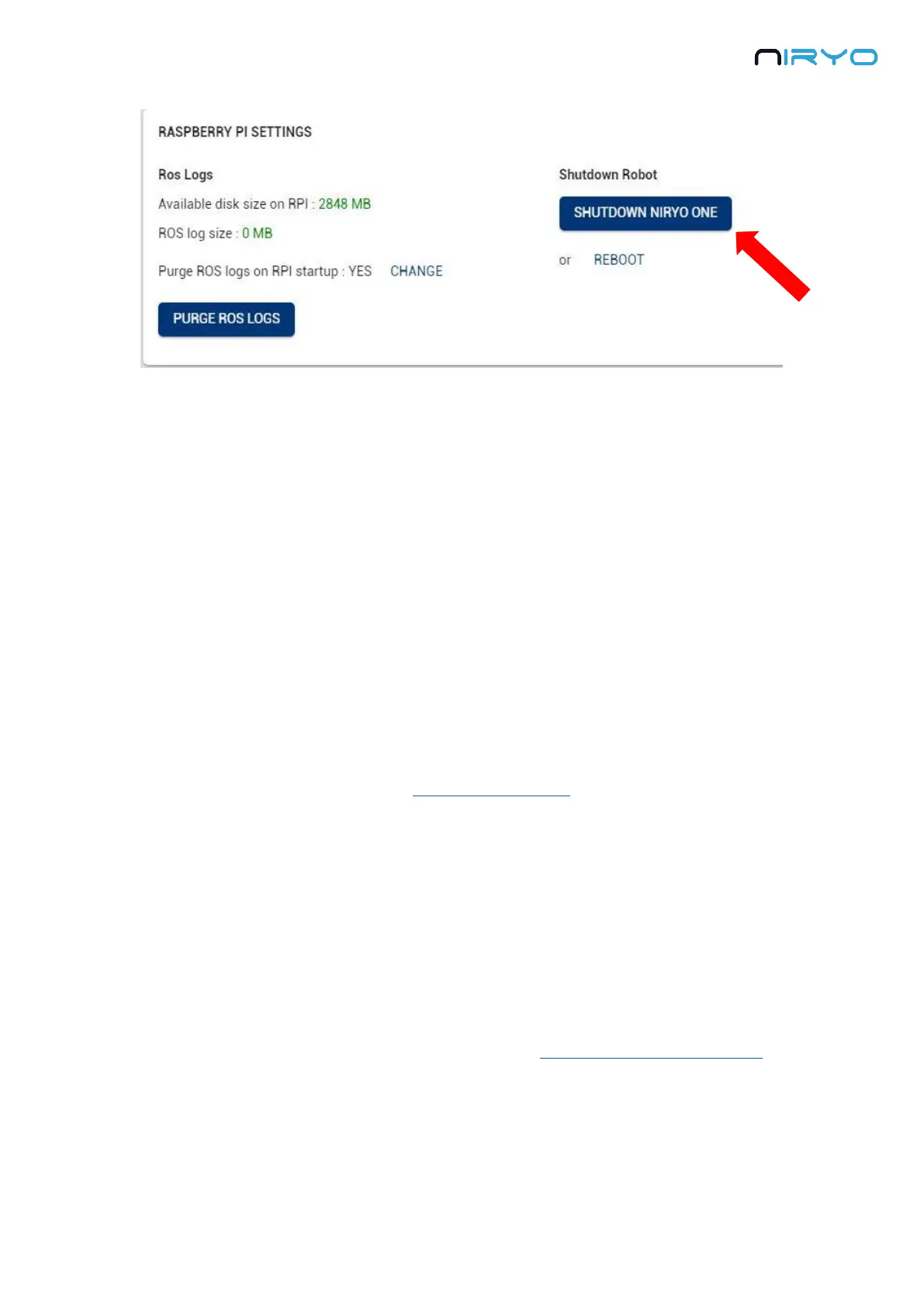
If the command is successful, the LED will turn purple. Again, wait until the LED becomes red
to switch off the robot and unplug the power adapter.
⚠ Powering off the robot before the LED turns red might damage the robot.
3.3 Meaning of the LED color
The LED on the back of the robot can switch to different colors. Here’s the meaning of all the
colors:
Red
When you power on the robot, the LED will first be red. In this situation you have to wait until
the LED changes to blue or green. Do not power off the robot now.
The LED will also become red after you shut down the robot (from top button or from Niryo
One Studio), in this case it means that you can power off the robot and pull the power adapter.
Blue
The LED will be blue when the robot is fully started and in “hotspot mode”. If the robot doesn’t
find any previously saved Wi-Fi network on boot, it will create its own Wi-Fi network, and its IP
address will be 10.10.10.10 (static IP).
Green
The LED will be green when the robot is fully started and connected to a Wi-Fi network.
Purple
The LED will be purple when you have given the robot a shutdown command. This gives you
the information that the robot has received your command (by pressing the top button or via



 To Next Page