13
Niryo One Studio), and is currently shutting down. Once the Raspberry Pi 3B is completely shut
down, the LED will turn red, meaning that you can power off the robot and unplug the power
adapter.
Blue or green + blinking red
If the LED is blue or green (meaning: robot is fully started), but blinking red every second, it
means that there is a motor connection problem. You can get more info about this motor
connection problem on Niryo One Studio.
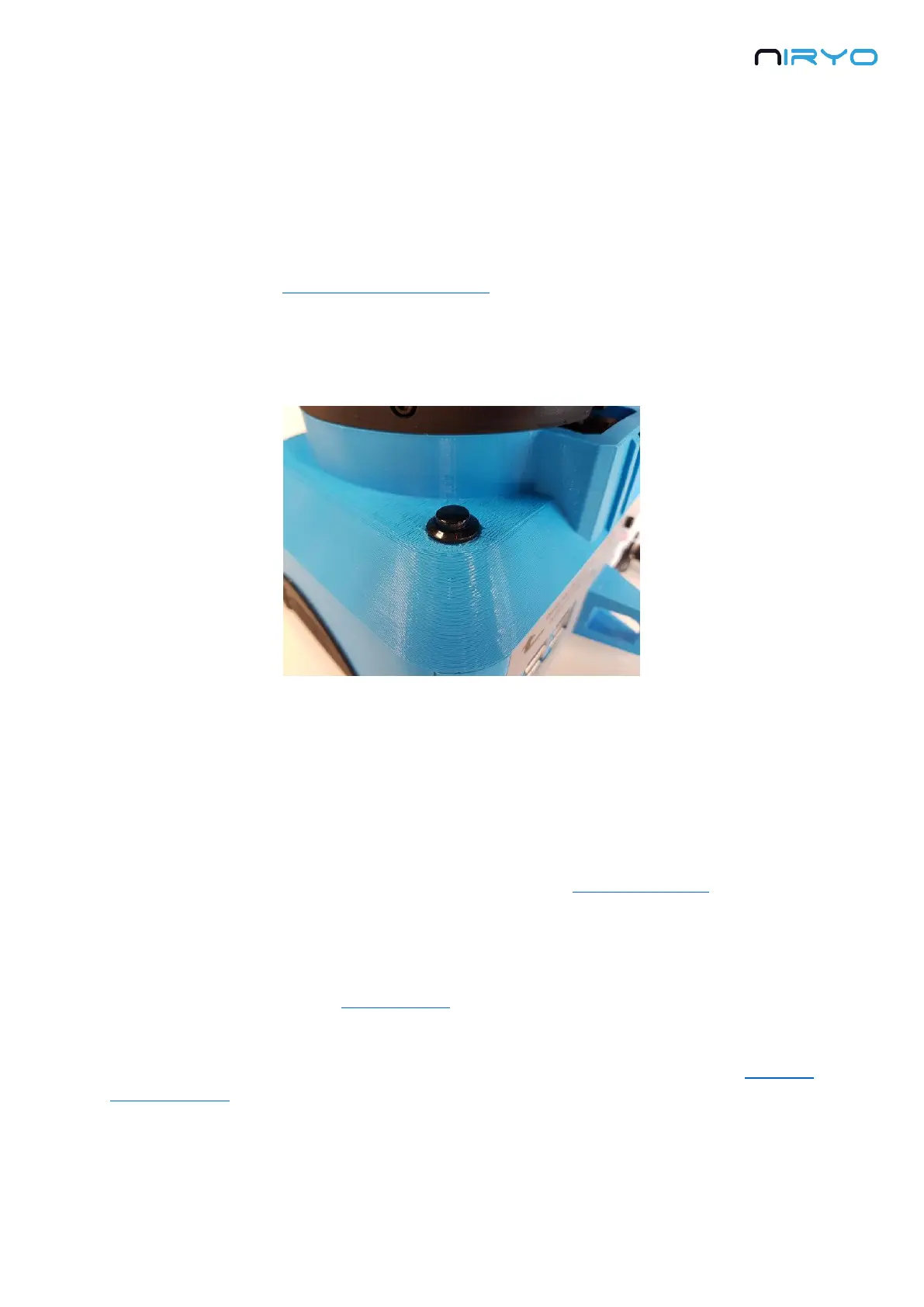
3.4 Top button
The top button has multiple functionalities.
All the functionalities will be usable only after the robot has been fully started (LED green
or blue)
The different functionalities will be triggered depending on how long you press the button.
1. If you just press and release the button immediately, the “sequence autorun” functionality
will be triggered. This will start the previously saved sequence for the button. To stop the
execution of the command, simply press and release the button again.
2. If you press the button for more than 3 seconds, the LED will switch to purple. If you release
the button, the robot will start shutting down.
3. If you keep pressing the button for more than 7 seconds, the LED will switch from purple to
blue. If you release the button after that, the robot will not shutdown, but instead switch to
“hotspot mode”. This can be useful when you don’t know on which Wi-Fi network the robot is
connected to (green LED).



 To Next Page