33
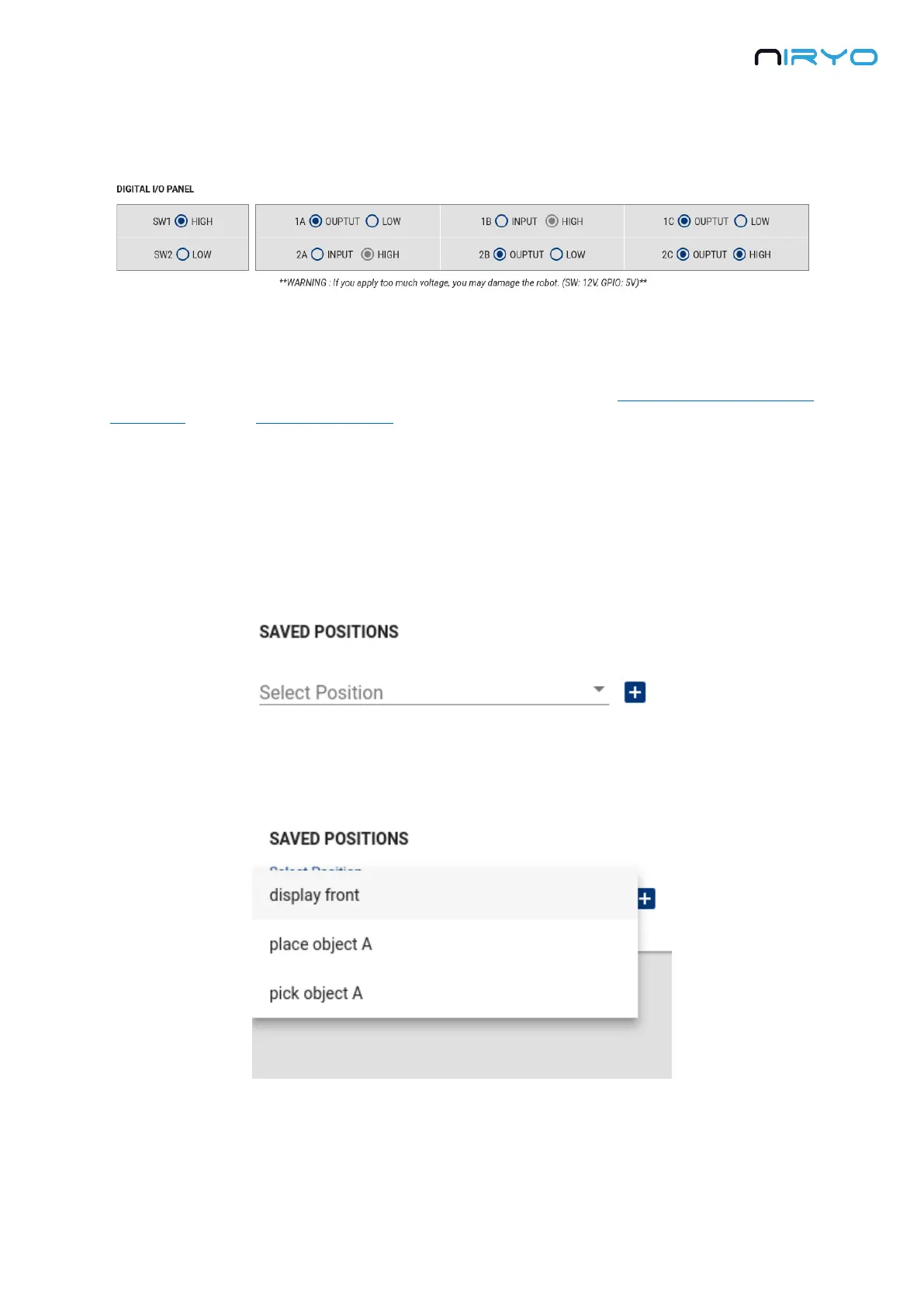
You can change the mode (INPUT or OUTPUT) and the state (LOW or HIGH) for each pin, by
clicking on the corresponding mode and state on the digital I/O panel.
⚠ Pay attention to what you connect to the back of the robot. With a wrong electrical setup
you may damage the Raspberry Pi 3B inside the robot, and possibly other components. We’ve
added some electrical protections, but it doesn’t mean that you can do anything you want
without any risk for the robot. Make sure that you have read the warnings about the panel
connector, and the safety precautions.
4.5 Saved positions
4.5.1 Overview
Go to the “Saved positions” panel.
You can see all the saved positions on the robot inside the select box.
Now select one saved position.



 To Next Page