15
3.5.1 Connect to the robot in “hotspot mode” (LED is blue)
In “hotspot mode”, the robot will create its own Wi-Fi network. You can find it on your computer
Wi-Fi manager. The name of the Wi-Fi network starts with “Niryo_One” followed by a series of
numbers and letters, which makes a unique identifier linked to the Raspberry Pi 3B serial
number.
If you gave a custom name to the robot, the name of the Wi-Fi network will be this custom
name, and not the default “Niryo_One + numbers”. This can help you manage multiple robots
more easily.
First, connect your computer to this Wi-Fi network (password: “niryoone”). Note that this
network doesn’t provide an Internet access.
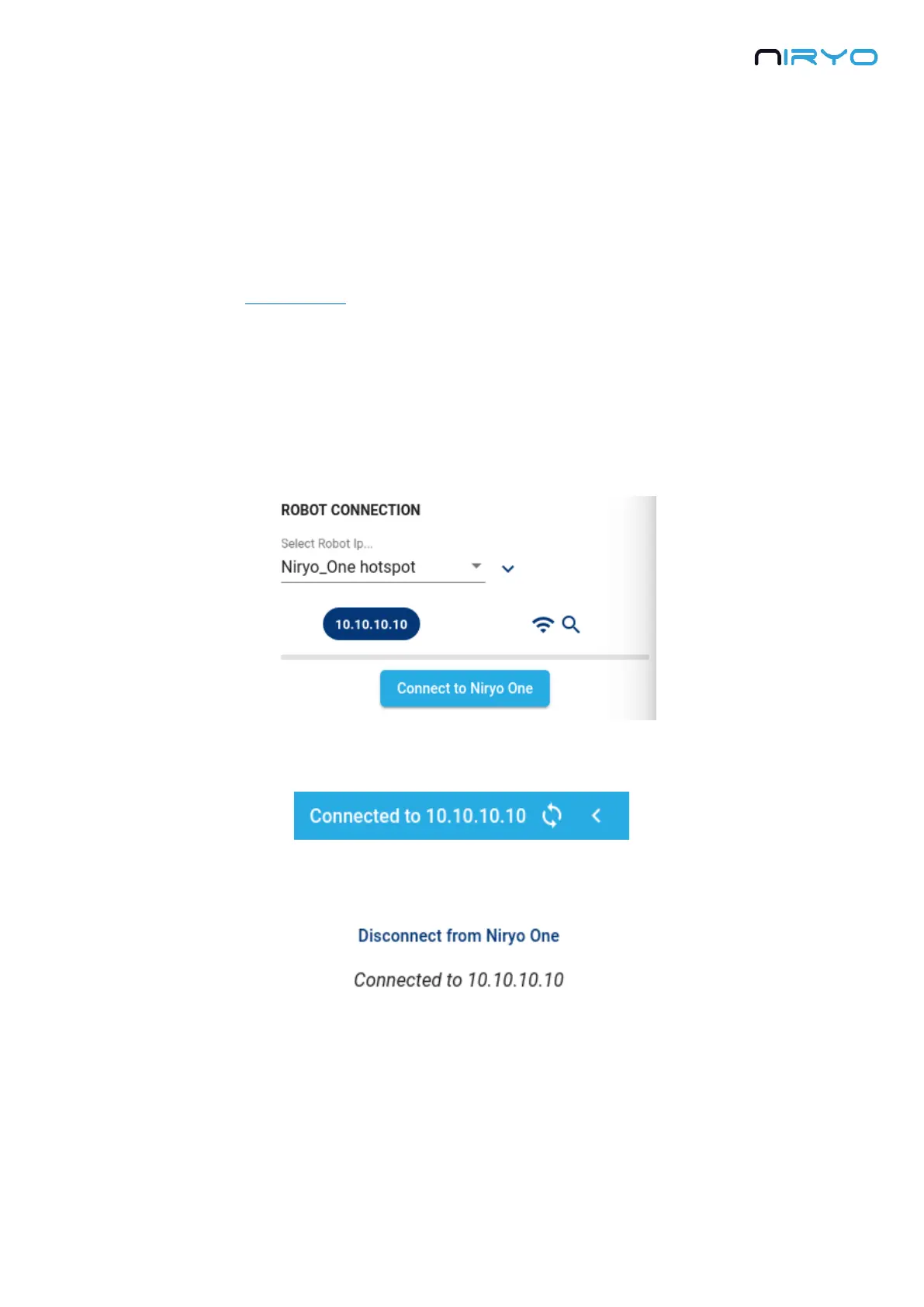
Once connected, you can press the “Connect to Niryo One” button.
You should see a success message on the screen, and the toolbar should look like this:
To disconnect from the robot, open the connection panel again and click on “disconnect”.
3.5.2 Connect to the robot using an Ethernet cable



 To Next Page