16
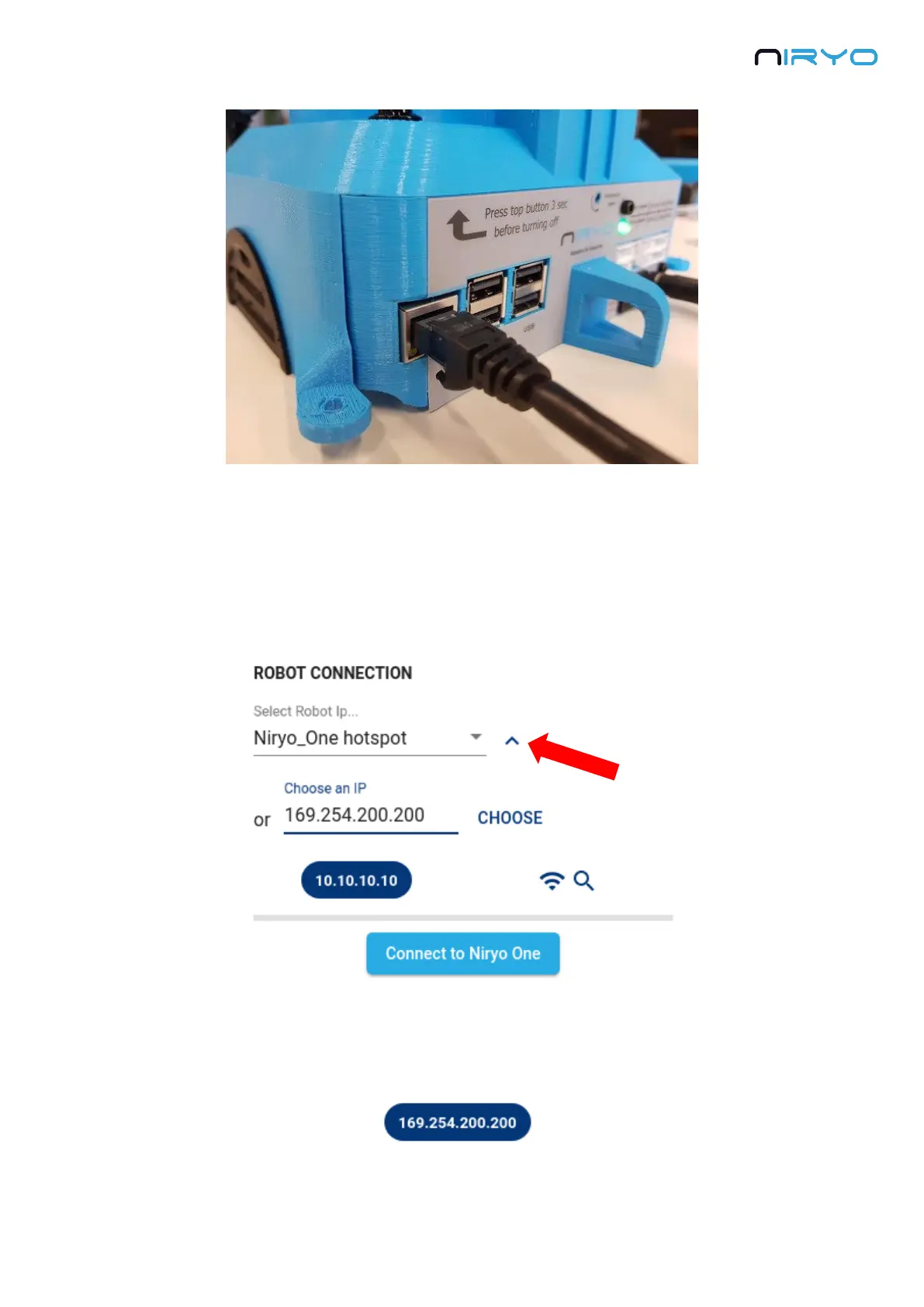
You can also use an Ethernet cable to physically connect your robot with your computer. This
can be useful for example when you are in a Wi-Fi saturated location (exhibition, event, etc.).
To be able to connect to the robot, you’ll need to modify the selected IP address on the
connection panel. Open the connection panel and click on the arrow near the select box to
expand.
Write “169.254.200.200” (static IP) and click on “Choose” to select the IP address. Note that
selecting the IP address just means that this IP will be used by Niryo One Studio, it does not
mean that you are connected to the robot.
Once the IP address on the blue chip is correct, you can connect to the robot.



 To Next Page