NSW-5
Service Software Instructions
PAMS Technical Documentation
Page 35
Issue 1 10/00
Nokia Mobile Phones Ltd.
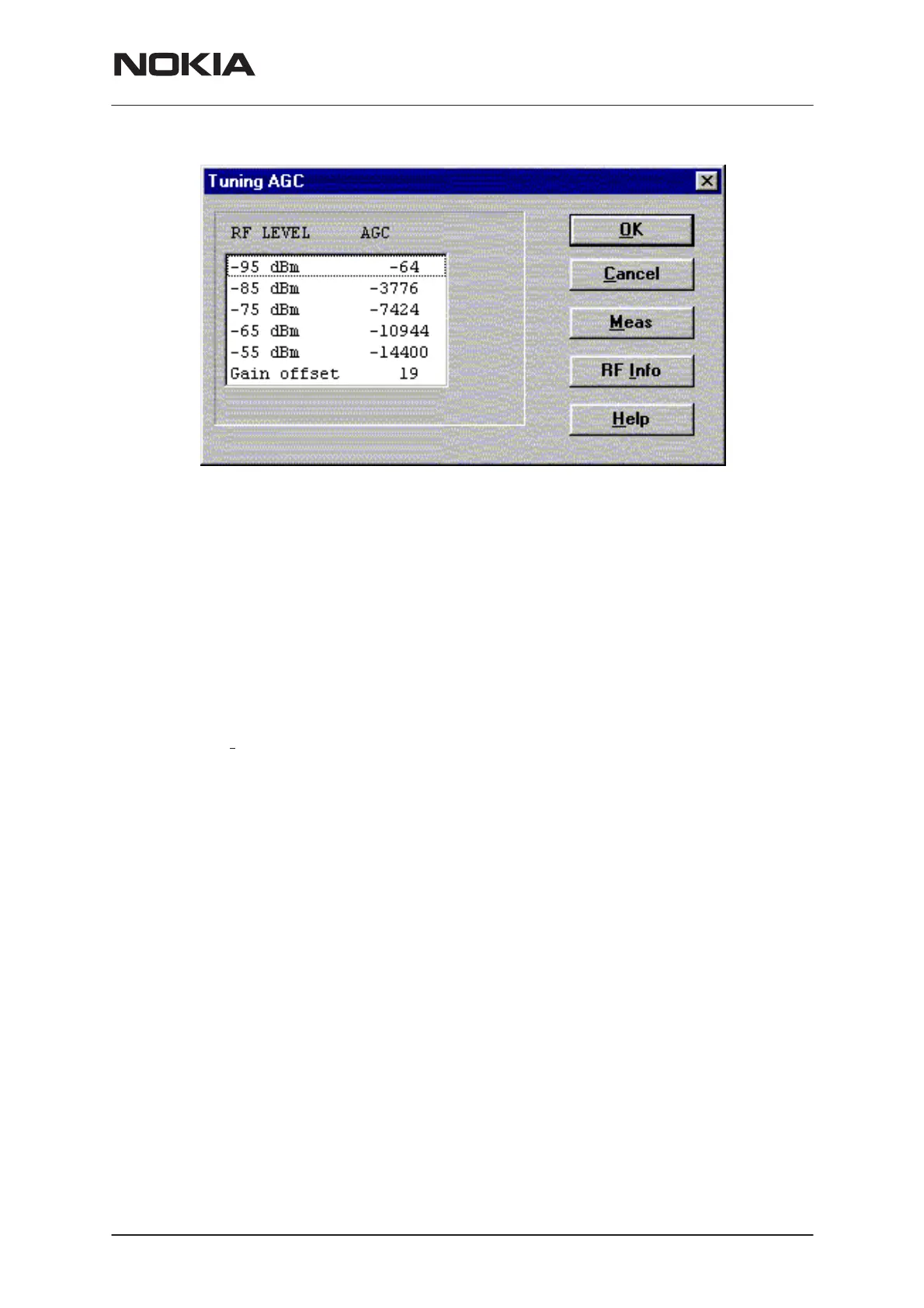
AGC tuning dialog includes the following items:
RF level AGC List box (ALT+R):
DAC values is shown
Meas button (ALT+M):
The measurement can be started by pressing this button.
OK button (ALT+O):
Dialog is closed and tuning
is saved
to phone.
Cancel button (ESC):
Dialog is closed and tuning
is not saved
to phone.
RF Info button (ALT+I):
The current rf state is shown
Help button (Alt+H):
Opens context sensitive help.


 To Next Page
 Loading...