NSW-5
Service Software Instructions
PAMS Technical Documentation
Page 47
Issue 1 10/00
Nokia Mobile Phones Ltd.
ADC Readings... command
Activation Status Bar Text
Alt, E, A Open ADC Readings dialog box.
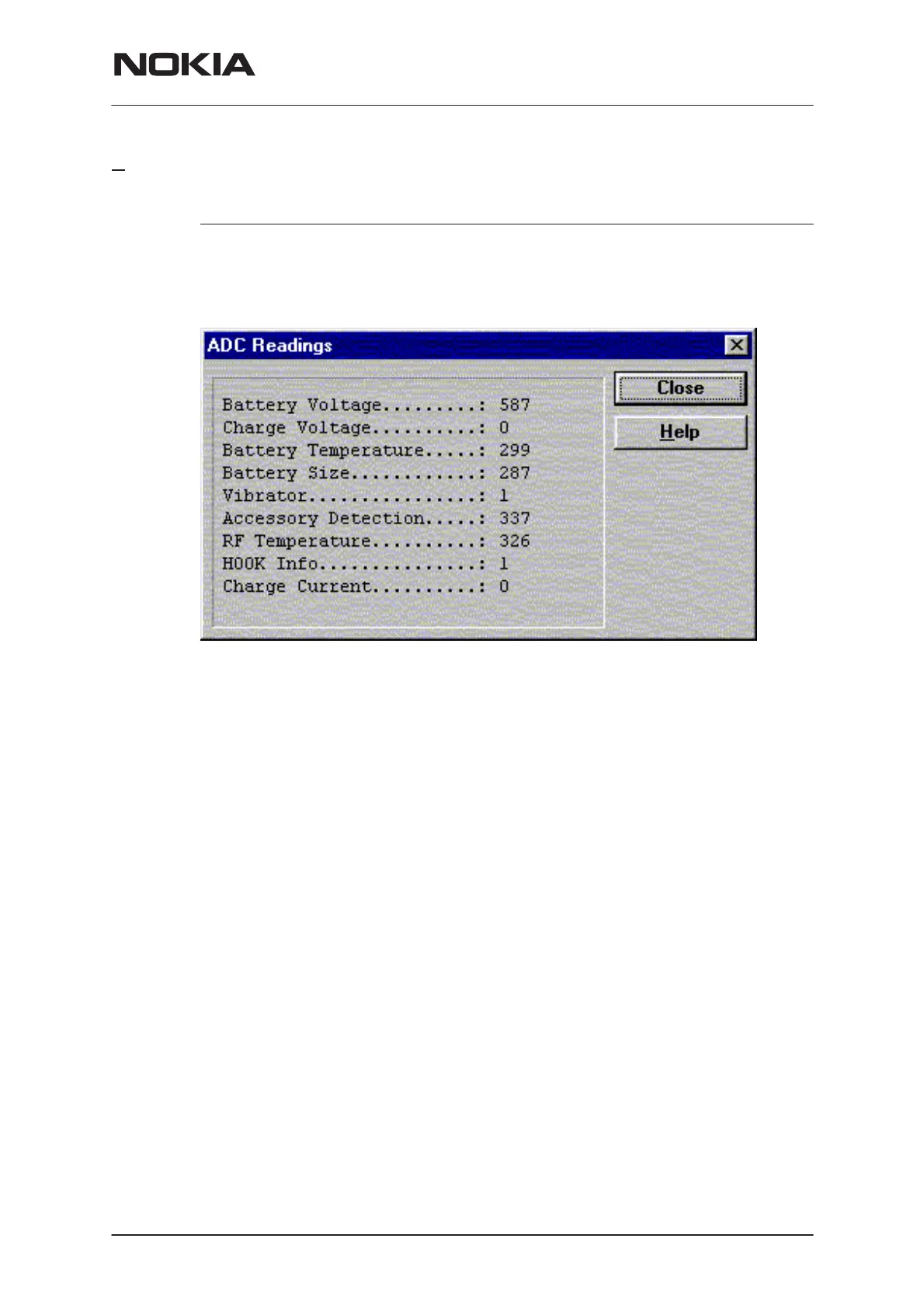
Command is used to read and show A/D values from phone.
Command opens ADC Readings dialog.
ADC Readings dialog has static text field where measurements are up-
dated to every second.
ADC Readings dialog has following items:
Close (ENTER) button:
Dialog box is closed and tuning
is not saved
to phone.
Help button ( Alt+H)
Context sensitive help
Following A/D readings are measured:
Battery Voltage.........:
Charge Voltage..........:
Battery Temperature.....:
Battery Size............:
Vibrator..................:
Acessory Detection......:
RF Temperature....................:
HOOK Info....................:
Charge Current........:


 To Next Page
 Loading...