14
4 Operation
4.1 Commissioning
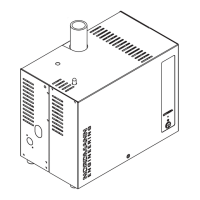
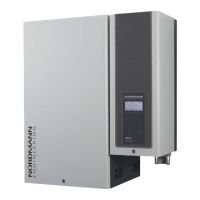
Proceed as follows when putting the steam generator into operation:
1. Examine the steam generator and installation for possible damage.
DANGER!
Damaged devices or devices with damaged installation may present
danger to human life or cause severe damage to material assets.
Damaged units and/or units with damaged or faulty installation
must not be operated.
2. Check whether the front panels are mounted and correctly xed.
3. Open the lter valve (or the shut-off valve, respectively) in the water
supply line.
4. Switch on the service switches for mains supplies (heating and control
voltage).
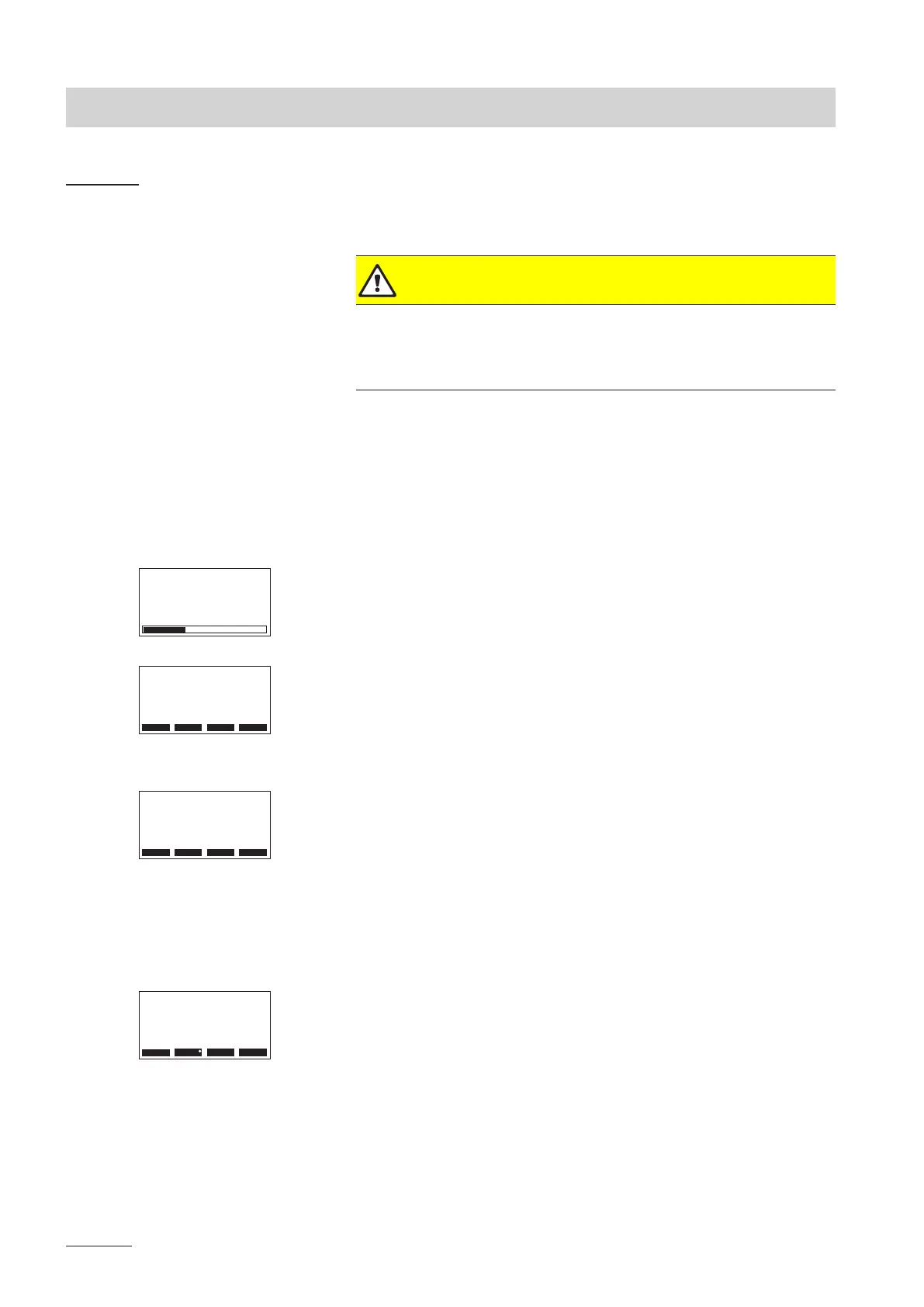
5. Actuate the unit switch of the steam generator. Switch lights up.
The steam generator carries out a system test, during which all three
LED’s light up.
If a failure occurs on the system test, a corresponding error message is
shown in the display.
After the system test the unit is in normal operation mode. The display
shows the standard operating display (rst page of the indication level).
Note: The contents of the standard operating display depends on the actual
operating status and on the conguration of the Nordmann AT4 D and can
differ from the opposite display.
Depending on the selected operating mode of the Nordmann AT4 D, the
steam generator must manually be started via the Start/Stop button of the
display and control unit or via an external Start/Stop button or the opera-
tion runs time-controlled via the day timer or the week timer. As soon as
the steam generator is started, the heating current is switched on. The inlet
valve opens (slight delay) and the steam cylinder lls with water. As soon as
the submerged electrodes heat the water up the green LED lights up and
after a few minutes (approx. 5–10 minutes, depending on the conductivity
of the water) steam is produced.
As soon as the set temperature (steam bath operation) or the set humidity
(caldarium operation) in the steam bath cabin is achieved, the light is switched
on and the bath phase starts. During the bath phase the fragrance pump
(if available) is controlled in accordance with the selected operating mode
and the fan (or the ap actuator) is controlled in accordance with the set
temperature or humidity and the actual temperature or the actual humidity
in the steam bath cabin.
AT4D
STARTUP:
INIT MODULE
Menu
AT4D 65kg/h 400V3
Steam Bath :Standby
Temperature :34°C
Setpoint :48°C
2011-08-31 12:00:00
Light Start
Menu
AT4D 65kg/h 400V3
Steam Bath :Heating
Temperature :45°C
Setpoint :48°C
2011-08-31 12:00:00
Light Start
Menu Light Stop
AT4D 65kg/h 400V3
Rest Time :45min
Temperature :48°C
Setpoint :48°C
2011-08-31 12:00:00


 To Next Page