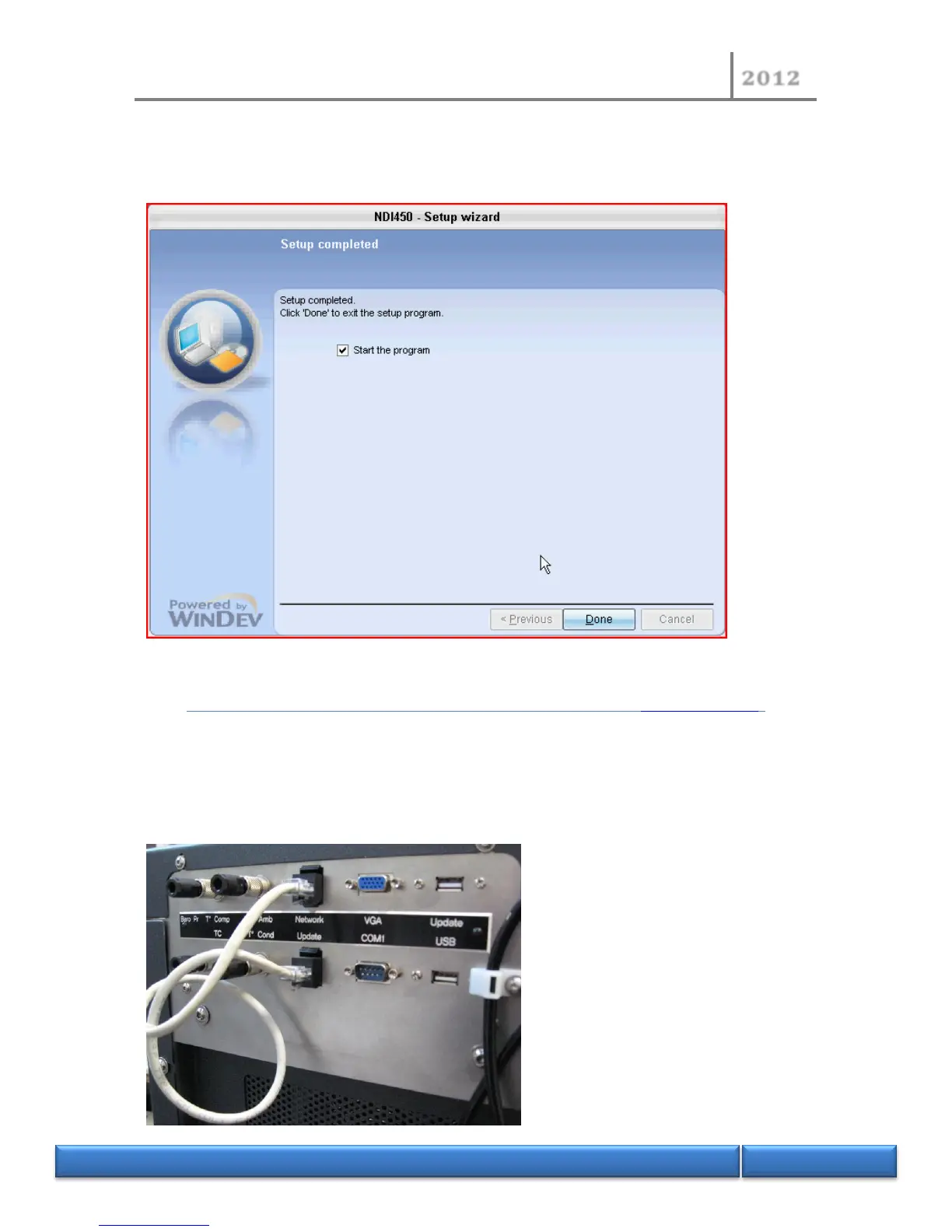
- At the end of the wizard, check that "Start the program" is checked. If not checked, the
NDI450 software does not restart and it will be necessary to reboot your instrument with the
main ON/OFF switch. Click “Done” to close the wizard.
- The new MMI software will restart automatically.
9.11 Install a new firmware version using the Update option (video example)
- After NDI450 software has started, check the version of the firmware before starting an
update.
- Check the connection of the Ethernet cable at the rear of your unit. If this cable is not
present, please shutdown the unit and connect the Ethernet cable between the "Network"
and "Update".


 To Next Page