9.6 How to know the software version
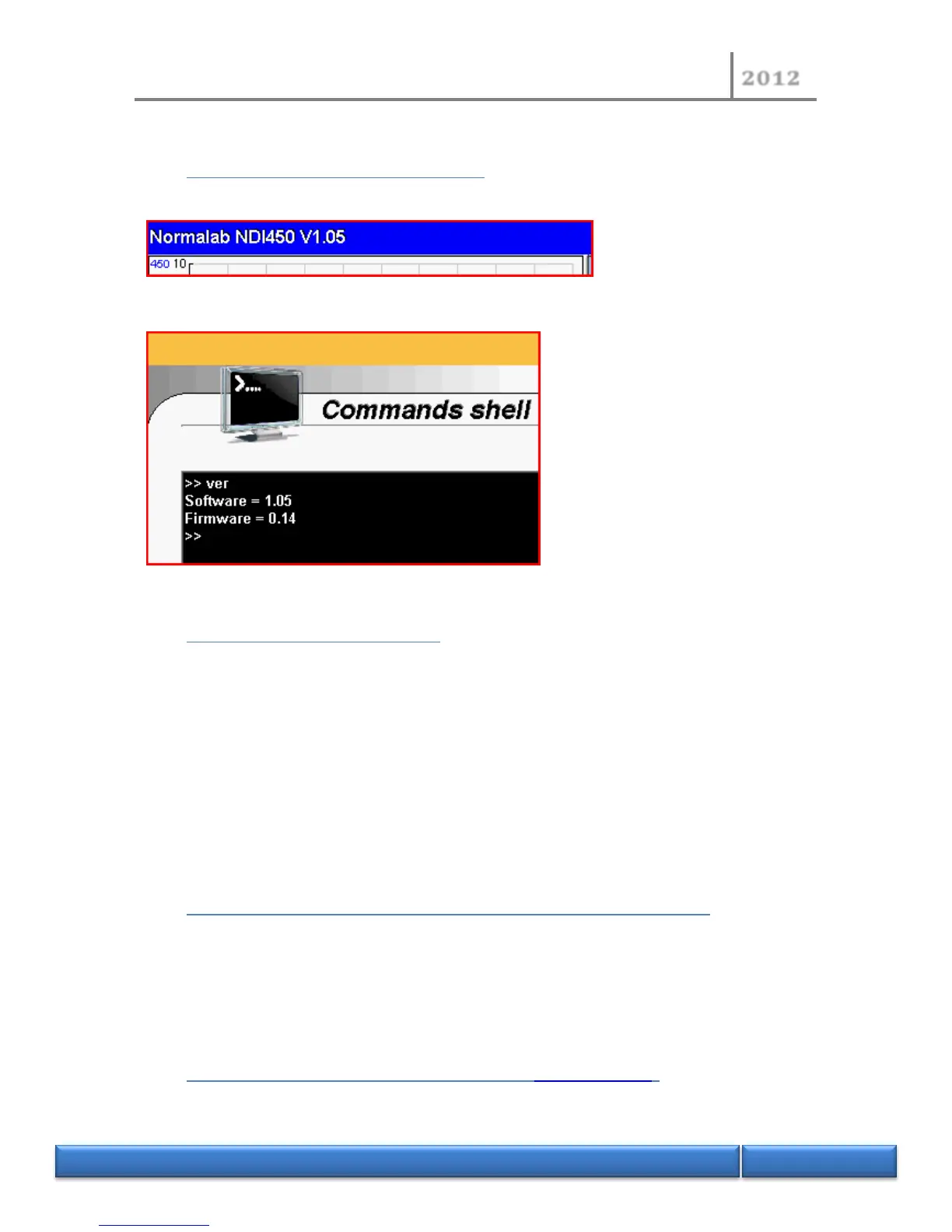
The MMI ID software version is visible in the toolbar on the main screen.
The firmware version is visible in the “Command shell“page with the command “ver”.
9.7 Important recommendations
- Make a new backup of MMI software before starting an update.
- Please always check the software or firmware version before starting an update.
- Never update your instrument with a previous version than the installed one.
- Be sure your new version is compatible with your instrument. Please contact us for
confirmation.
An incorrect installation can involve a dysfunction of the unit, company NORMALAB France SAS
could not be responsible for incorrect installation of software or firmware done by your side on
this equipment.
9.8 Additional requirements to update your NDI450 instrument
- 1 Computer with Internet access (fees may apply).
- 1 USB flash/pen/key/stick drive (Don’t use the USB flash drive supplied with your
instrument).
- 1 Ethernet cable for update the firmware (It’s supplied with your instrument).
9.9 Prepare your USB flash drive for updating (video example)
- Plug-in the USB flash drive to computer


 To Next Page